Known Participant
March 6, 2020
Question

fill on side of line

  • March 6, 2020
  • 3 replies
  • 1244 views

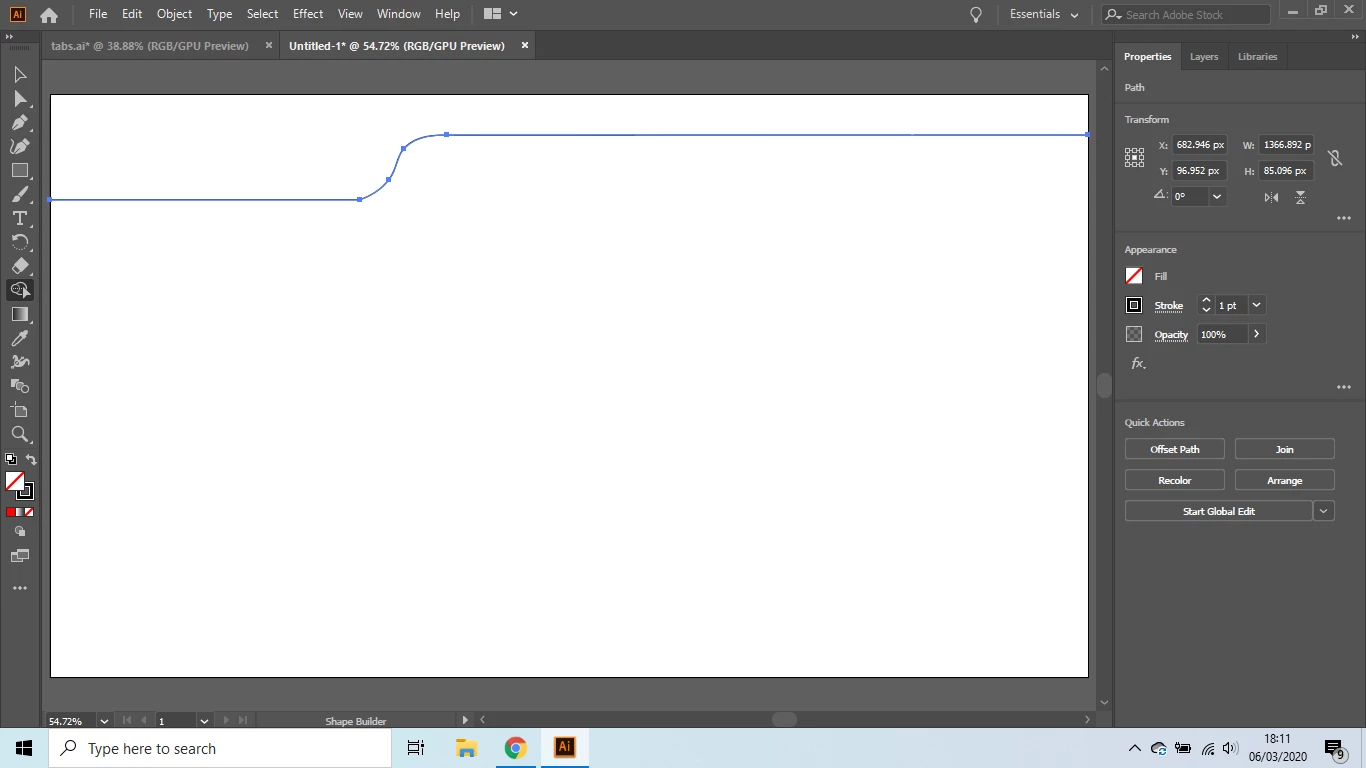
ive drawn a line with two curves in it. i need to colour fill the top side of it. very new to illustrator can anyone tell me how?


illustrator 2020

windows 10
 

    This topic has been closed for replies.

    3 replies

    Ton Frederiks
    Community Expert
    Community Expert
    March 6, 2020

    You can use the Pen tool (P) to add points and close the shape.

    Turn on Smart guides (View Menu > Smart Guides) that will guide you to position the anchor points

    You can fill the closed shape and add a drop shadow effect.

    Theresa J
    Community Expert
    Community Expert
    March 6, 2020

    You have to draw closed shapes to fill it with a color. Continue the line all the way around the edge of the artboard until you get a closed shape. Then you can put another rectangle shape behind it to fill with the second color. After you have drawn the closed shapes you can add a dropshadow effect to the smaller top shape.

    Known Participant
    March 6, 2020

    thats what i was thinking i tried to complete a box all the way around with the line tool but every time i click on the anchor to draw with the line tool it selects the already drawn line and doesnt allow me to draw a new line

    Inspiring
    March 6, 2020

    You could expand the line, which will turn it into a shape. (If you are going to adjust the line weight, do that before you expand it. ) Then go to Object>Expand Appearance and select Stroke and deselect Fill in the dialog box.


    Also, I was thinking that if you don't need a hard edge to your color you might consider using a gradient fill applied to the line (stroke), and then select "apply gradient across stroke". Then you can noodle with the gradient stops until you get it looking like how you want it. 

    Known Participant
    March 6, 2020

    also if possible i would like to add a drop shadow to the bottom of the line
