
Answered
Fill tool missing
My fill tool has disappeared. I don't have the toolbars option under Edit. Tried resetting my workspace and resetting illustrator entirely. No luck. Win7, 64bit. Thanks.
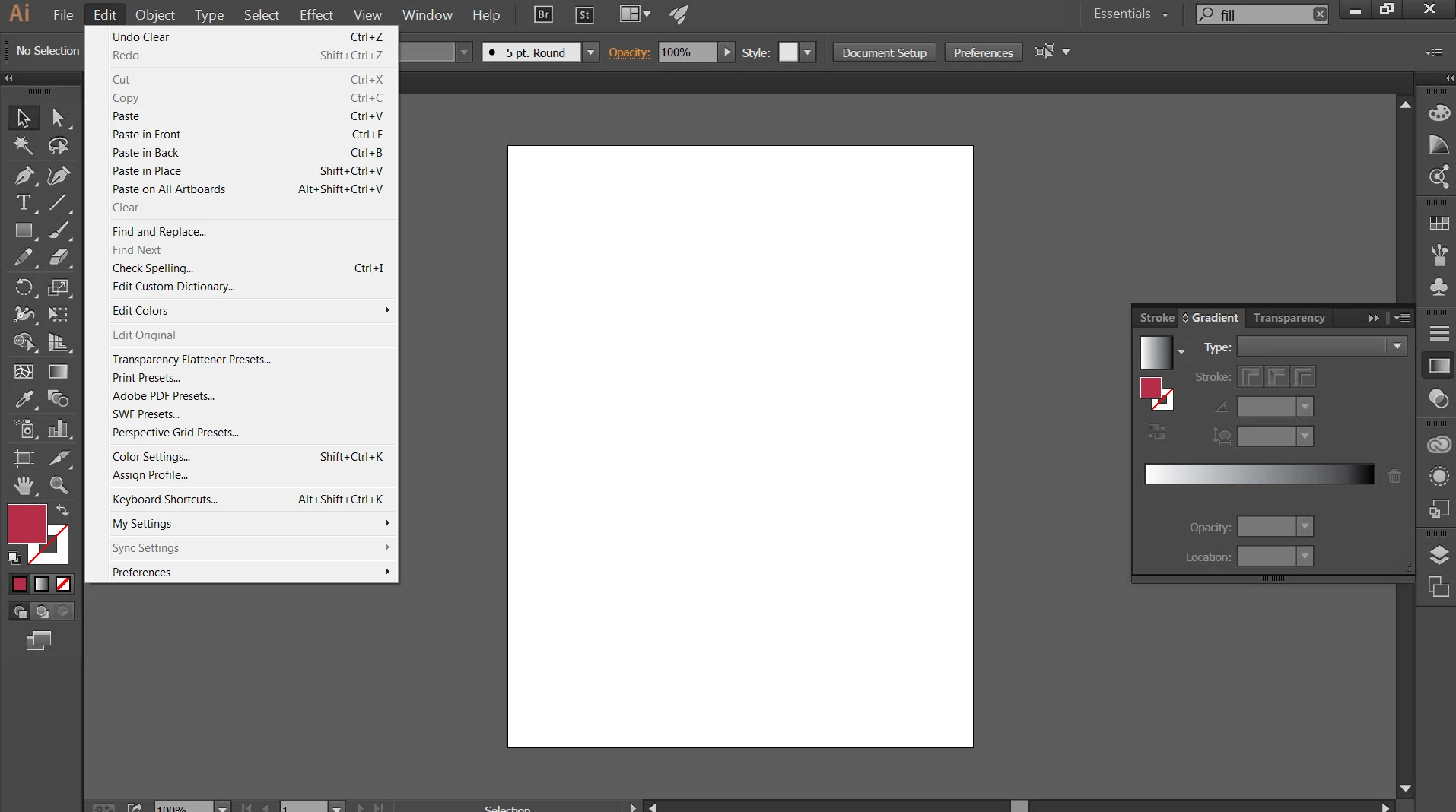

My fill tool has disappeared. I don't have the toolbars option under Edit. Tried resetting my workspace and resetting illustrator entirely. No luck. Win7, 64bit. Thanks.
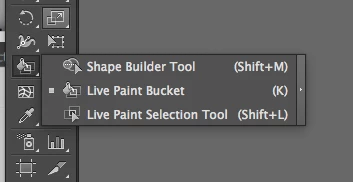
By fill tool, would you be referring to the live paint bucket, which si hidden under the shape builder tool. You can hit "k" to get to that as long as you are not typing in text.
Already have an account? Login
Enter your E-mail address. We'll send you an e-mail with instructions to reset your password.
 AdChoices