


Answered
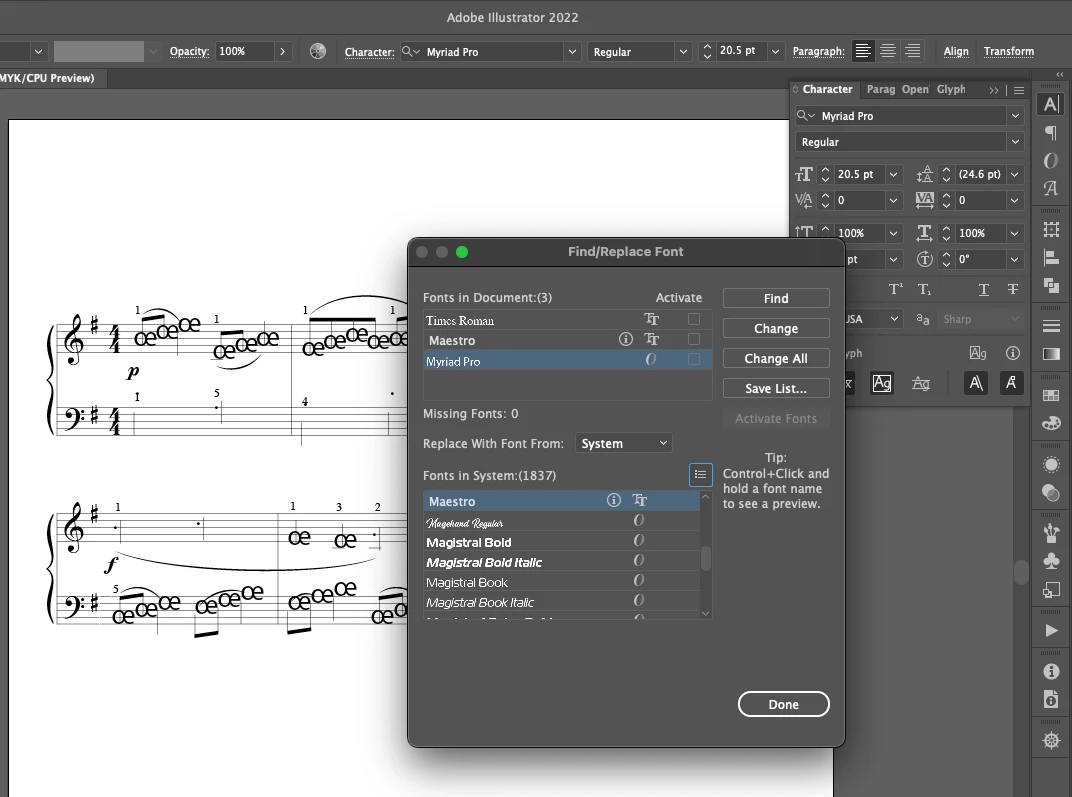
Find/Replace Font does not replace missing font. Replace font with Glyphs.
I have an issue with replacing missing font. Missing font is replaced with default Myriad Pro but I need to replace it with Maestro Glyph. I use Find/Replace Font for it but it does not work and is not replacing the font. The olny way is to manually copy paste the Glyph to raplace it in Illustrator. Is there somehind of easyer way to replace miltiple characters with glyph?
To be more percise about what is the task at hand...
My task is to export SVG files (to use in web) from (print) PDF files. Type needs to be vectorised by useing Create Outlines. 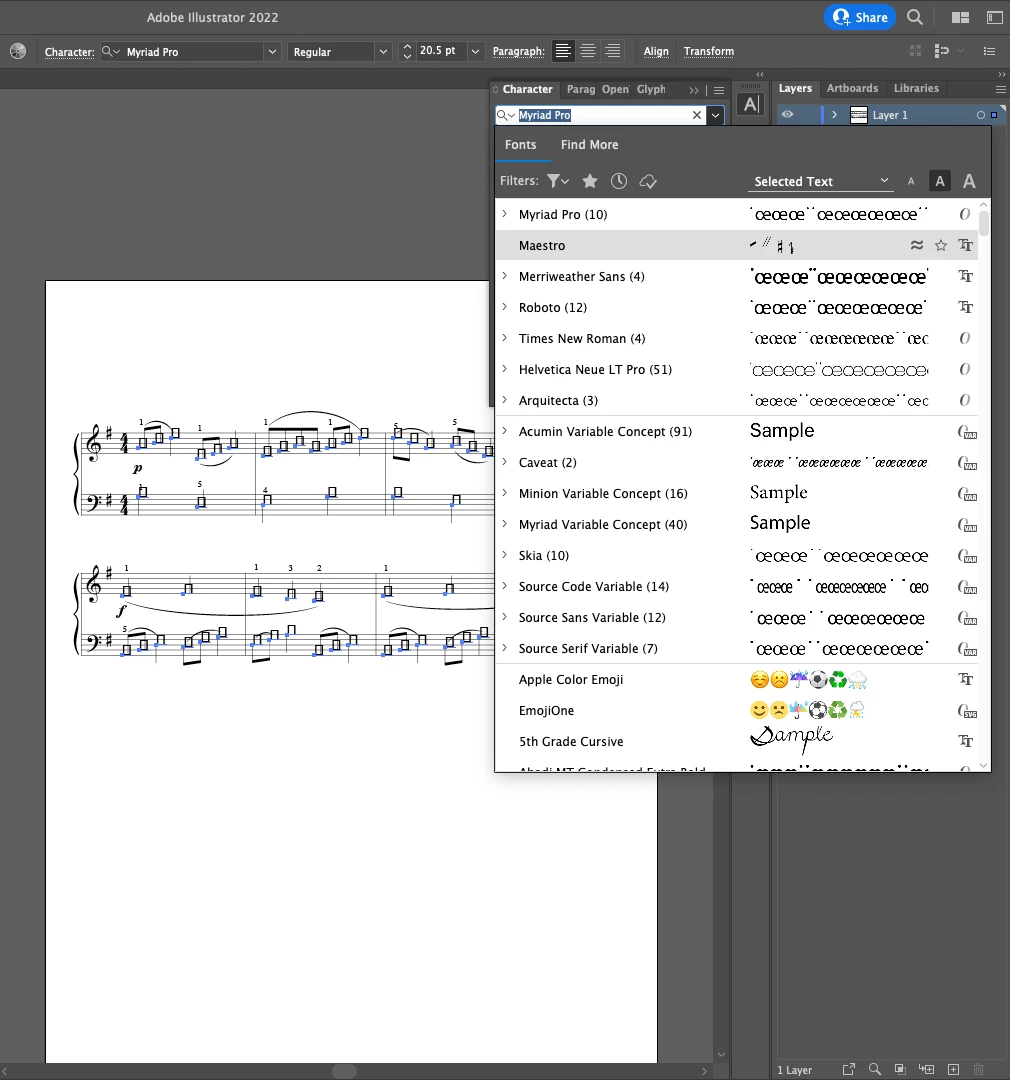
I use
macOS Monteret Version 12.4
Adobe Illustrator v26.4.1
 AdChoices