

Answered
Fit bounding box to text in Illustrator
I know there must be a quicker easier way to do this, but I've looked all over the forums and can't seem to find anything!
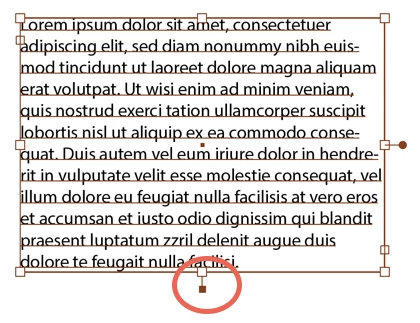
So, I'm making some infographics in Illustrator. I often have to go in and edit text - make it longer or shorter. I'd like the bounding box of the text to somehow easily fit to the amount of text in the box, similar to 'fit to frame' in InDesign.
I often end up with a box that has overflow text like so
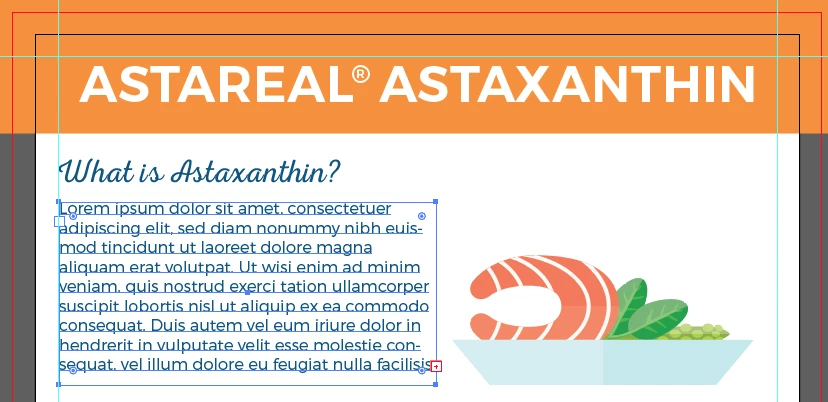
Or the box is way too big for the text and gets in the way:
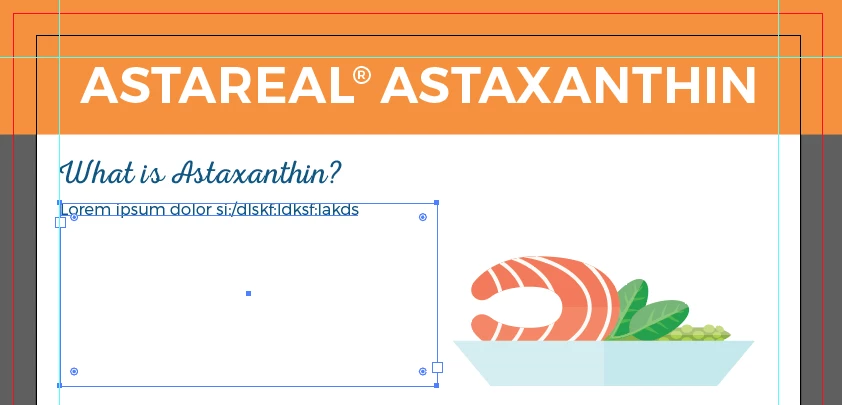
Is there a way to easily and quickly resize this text box to fit the amount of text within?
Thanks for your input!
- Sarah
 AdChoices