

Font corruption in browser after opening Adobe Illustrator file
Hi all,
I'm wondering if anybody is experiencing anything similar to my studio's problem.
In short, opening AI files causes fonts in a web browser to corrupt, as per the below screenshots:
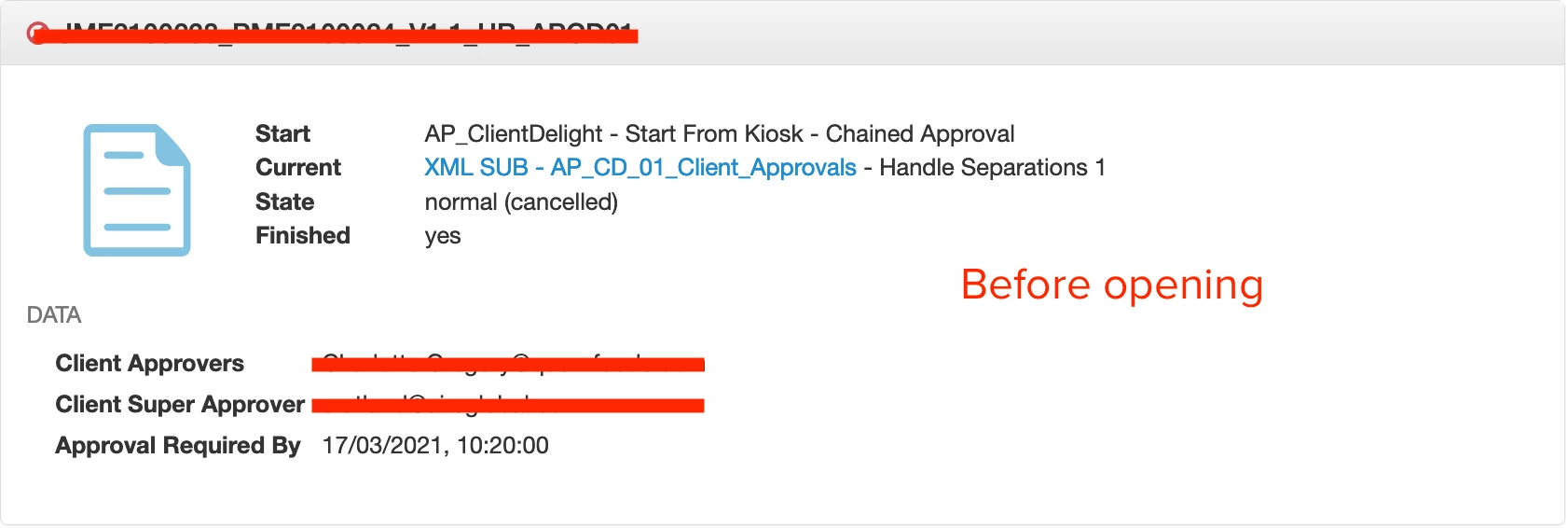
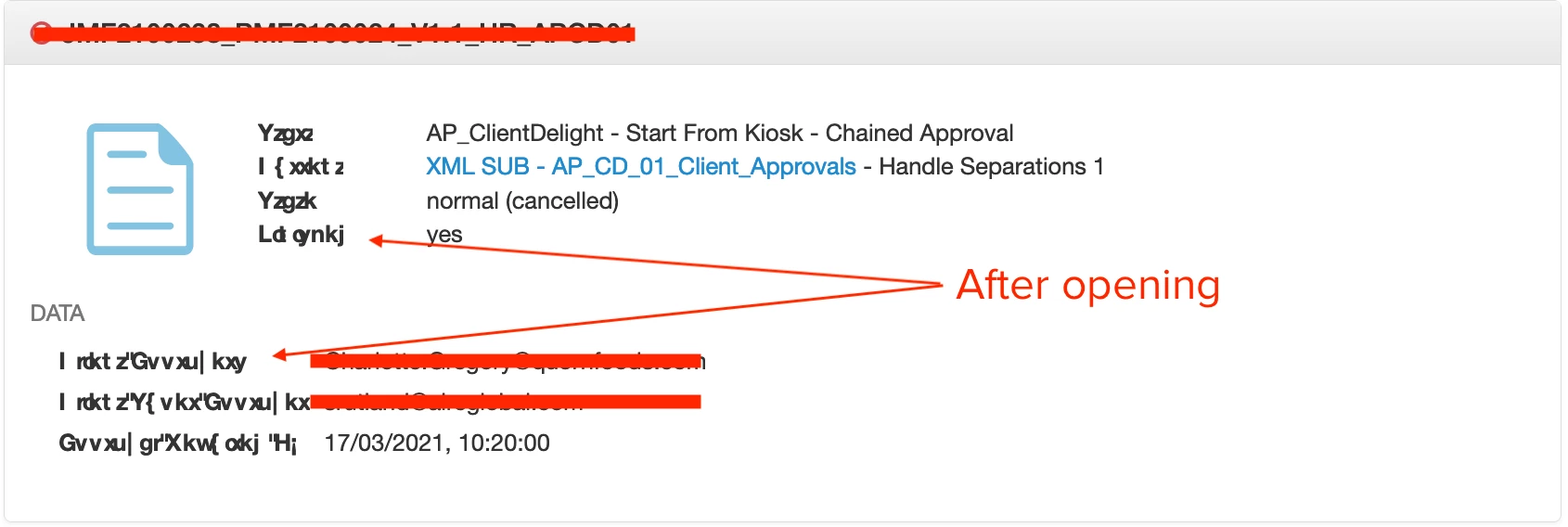
This issue is affecting Catalina 10.15, Big Sur 11.2, Illustrator 24.3.
We also use Universal Type Client to manage fonts and have auto activation set when opening documents. We then set the AI preferences for UTC to close opened fonts when the document closes.
I've searched a number of times on the web for anybody with similar issues and can't find anything, so I'm hoping someone here see's this and has experienced similar.
For the Catalina based Macs we run UTC v7.0.5, for the Big Sur Macs we're running v7.0.7. Illustrator is all CC2020, with maybe some slight differences in versions.
Fingers crossed and thanks in advance.
 AdChoices