


- Home
- Illustrator
- Discussions
- Font Title Not Displaying in Character Panel > Fon...
- Font Title Not Displaying in Character Panel > Fon...

Copy link to clipboard
Copied
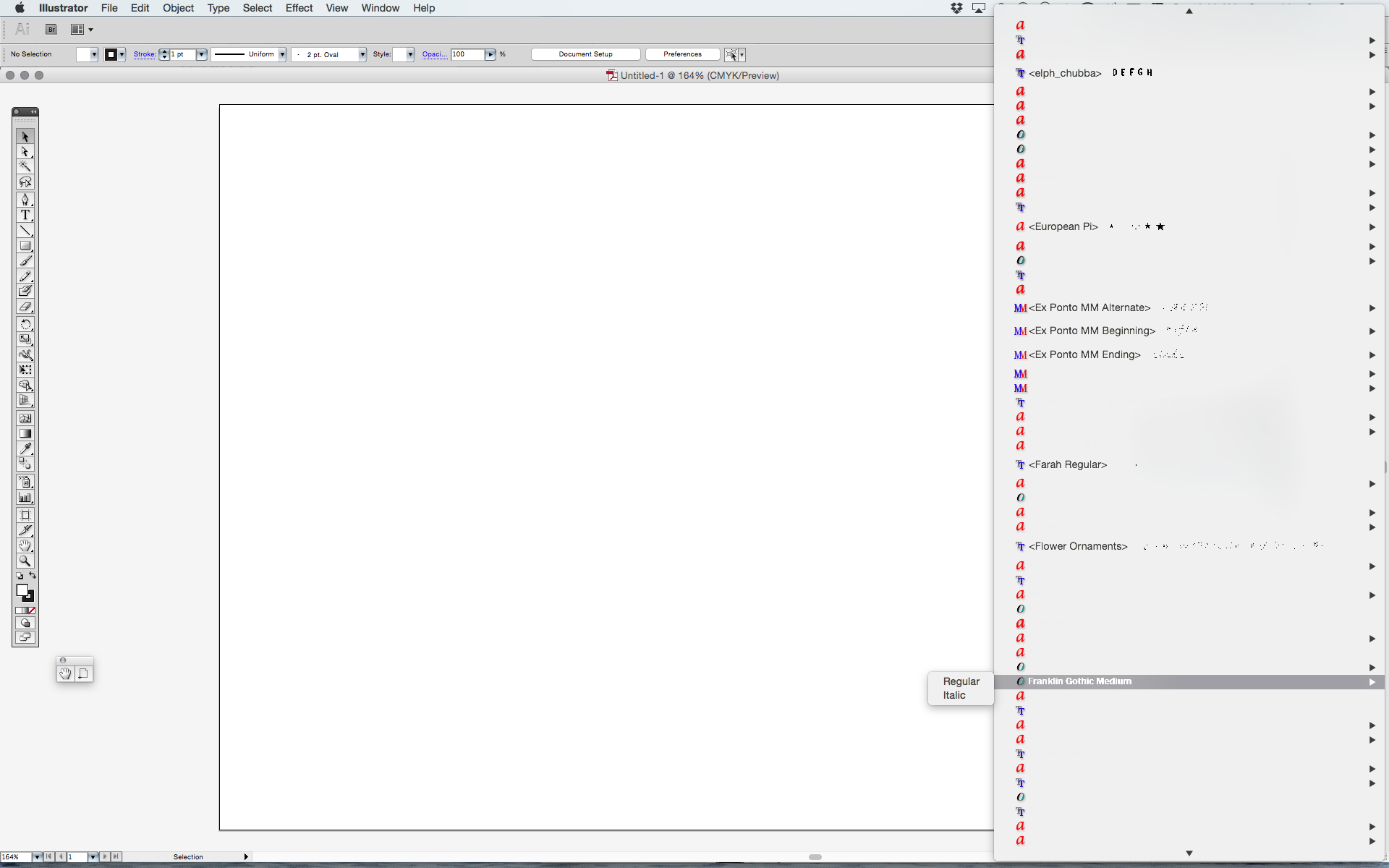
Just updated to OS X Yosemite and noticed that the font titles don't display in the Character Panel > Font Menu. However, they do display when rolled over with the cursor. This is only happening in Illustrator. All other Adobe apps are correctly displaying font titles. Anyone else having this problem?
Using Adobe Illustrator CS5.1 / Mac OS X Yosemite


 1 Correct answer

I think I have the answer! Adobe Illustrator CS5 Font Menu Display Fix in OSX Yosemite
Report back if this works and pass it on if it does--it worked for me the moment I hit the checkbox.


Explore related tutorials & articles
 24
Replies
24
24
Replies
24


Copy link to clipboard
Copied
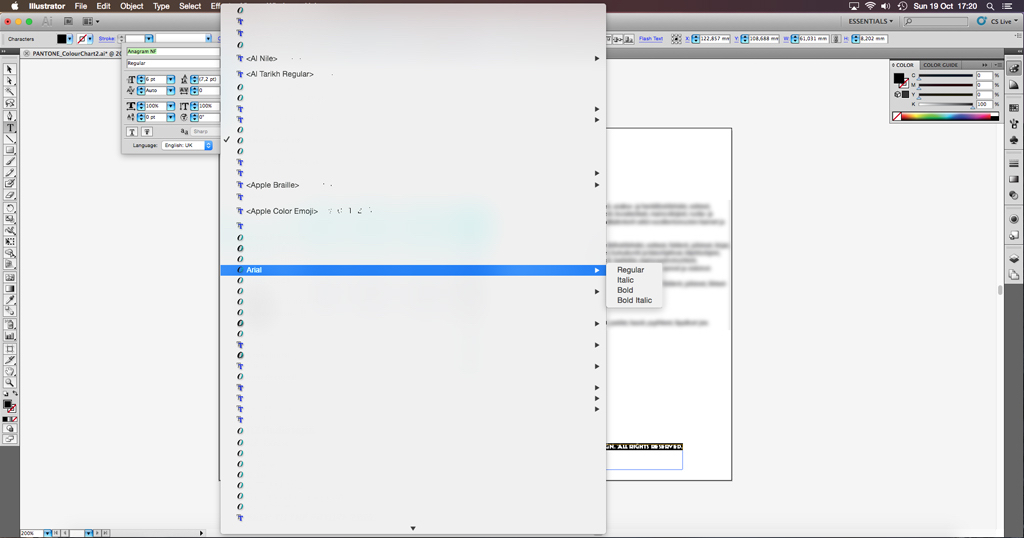
Exactly the same problem for me too since updating to Mac OS X Yosemite earlier today.
Just as per previous post, this problem only occurs in Illustrator; not in any other application from the Suite.
Adobe Illustrator 15.0.2 & Mac OS X Yosemite 10.10


Copy link to clipboard
Copied
Try and check "Show Font names in English" in Preferences > Type.
Copy link to clipboard
Copied
Thanks for the advice Monika.
I tried your suggestion but it was of little use, the problem still persists.
Might be as Jacob said, a reinstallation of all the software is the only way to go?
Copy link to clipboard
Copied
Do you by chance have any font management running?
Copy link to clipboard
Copied
Monika,
Tried selecting "Show Font names in English" with no resolution as well. Not running any font management software. Going to try a reinstall

Copy link to clipboard
Copied
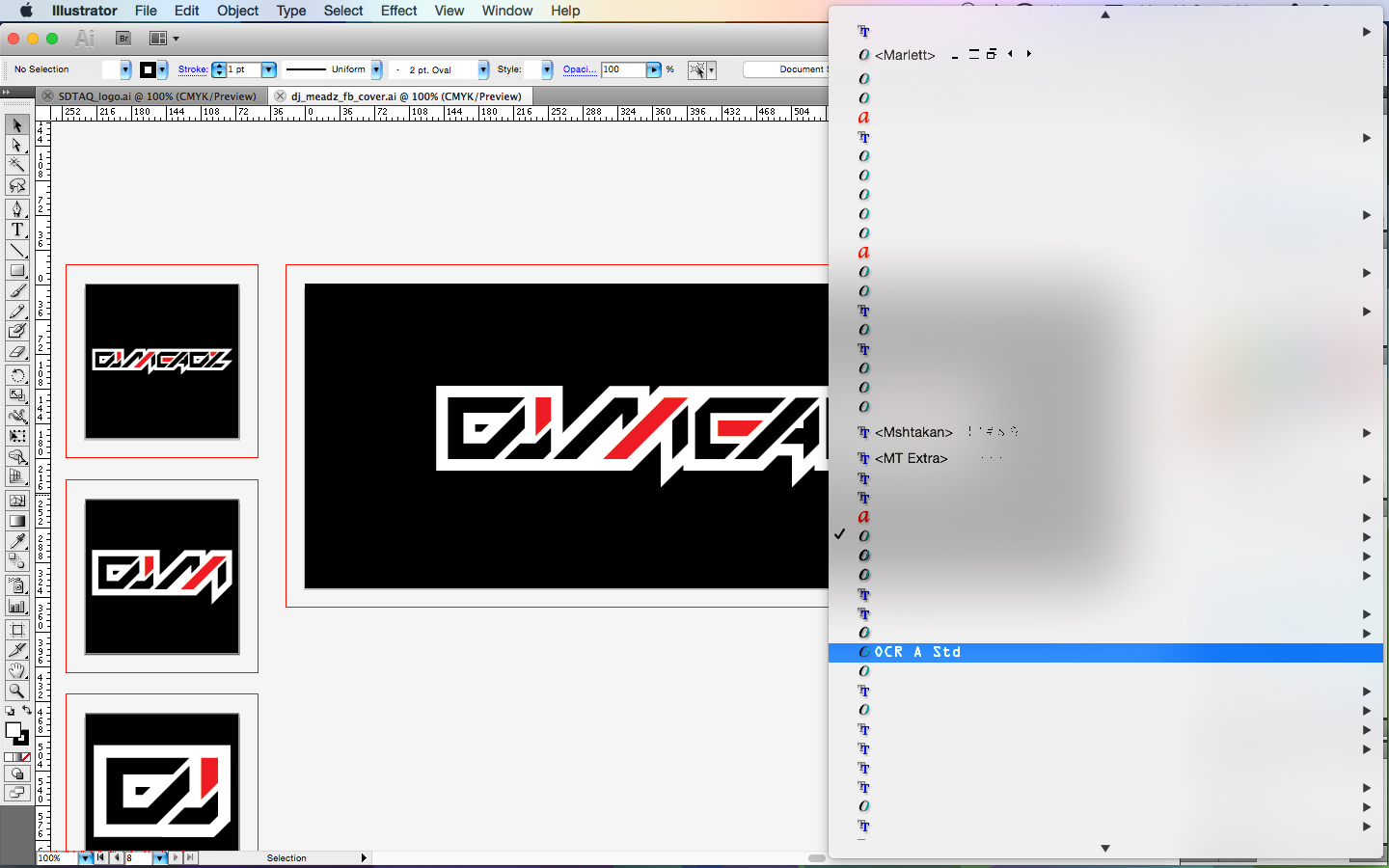
I'm having the same trouble after upgrading to Yosemite. Can you let me know if reinstalling works so I know whether to do the same.

Copy link to clipboard
Copied
fonts, björn,
Have you reinstalled CS5 after upgrading to Yosemite?
If the issue persists, I am afraid there are quite a few mismatches between Yosemite and multiple versions of Illy, so I believe the sorting is for Apple rather than Adobe.
Copy link to clipboard
Copied
Hi Jacob,
I have not yet tried re-installing CS5 after the Yosemite upgrade but if all else fails, that's probably the only way to go.
Other applications in the Suite, like Indesign, works just fine, as it should; only Illustrator being stubborn 
Copy link to clipboard
Copied
Jacob,
Thanks for reinstall suggestion. Going to try that.
Copy link to clipboard
Copied
fonts, björn, scott,
Unless three step reinstallation helps, you may wish to roll back from Yosemite and wait to see whether the issues will be solved and reported as such.
Weeding out in older plugins seems to have helped some in some cases. It also seems that JAVA Runtime may be involved, for some it seems to help to roll back to an ealier version, for others to update to the newest.
All the above is more or less hearsay so far, with no definite final confirmation.
In any case, there is something to be sorted out by someone.

Copy link to clipboard
Copied
Experiencing the same problem here. Font titles not being displayed.
I tried re-installing but it did not resolve the issue.
I do wonder if I re-installed correctly. I did not remove the original install of Illustrator (CS5.1). I only ran the installer again, selecting Illustrator to be installed.
Is it better to remove it first before re-installing? And if so what is the best practice for removing it?

Copy link to clipboard
Copied
I think I have the answer! Adobe Illustrator CS5 Font Menu Display Fix in OSX Yosemite
Report back if this works and pass it on if it does--it worked for me the moment I hit the checkbox.
Copy link to clipboard
Copied
@markdelfs Boom! That did the trick for me! All is well now 
Copy link to clipboard
Copied
That worked for me too!
Open the Mac OS X System Preferences and head to ‘Accessibility.’ Once you are in there, select ‘Display’ from the left-hand list and then check the checkbox that says “Reduce transparency.”
Apple's OS X Yosemite eye-candy with transparency was the culprit here!
Great find, thanks@markdelfs

Copy link to clipboard
Copied
it works for me as well...:)

Copy link to clipboard
Copied
Thank you, markdelfs. That worked for me too. Thanks for saving me the hassle of re-installing. @

Copy link to clipboard
Copied
Worked for me. Why isn't Adobe bringing out a patch update for CS5 Illustrator. Seems that they can fix that rather than the users turning off OS functionality? Anyway, it's just cosmetic, but Adobe really should fix this. Thanks.
Martin

Copy link to clipboard
Copied
Yes, works perfectly. Thanks.

Copy link to clipboard
Copied
That worked. Thanks

Copy link to clipboard
Copied
Its Works!! thanks

Copy link to clipboard
Copied
Yeah- thanks so much!

Copy link to clipboard
Copied
thank you @markdelfs !!!

Copy link to clipboard
Copied
You're my hero.

Copy link to clipboard
Copied
Na nova versão do illustrator (2021) você encontrará aqui "Window > Type > Character Panel".
ou
Ctrl + T


Get ready! An upgraded Adobe Community experience is coming in January.
Learn more
 AdChoices