Exit
  • Global community
    • Language:
      • Deutsch
      • English
      • Español
      • Français
      • Português
  • 日本語コミュニティ
  • 한국 커뮤니티
0

Fonts—iPad and desktop

Explorer ,
Jul 13, 2022 Jul 13, 2022

Hello,

If I start a document on the desktop and then continue it on the iPad Pro: the fonts don't match. How do I create a document on one device and continue it on another app AND have the fonts remain the same? Thanks much!

Dave
TOPICS
Performance
625
Translate
Report
Community guidelines
Be kind and respectful, give credit to the original source of content, and search for duplicates before posting. Learn more
community guidelines

correct answers 2 Correct answers

Community Expert , Jul 13, 2022 Jul 13, 2022

The fonts need to be installed on the iPad. Are they?

Translate
Adobe Employee , Jul 13, 2022 Jul 13, 2022

Hello @davidj1954,


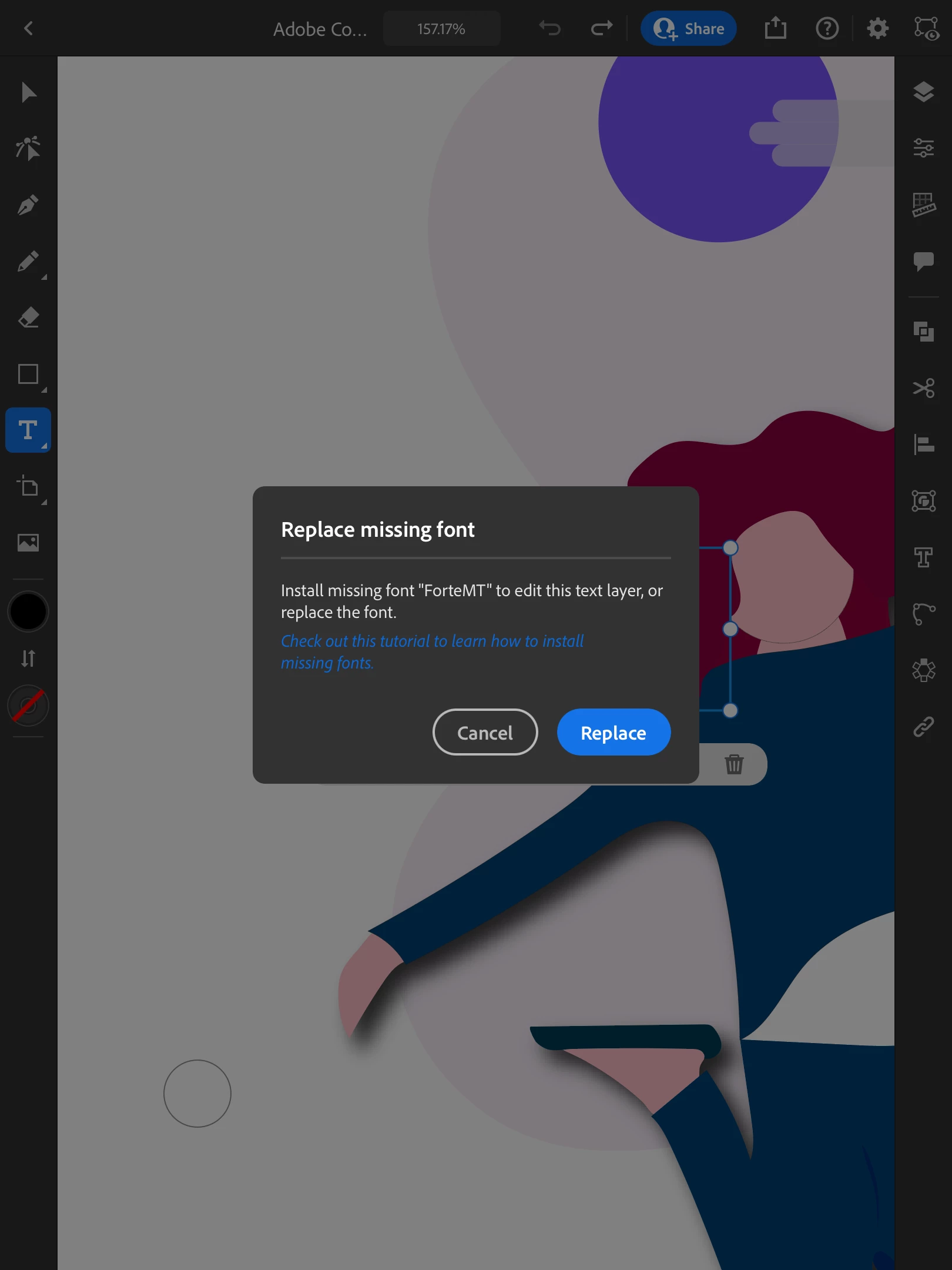
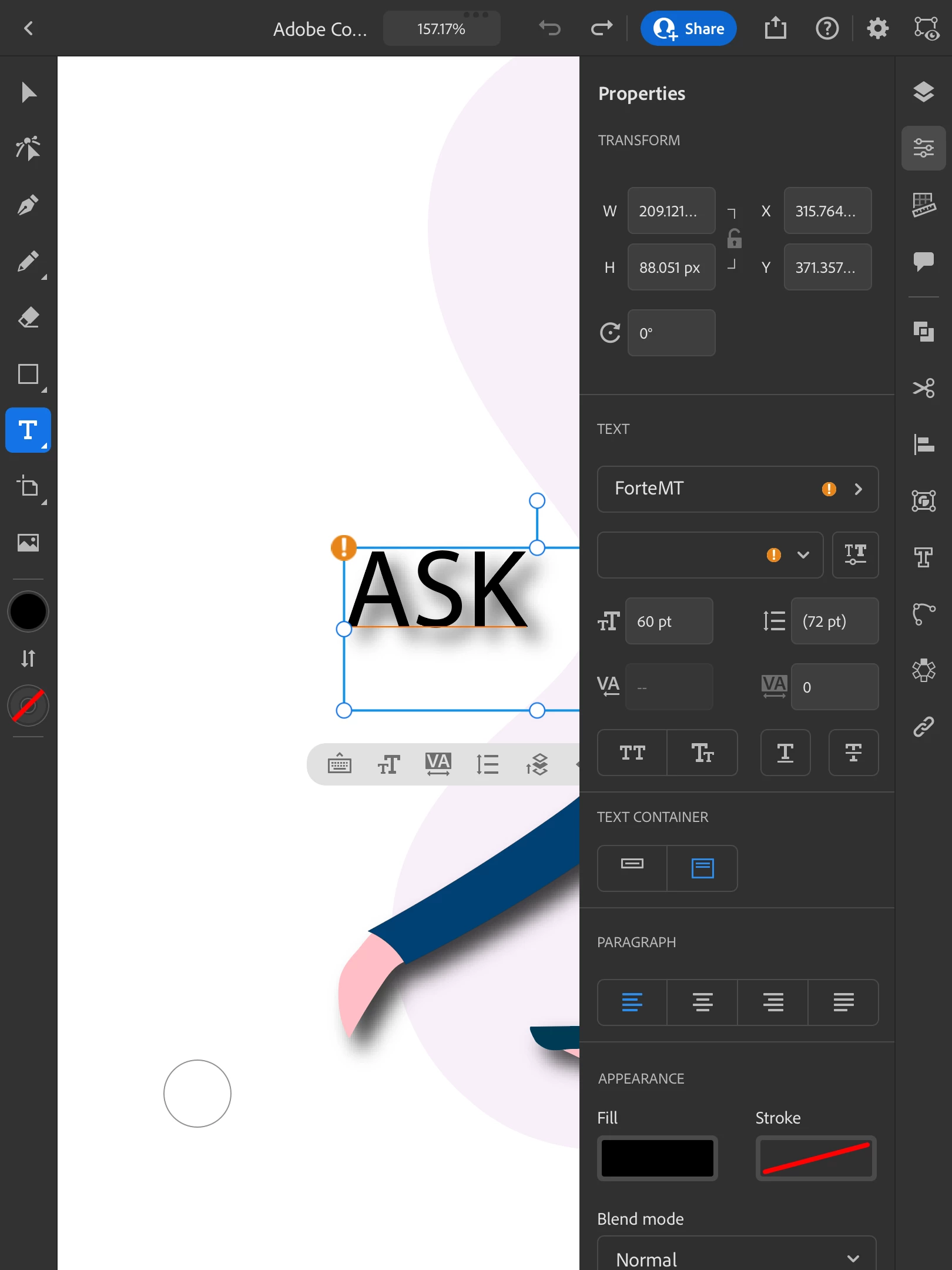
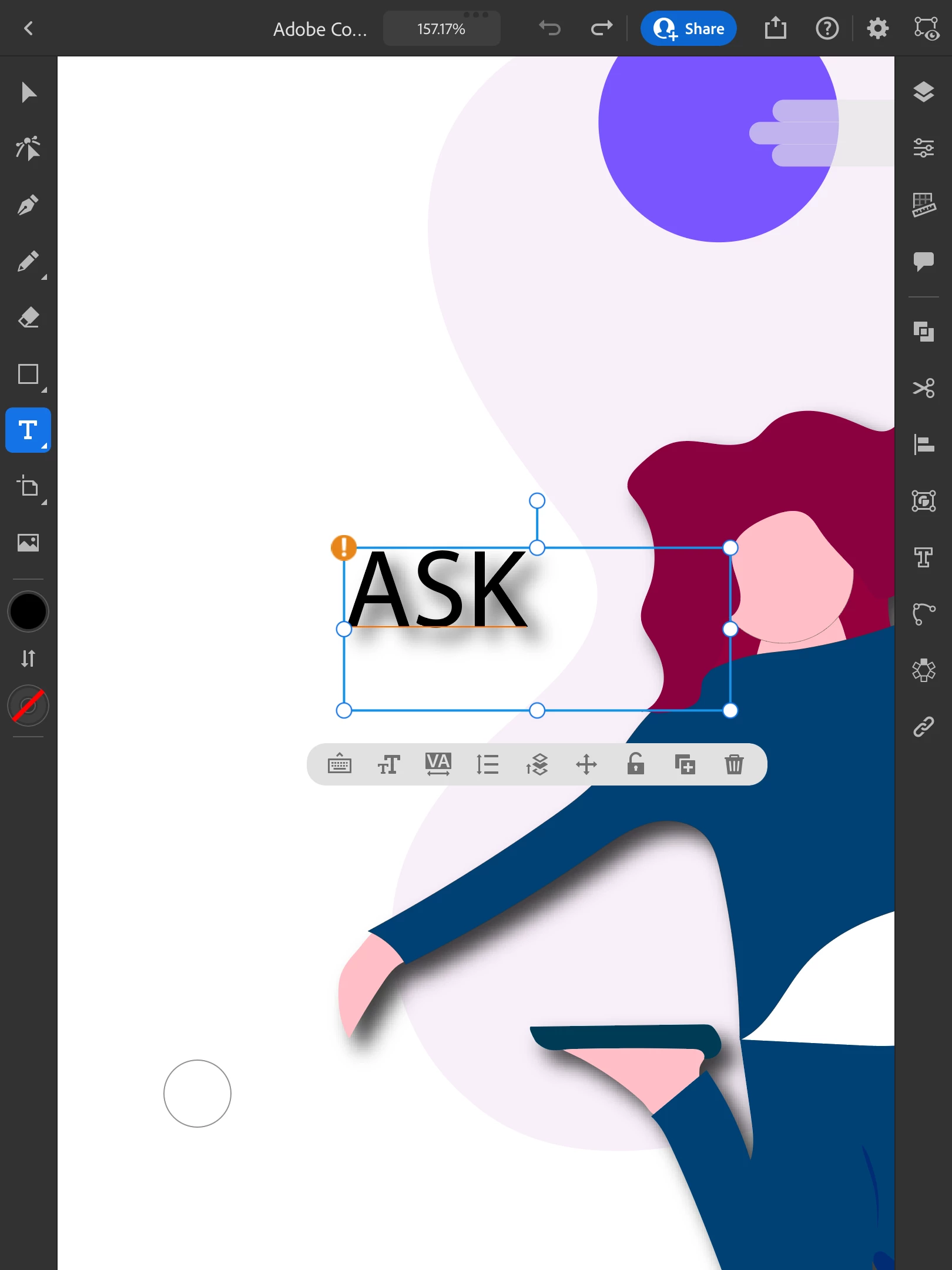
Sorry to hear about this experience. As suggested by Monika, the font might not be installed on the iPad. You can double-check this by tapping on the text and then tapping on the keyboard icon. Illustrator will prompt you to replace the font.

IMG_0064.pngIMG_0065.pngIMG_0066.png


Kindly update this thread if you need further assistance. We'd be happy to help.


Thanks,

Anubhav


Translate
Adobe
Community Expert ,
Jul 13, 2022 Jul 13, 2022

The fonts need to be installed on the iPad. Are they?

Translate
Report
Community guidelines
Be kind and respectful, give credit to the original source of content, and search for duplicates before posting. Learn more
community guidelines
Explorer ,
Jul 13, 2022 Jul 13, 2022

I think so. I will double check, though. Thanks much!

Translate
Report
Community guidelines
Be kind and respectful, give credit to the original source of content, and search for duplicates before posting. Learn more
community guidelines
Adobe Employee ,
Jul 13, 2022 Jul 13, 2022

Hello @davidj1954,


Sorry to hear about this experience. As suggested by Monika, the font might not be installed on the iPad. You can double-check this by tapping on the text and then tapping on the keyboard icon. Illustrator will prompt you to replace the font.

IMG_0064.pngIMG_0065.pngIMG_0066.png


Kindly update this thread if you need further assistance. We'd be happy to help.


Thanks,

Anubhav


Translate
Report
Community guidelines
Be kind and respectful, give credit to the original source of content, and search for duplicates before posting. Learn more
community guidelines
Explorer ,
Jul 13, 2022 Jul 13, 2022
LATEST

Thank you! I will check this out.

Translate
Report
Community guidelines
Be kind and respectful, give credit to the original source of content, and search for duplicates before posting. Learn more
community guidelines