Known Participant
July 13, 2022
Answered

Fonts—iPad and desktop

  • July 13, 2022
  • 1 reply
  • 635 views

Hello,

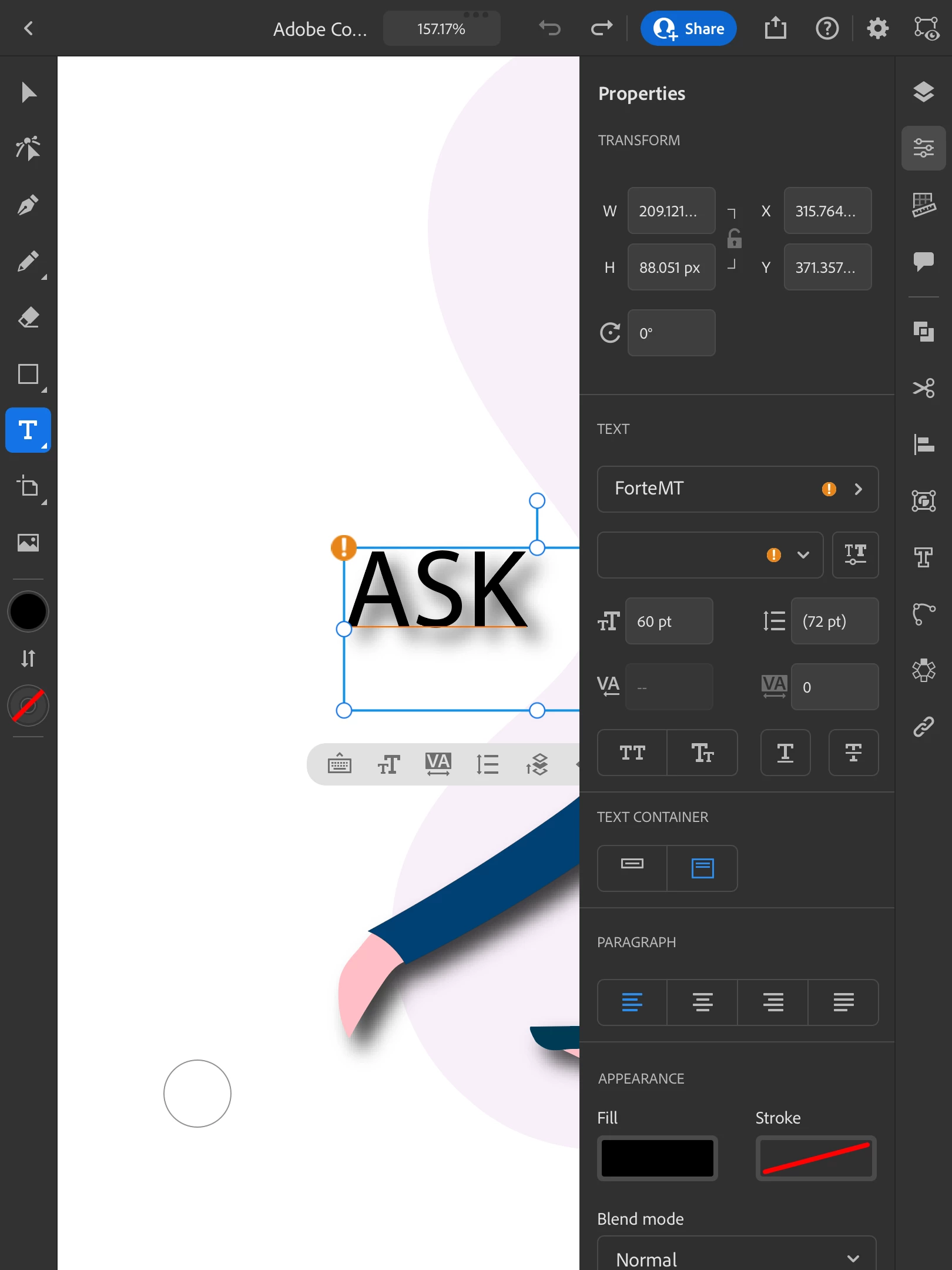
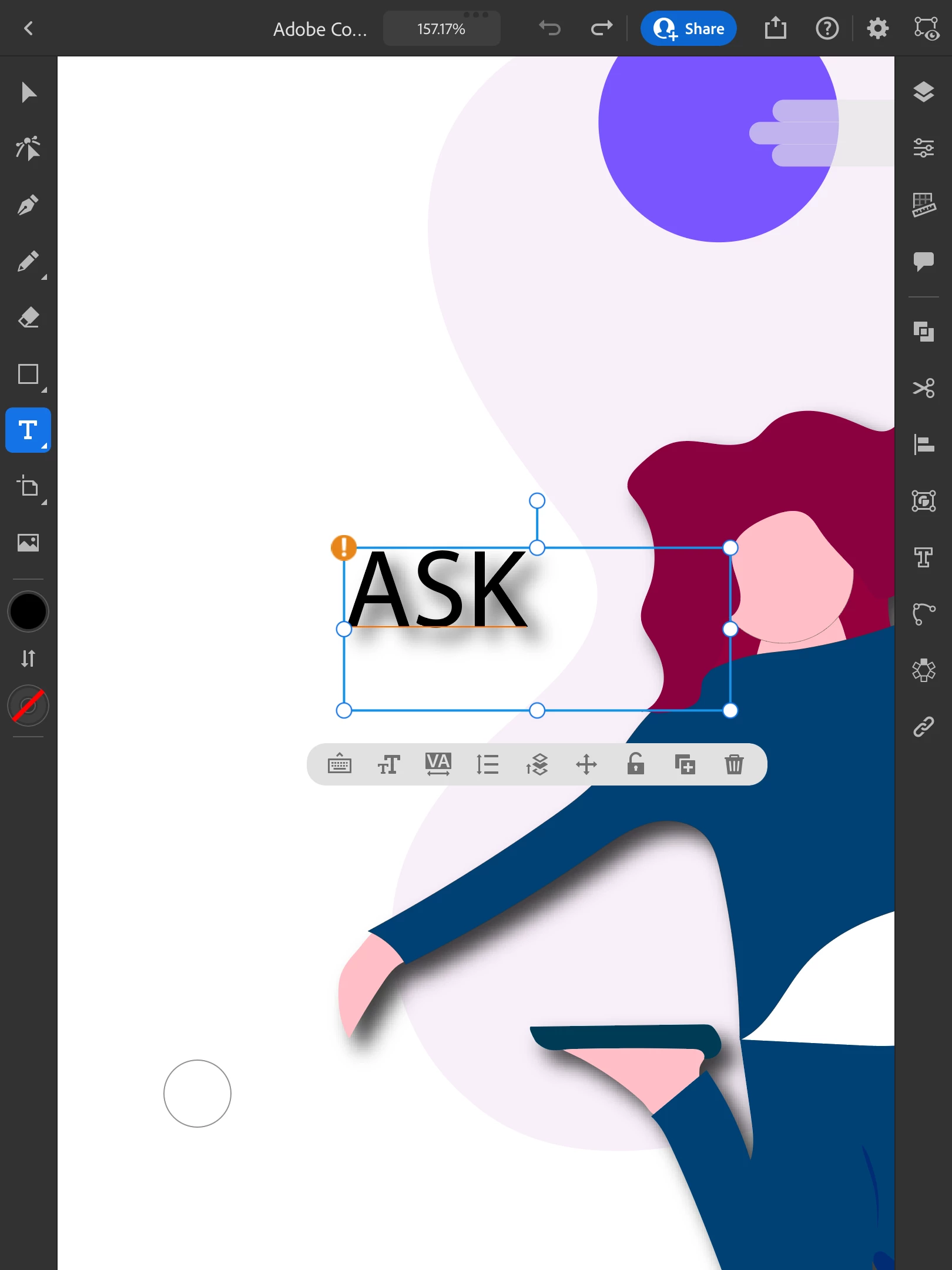
If I start a document on the desktop and then continue it on the iPad Pro: the fonts don't match. How do I create a document on one device and continue it on another app AND have the fonts remain the same? Thanks much!

Dave
This topic has been closed for replies.
Correct answer Anubhav M

Hello @davidj1954,


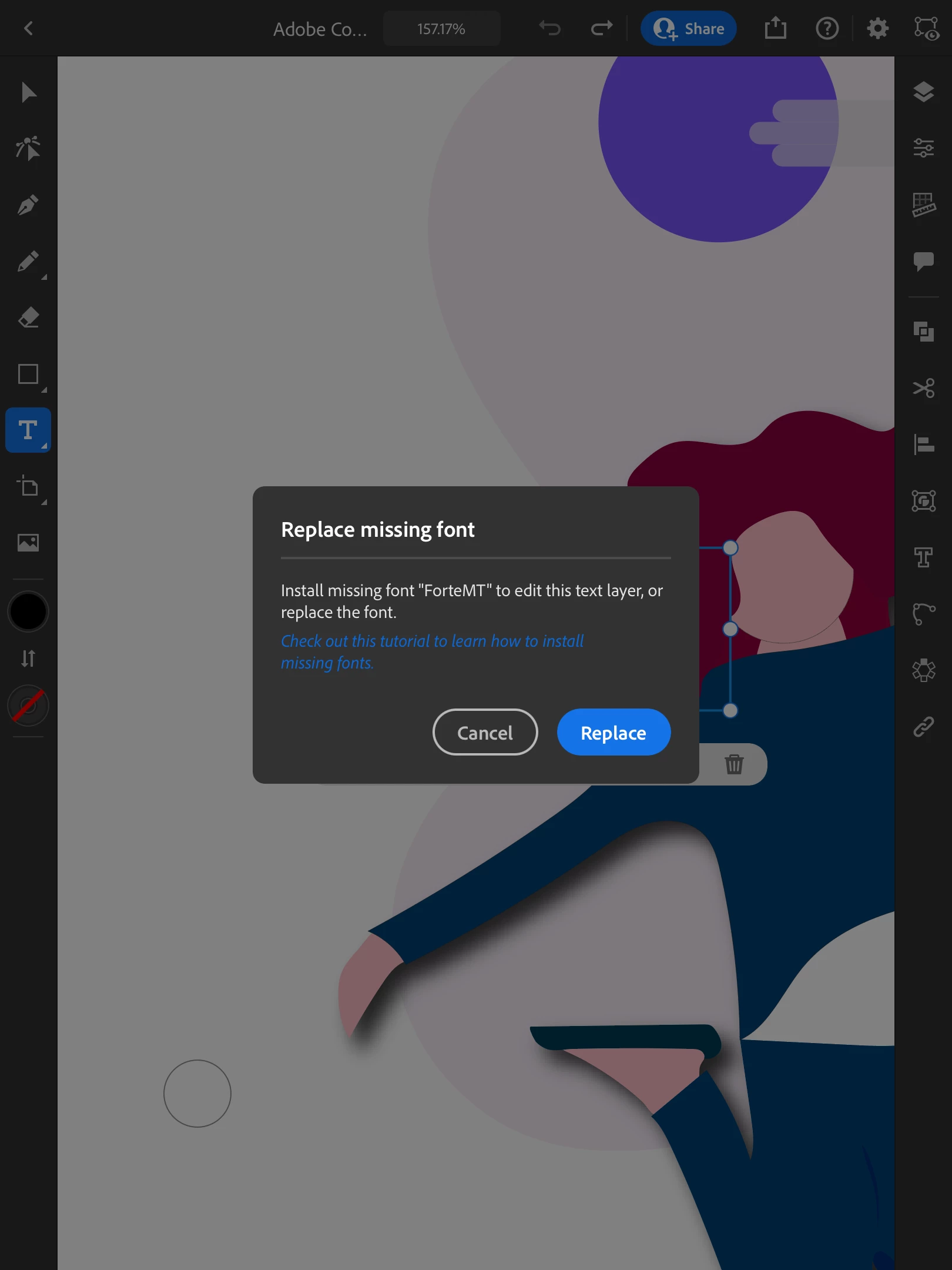
Sorry to hear about this experience. As suggested by Monika, the font might not be installed on the iPad. You can double-check this by tapping on the text and then tapping on the keyboard icon. Illustrator will prompt you to replace the font.


Kindly update this thread if you need further assistance. We'd be happy to help.


Thanks,

Anubhav


1 reply

Monika Gause
Community Expert
Community Expert
July 13, 2022

The fonts need to be installed on the iPad. Are they?

Known Participant
July 13, 2022

I think so. I will double check, though. Thanks much!

Anubhav M
Community Manager
Anubhav MCommunity ManagerCorrect answer
Community Manager
July 13, 2022

Hello @davidj1954,


Sorry to hear about this experience. As suggested by Monika, the font might not be installed on the iPad. You can double-check this by tapping on the text and then tapping on the keyboard icon. Illustrator will prompt you to replace the font.


Kindly update this thread if you need further assistance. We'd be happy to help.


Thanks,

Anubhav