Inspiring
August 4, 2025
Question

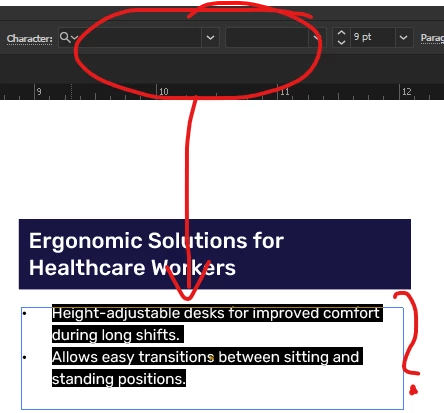
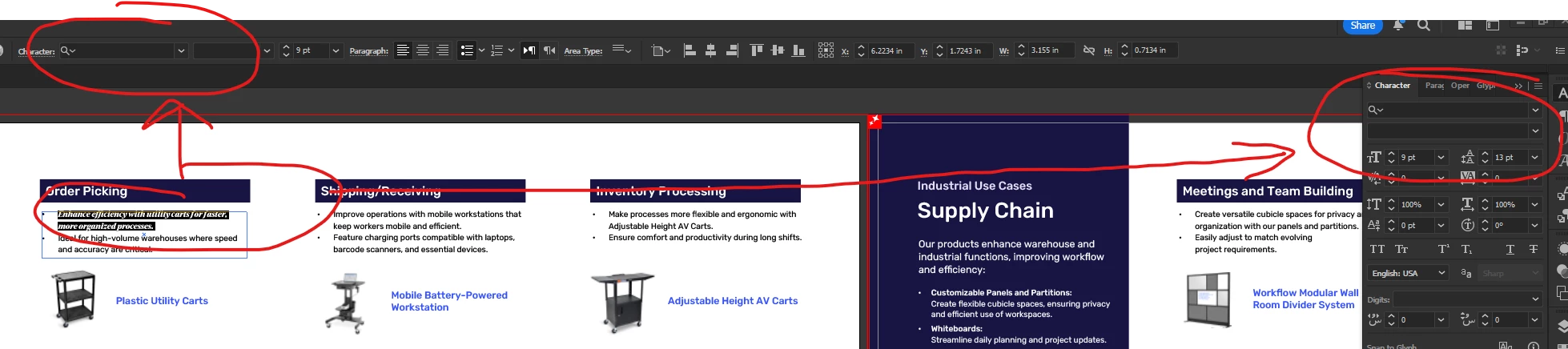
Fonts not showing in Character panel, nor in Character or in Find/Replace Fonts

  • August 4, 2025
  • 1 reply
  • 491 views

Hi,


Tech details:

Win11 - licensed with all updates

Adobe Creative Cloud subscriptions. Adobe Illustrator has all the updates.


Issue:

I received an Adobe Illustrator document. I opened it and received no missing fonts warning.

I extracted the text into an Ms Word file in order to translate the document.

The Illustrator does not display what font is used and whether it is Normal, Light, Bold, etc.

I opened the PDF provided with the Illustrator file, and I discovered that the font Rubik is used in Adobe Illustrator.

I went back to Illustrator and manually selected the Rubik font, as it is already installed. However, there are 44 pages. I do not want to do it manually for each paragraph or sentence.
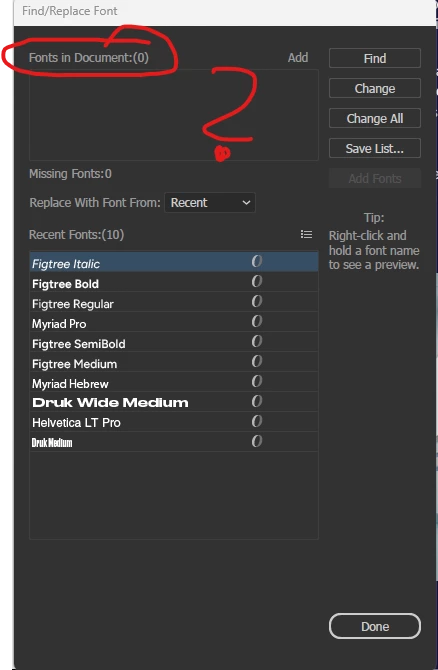
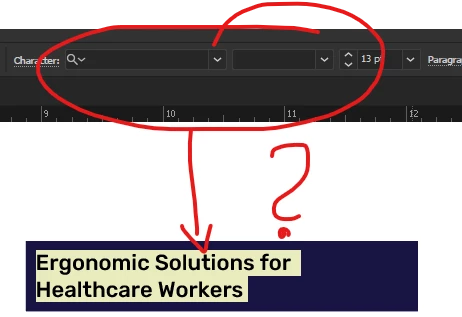


What happened? Why does Illustrator not display the font used in the document?


Regards,

Sebastian


1 reply

Abhishek Rao
Community Manager
Community Manager
August 4, 2025

Hi @sebdea,


Thank you for sharing the screenshots and details. I understand how inconvenient it is when Illustrator does not display the font in the Character panel or Find/Replace Fonts. Could you confirm the exact version of Illustrator you are using, and if it is 29.7?

Also, please check if the text is truly live. Select the text with the Type Tool and see if you can edit individual characters. If the text behaves like a single block or does not allow character-level editing, it might have been expanded or converted to outlines. In that case, Illustrator will not detect the font automatically, and manual replacement will be the only option.

If the text is editable, try signing out and back in to the Creative Cloud desktop app and then test the issue. Additionally, try clearing the font cache and see if it resolves the problem. Here’s the guide for reference: https://adobe.ly/3UHCKsf


Please give this a try and let me know how it goes.

Abhishek

 
sebdeaAuthor
Inspiring
August 4, 2025

Hi Abhishek Rao,


The Adobe Illustrator version is 29.6.1. I see no version 29.7.


As shown in my previous screenshots, the text is fully editable. I can change, add, or delete words and/or characters in the document. The text is not outlined.


I cleared the font cache as instructed in the link you said. That fixed my problem with the project I worked on, but unfortunately, did not fix the same issue with a previous project I worked on a week ago.


So, for today's project, the fonts are displayed after I cleared the font cache.


However, I opened an older project I worked on a week ago, and the fonts are still not displayed in the older project.


Regards,

Sebastian

sebdeaAuthor
Inspiring
August 6, 2025

Hi @sebdea,


Thanks for your follow-up. I checked your last message, but it looks like the file didn't come through on my end. Could you please share it again, so I can test it myself and check with the team if needed?


Looking forward to your update.

Abhishek 


Sure. Maybe this link will work?

https://www.dropbox.com/scl/fi/88l7eqxk0j0ttbnqzqmpx/test.ai?rlkey=lojrzs4bq8i65v4tuouhgmvkl&dl=0