
May 4, 2021
Question

Freeform Gradient points disappear

  • May 4, 2021
  • 3 replies
  • 1301 views

I experience a problem with freeform gradient tool after updating to the latest version of Illustrator. The issue is objects with freeform gradient applied become uneditable after saving and reopening the document. This only happens to the freeform gradient tool, other gradient tools work fine.


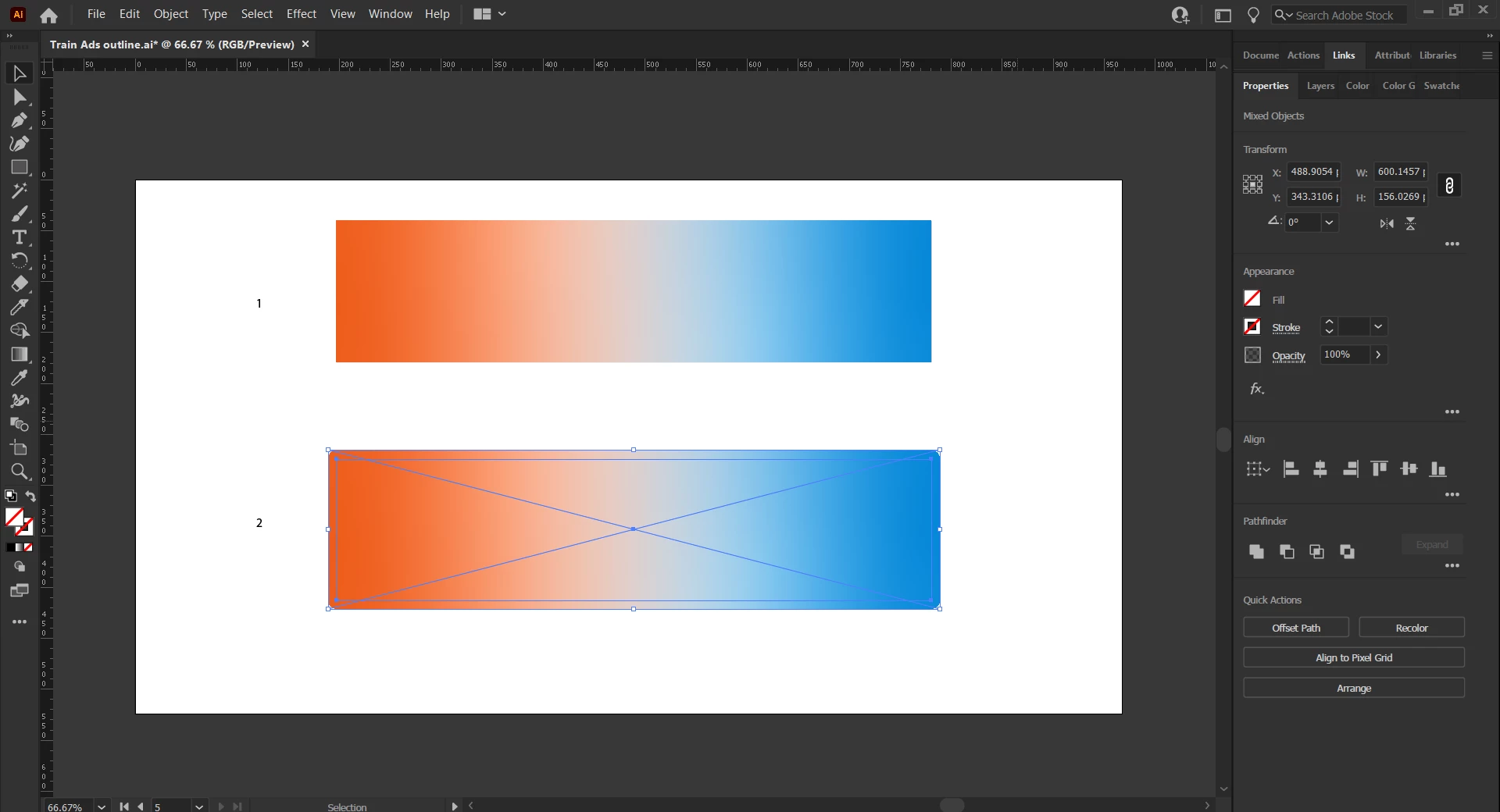
When reopening the document, the rectangle (number 1) still shows the colours I chose but the freeform gradient points are not there to edit.

The rectangle apparently has been masked and when I release the masking, it becomes rectangle number 2, and still uneditable. It appears like an image.


I've never experienced this before. Can anyone give me solutions and advice? Thank you.
This topic has been closed for replies.

3 replies

May 4, 2021

Fyi, I tried to create a new object with freeform gradient tool in a new document and it works fine. I don't know why with that particular document, the tool doesn't work properly.

Ton Frederiks
Community Expert
Community Expert
May 4, 2021

That is correct, if you create a new document it automatically saves as the latest version. If you open an old document and use new features, it saves as the old document file format you will get a warning like this:

Kurt Gold
Community Expert
Community Expert
May 4, 2021

Can you share the original Illustrator file (the one that was created in an older version of Illustrator)?


May 4, 2021

No, because I already replace it with the latest version.

Ton Frederiks
Community Expert
Community Expert
May 4, 2021

As what version did you save the Illustrator file?

Older version did not have the freeform gradient and saving in such an older file format makes it uneditable.

May 4, 2021

It's Illustrator 2020. Originally the file was created using older version. I resaved the file,  ut it still didn't solve the problem.

Monika Gause
Community Expert
Community Expert
May 4, 2021

Did you just save the file after creating the freeform gradient?

In that case you saved it to the old version.


You would needed to "Save as" in order to save it to the current version.