Inspiring
September 25, 2022
Answered

Gaussian Blur

  • September 25, 2022
  • 2 replies
  • 818 views

Hi,


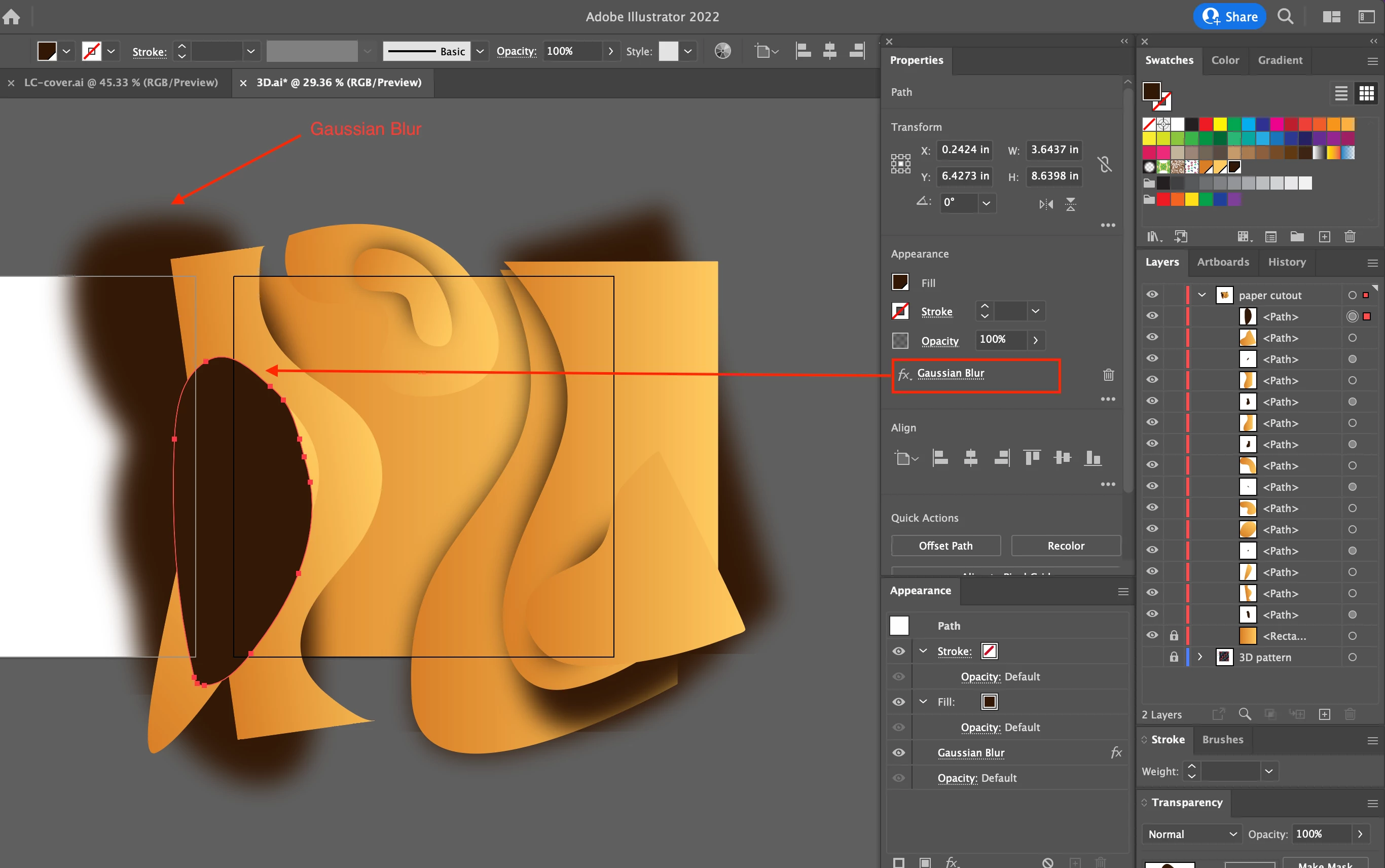
Sometimes, Gaussian Blur is applied.

Othertimes, not.


What's going on?


Hosun
 

This topic has been closed for replies.
Correct answer Ton Frederiks

I just sent you a file link via Message of Adobe Community.


Hosun


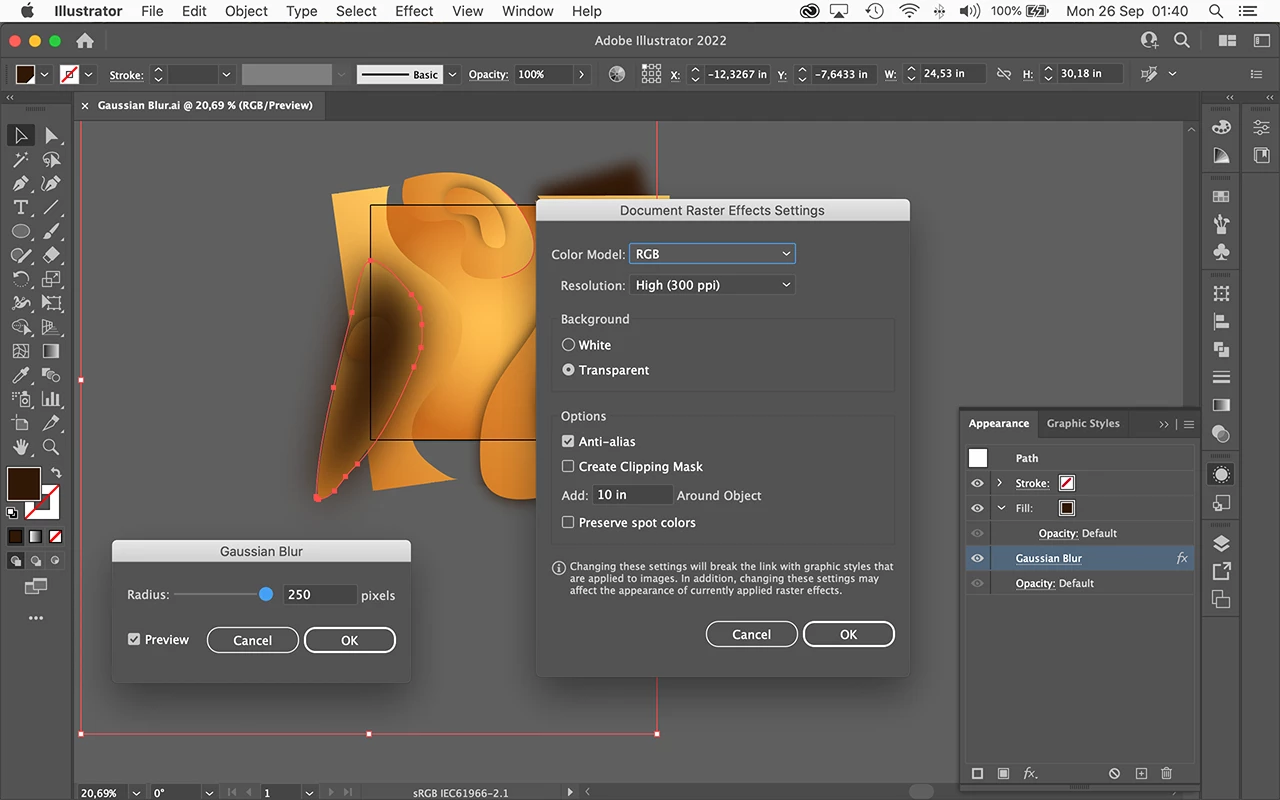
Thanks, clicking the Gaussian Blur in your file changes what you showed and seems to work fine.

I combined 2 screenshots that show your very large blur and an additional 10 inch around the object.
2 replies

Ton Frederiks
Community Expert
Community Expert
September 25, 2022

How much Blur is applied to the path?

Monika Gause
Community Expert
Community Expert
September 25, 2022

Please tell us what you are doing step by step.

Please select each of the affected objects and open the Appearance panel (not just the Properties panel) to check it. The blur might be applied to just the stroke and then is invisible.

Inspiring
September 25, 2022

1. I drew a figure with Pencil Tool.


2. Filled the figure with a color and applied Gaussian Blur to it.


3. Result

Monika Gause
Community Expert
Community Expert
September 25, 2022

Please check out the Appearance panel.
