
Question
Getting Used Spot Colors in a Color Legend on MAC JS or Applescript
Hello again:
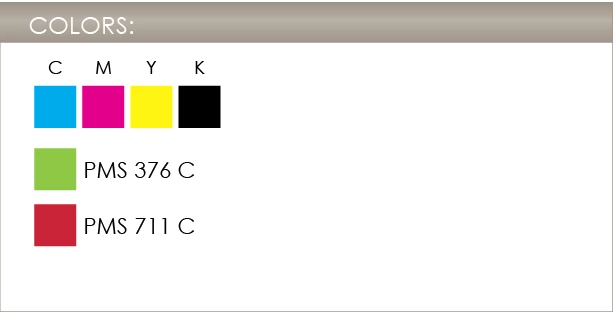
I've been looking around for a script that will take the used spot colors in a document and place them in a predetermined spot. I've came across several posts about this, such as the COLOR CHIPPER although I think it's focus was on swatches, but it's kind of confusing me. What is confusing is the part of making New CMYKColor or RGB or if I even need to do that. I've looked at other posts and the Adobe docs, but none seem to help. Adding the text isn't difficult, it's getting these spot colors to reflect what's in the document that is. From what I'm seeing now:
- I may have to use some other type of script such as Applescript to get rid of unused swatches first throught the actions panel, but I'm not sure.
- I could possibly use the getByName method to call out the specific rectangle and the and relative callout with the appropriate color instead of having to position everytime.
I'm going to keep working on it, but if anyone has any ideas, I would appreciate it. Thanks


 AdChoices