snorrid12353140
Participating Frequently
November 4, 2023
Question

Ghost lines - Stroke/brush patterns from PNGs

  • November 4, 2023
  • 2 replies
  • 354 views

Hi there.

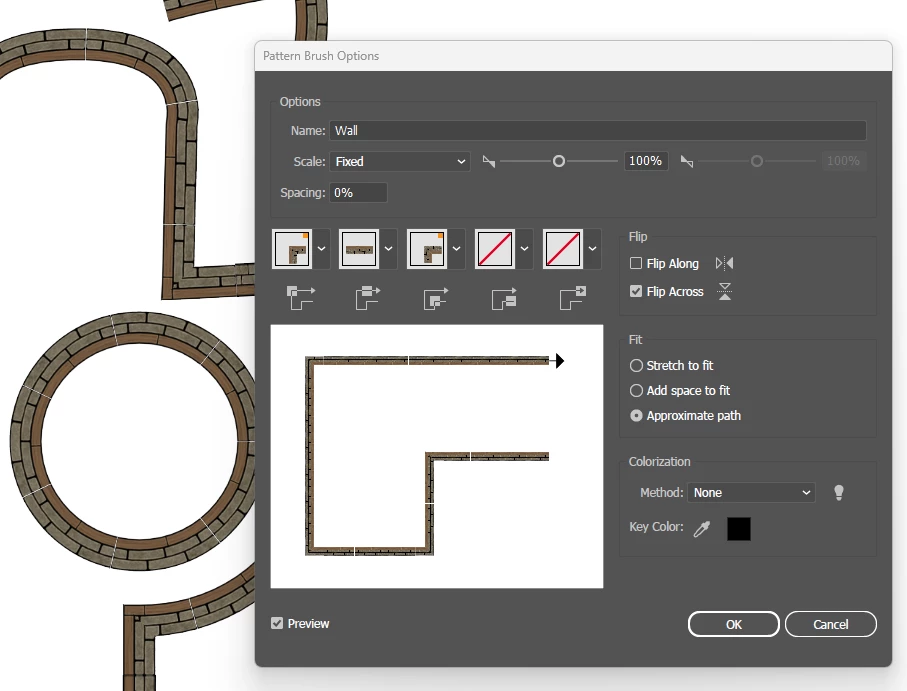
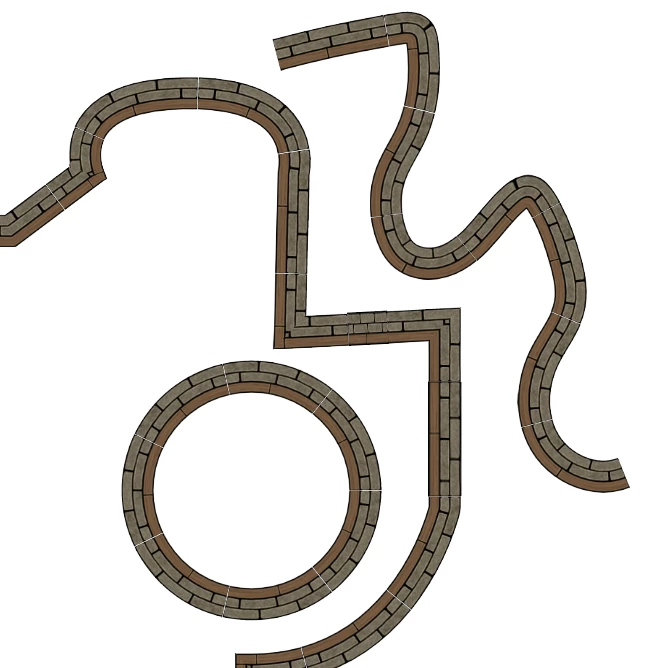
I have created PNGs for battlemaps assets. Walls and such. I have made strokes/brushes in Illustrator with these PNGs.

BUT... there ALWAYS comes a white line (Ghost line) between the PNGs on the stroke.

How can I make it so, the white lines disappear? 

Can I kern the PNGs in the pattern/brush?


Best regards Snorri
  

This topic has been closed for replies.

2 replies

snorrid12353140
Participating Frequently
November 12, 2023

How to? 🙂

Monika Gause
Community Expert
Community Expert
November 12, 2023

Using mostly the rectangle tool and the align feature and transform again. https://youtu.be/pyMaiDf4Cig 

Monika Gause
Community Expert
Community Expert
November 4, 2023

That can't be avoided in pixel based brushes. THose are simple shapes. Is drawing them as vector art an option?