
Participant
June 18, 2024
Question

Glitchy tiff previews in Adobe Illustrator

  • June 18, 2024
  • 2 replies
  • 1031 views

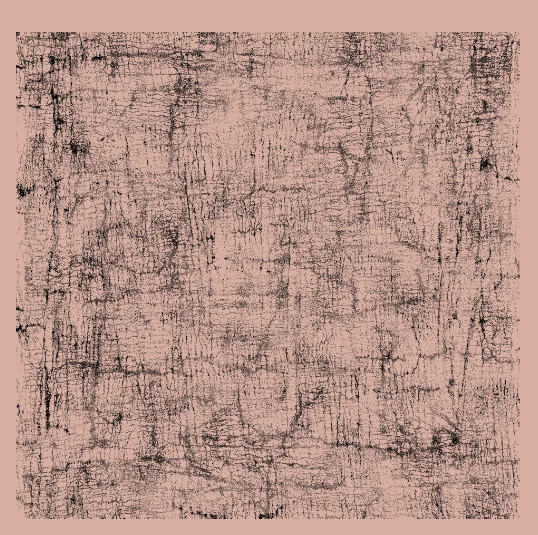
Having a massive issue with the new update of Illustrator not previewing my placed bitmap tiffs correctly. They all come through banded or glitchy (see image). I know toggling View uisng CPU and GPU helps but then it looks more pixelated. Illustrator never used to do this until the new update. What gives?

This topic has been closed for replies.

2 replies

Participating Frequently
October 9, 2024

Same for me — so frustrating and time consuming.


————————————————————————————Weathered Adobe user — Illustrator since '87 & Photoshop since '90.
Anubhav M
Community Manager
Community Manager
October 9, 2024

Hello @barryi97322065,
 
Sorry to hear about your experience. Our product team has tried fixing this in the latest beta release of Illustrator. Would you mind installing it and sharing your observations?

Looking forward to hearing from you.


Anubhav

Participating Frequently
October 9, 2024

Thanks for jumping in — yes I've updated to 28.7.1 and though it has largely improved, it is entirely solved. My bitmap tiff images are still blurry to various degrees. See pic below.


————————————————————————————Weathered Adobe user — Illustrator since '87 & Photoshop since '90.
Ton Frederiks
Community Expert
Community Expert
June 18, 2024