Participant
January 25, 2021
Answered

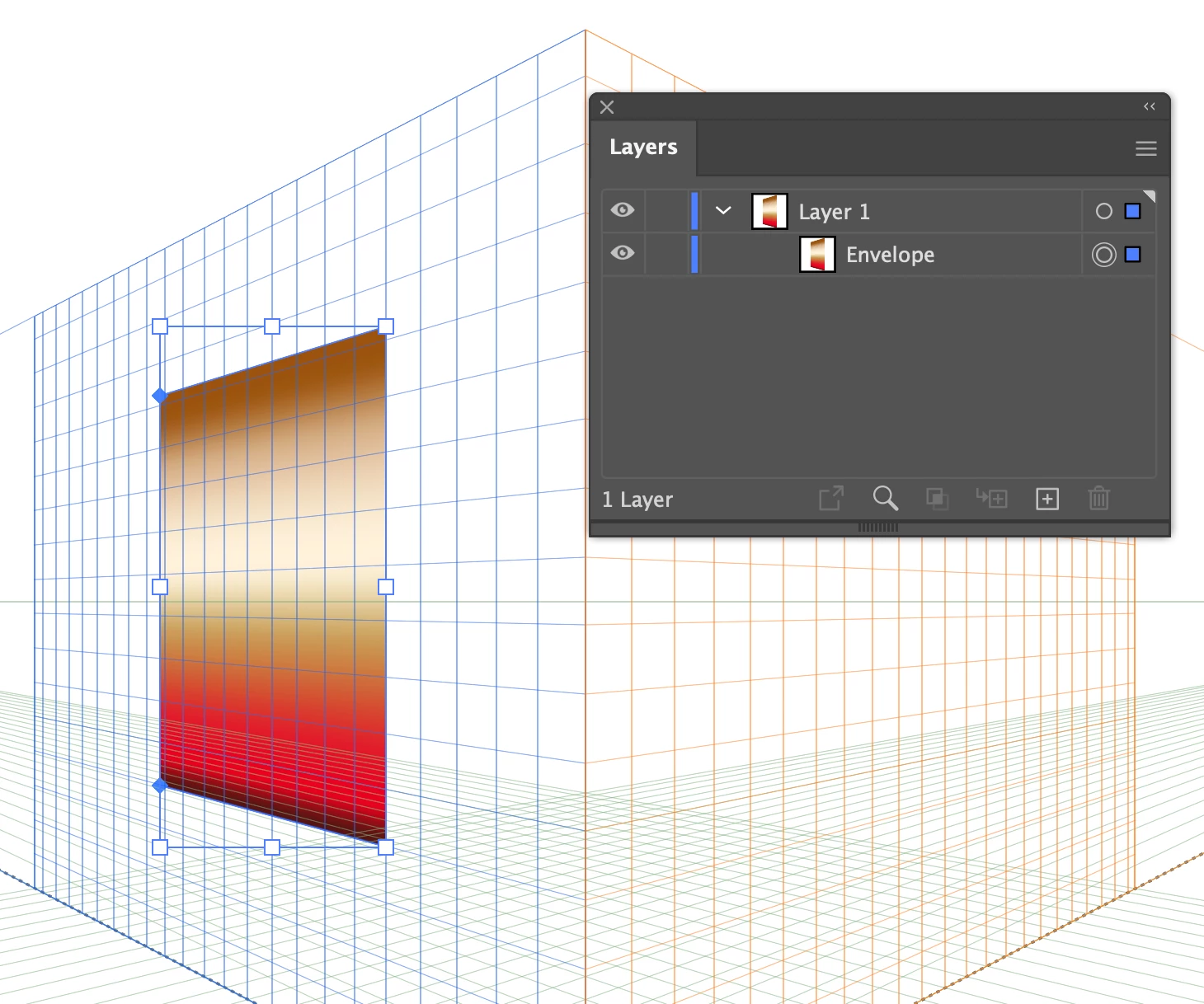
Gold Effect type gradient image won't apply to cube made with Perspective tool.

  • January 25, 2021
  • 2 replies
  • 610 views

Why will a plain solid colored shape snap onto any side of a Perspecitve tool cube, but this gold gradient won't?  
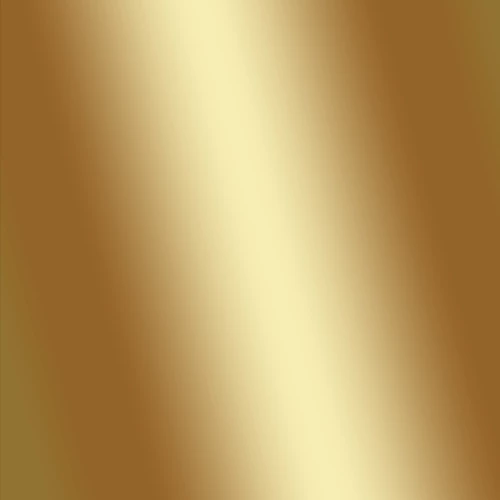
I've attempted to make a cube with two black surfaces and one with a gold gradient.  Each side will have text or another solid image on it, but for now, I'd just like to figure out why the gradient won't just open up and take the surface shape.  I know about using 3D and Object Envlopes as alternatives.  I'd just really like to know why I'm having this issue.

Thanks.
This topic has been closed for replies.
Correct answer tromboniator

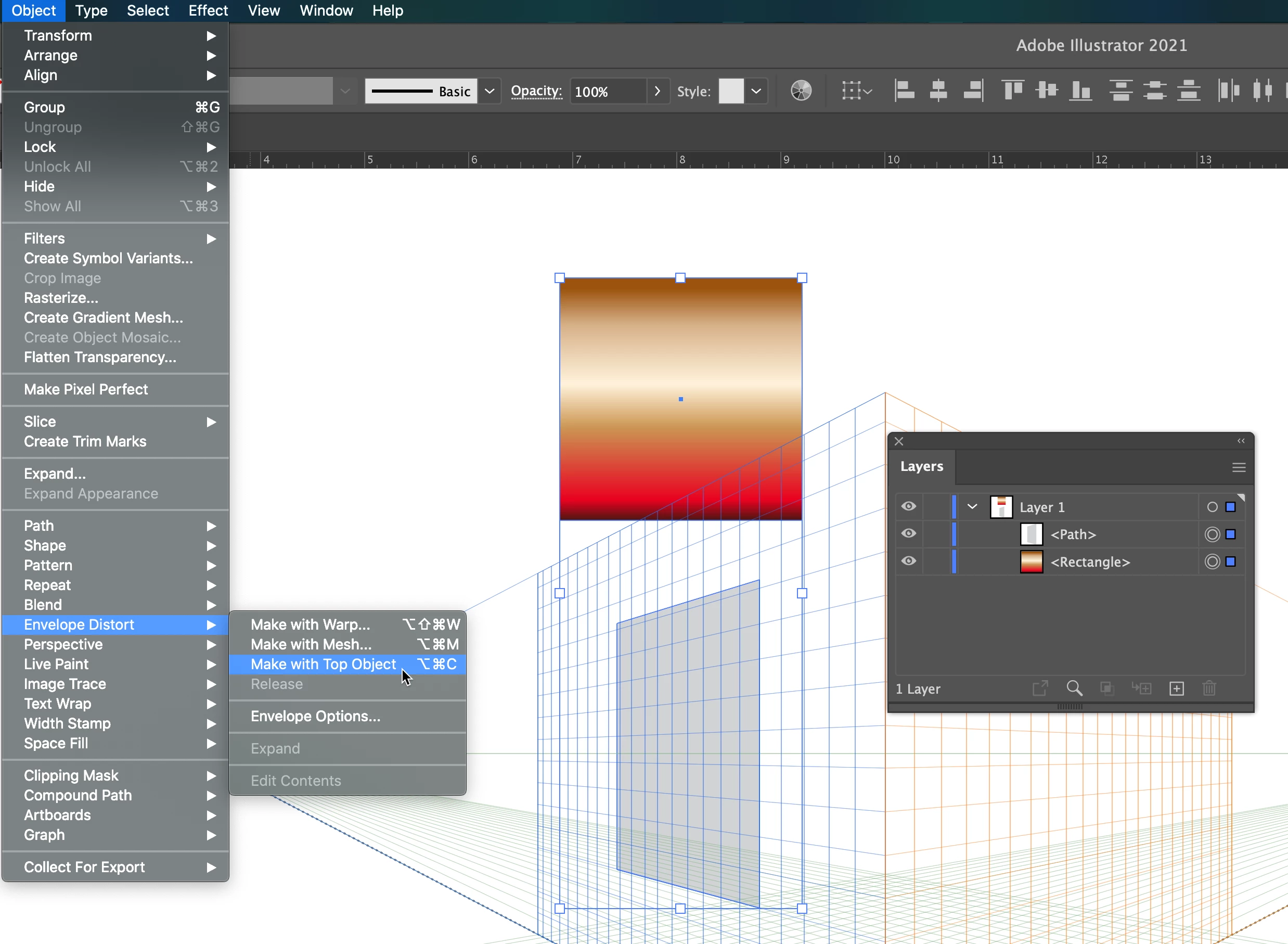
If I understand correctly, the problem is that the bands of color in the gradient do not conform to the perspective. My suggestion is that you draw a square off the Perspective Grid, with the (non-perspective) gradient applied. Then draw the desired square on the Perspective grid, select both squares, and go to Object > Envelope Distort > Make with Top Object. Be sure that the desired shape (perspective square) is above the gradient square in the Layers panel.

Peter


Edit: As to WHY: My guess is that the Perspective Grid is all about path shapes (which includes Patterns, by the way), and knows nothing of colors, including gradients. Envelope Distort reads color as well as shape.

2 replies

tromboniator
Community Expert
tromboniatorCommunity ExpertCorrect answer
Community Expert
January 26, 2021

If I understand correctly, the problem is that the bands of color in the gradient do not conform to the perspective. My suggestion is that you draw a square off the Perspective Grid, with the (non-perspective) gradient applied. Then draw the desired square on the Perspective grid, select both squares, and go to Object > Envelope Distort > Make with Top Object. Be sure that the desired shape (perspective square) is above the gradient square in the Layers panel.

Peter


Edit: As to WHY: My guess is that the Perspective Grid is all about path shapes (which includes Patterns, by the way), and knows nothing of colors, including gradients. Envelope Distort reads color as well as shape.

michelew83603738
Community Expert
Community Expert
January 25, 2021

I am having no problem doing this. I can both create a shape with a gradient on the grid or create a shape off of the grid and bring it on the grid with my perspective selection tool. Have you tried both methods?