
Gradient 3D Extrude and Bevel Text Color
Hello Illustrator Community,
I am attempting to do this text effect, but with a transparent background: Illustrator Tutorial: How to Create a Neon Text Effect - Illustrator Tutorials - Vectorboom
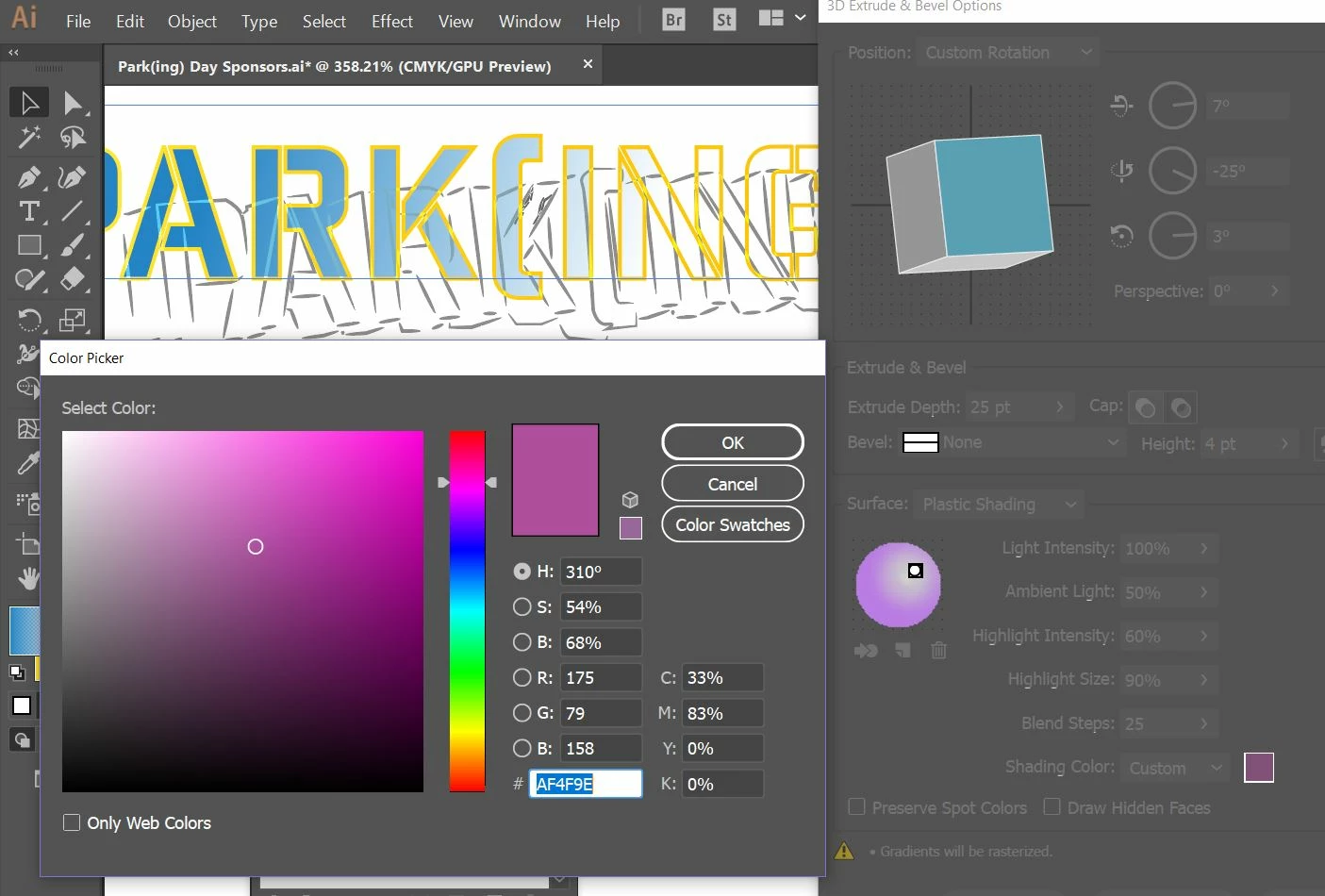
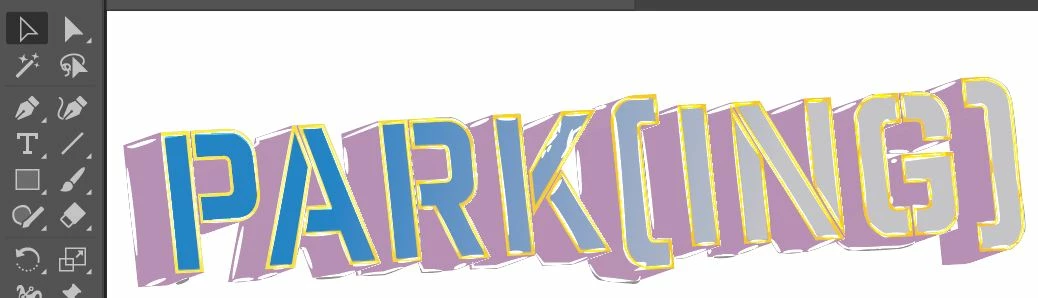
Since it uses a gradient mesh and color dodge to get the effect, and since I couldn't figure out a way to use this with a transparent background I figured I would just create a gradient on text and add some neon effects and now I am not finding an easy way to change the entire text into a gradient color. I can only change the front and the added custom shading color options only allow for solid colors and not gradients. I've added strokes to the text so hoping that I don't have to start from scratch in order to be able to change to a gradient.
Any help is much appreciated!
Thanks so much!

 AdChoices