Participant
October 3, 2020
Answered

Gradient not applying properly to compound paths with variable widths

  • October 3, 2020
  • 2 replies
  • 1818 views

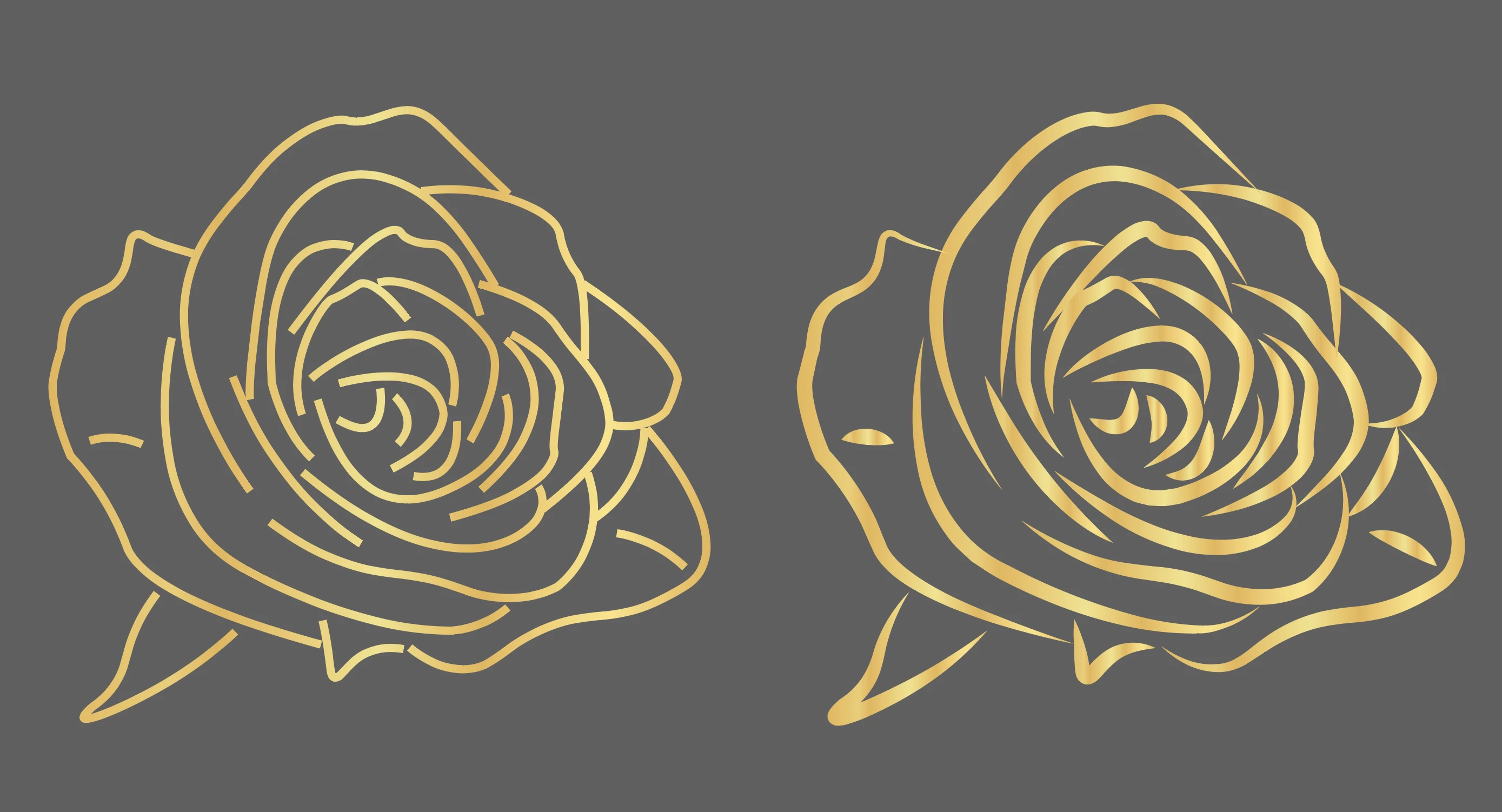
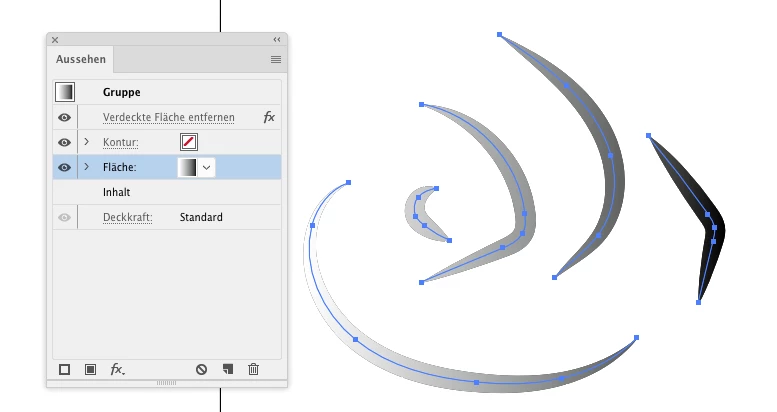
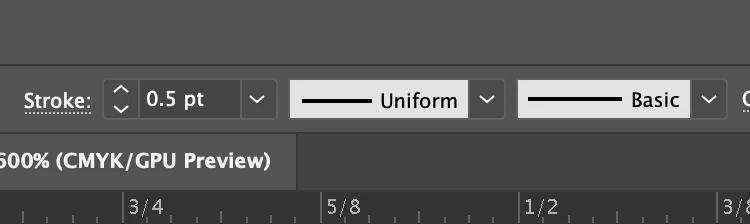
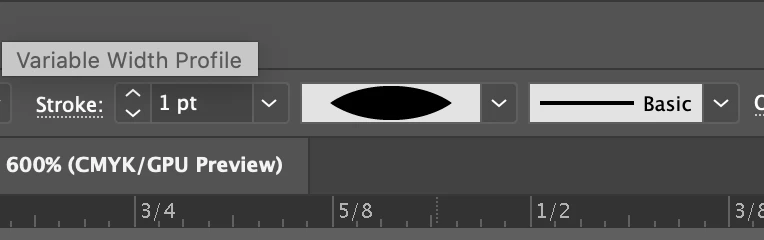
I'm pretty confused right now and could really use some help! When I apply a gradient over a compound path with a "uniform" variable width, the gradient applies to the entire drawing and looks smooth. However, when I change the width profile, it applies the gradient to each individual path instead of applying it to the entire drawing. I've tried everything and I can't figure how to fix this.
 

This topic has been closed for replies.
Correct answer Monika Gause

If you don't want to outline paths:

Apply Effect > Path > Outline path to the compound path.

Group it.

Apply Effect > Pathfinder > Merge to the group

Add a new fill to the group.

Apply the gradient to it.

2 replies

Monika Gause
Community Expert
Monika GauseCommunity ExpertCorrect answer
Community Expert
October 4, 2020

If you don't want to outline paths:

Apply Effect > Path > Outline path to the compound path.

Group it.

Apply Effect > Pathfinder > Merge to the group

Add a new fill to the group.

Apply the gradient to it.

Mike_Gondek10189183
Community Expert
Community Expert
October 4, 2020

Object Path >> Outline Stroke

Choose gradient tool and pull from start to end


If you still have trouble show us your appearance palette. You need a compound path with the gradient at fill level.