
Answered
Gradient Tool in Illustrator Overlays Everyhting
I just upgraded to 2024 Illustrator, but when I use the gradient tool, no matter which layer I'm using it on, it overlays stuff on layers above it, or if it's on the same layer as another item, it overlays everything on that layer, even if it is "sent to back". The file I'm working on has both vector text and normal text tool characters on it, and though all the letters are on the same layer, only the lower vector one is not affected by the gradient (which is on it's own layer underneath everything else). The upper vectors and the text tool "&" get covered by the gradient. Anyone come across this issue and know how to fix it?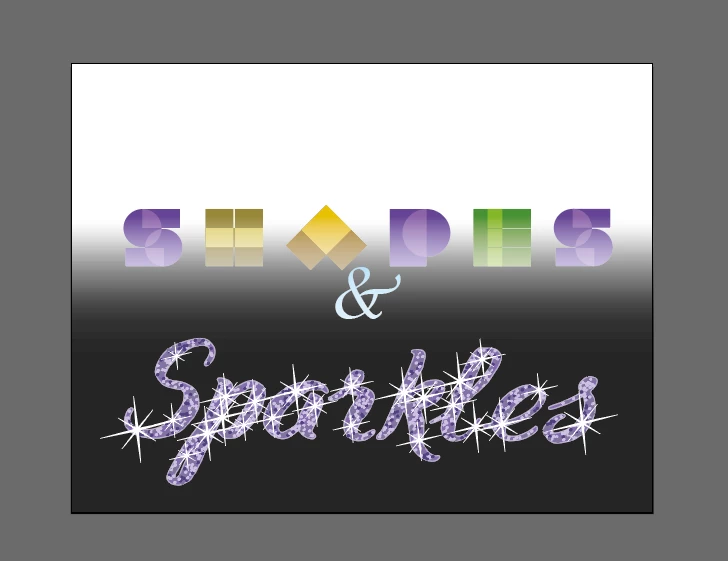
 AdChoices