Participant
December 11, 2023
Question

Group Multiple Object at once with script

  • December 11, 2023
  • 2 replies
  • 674 views
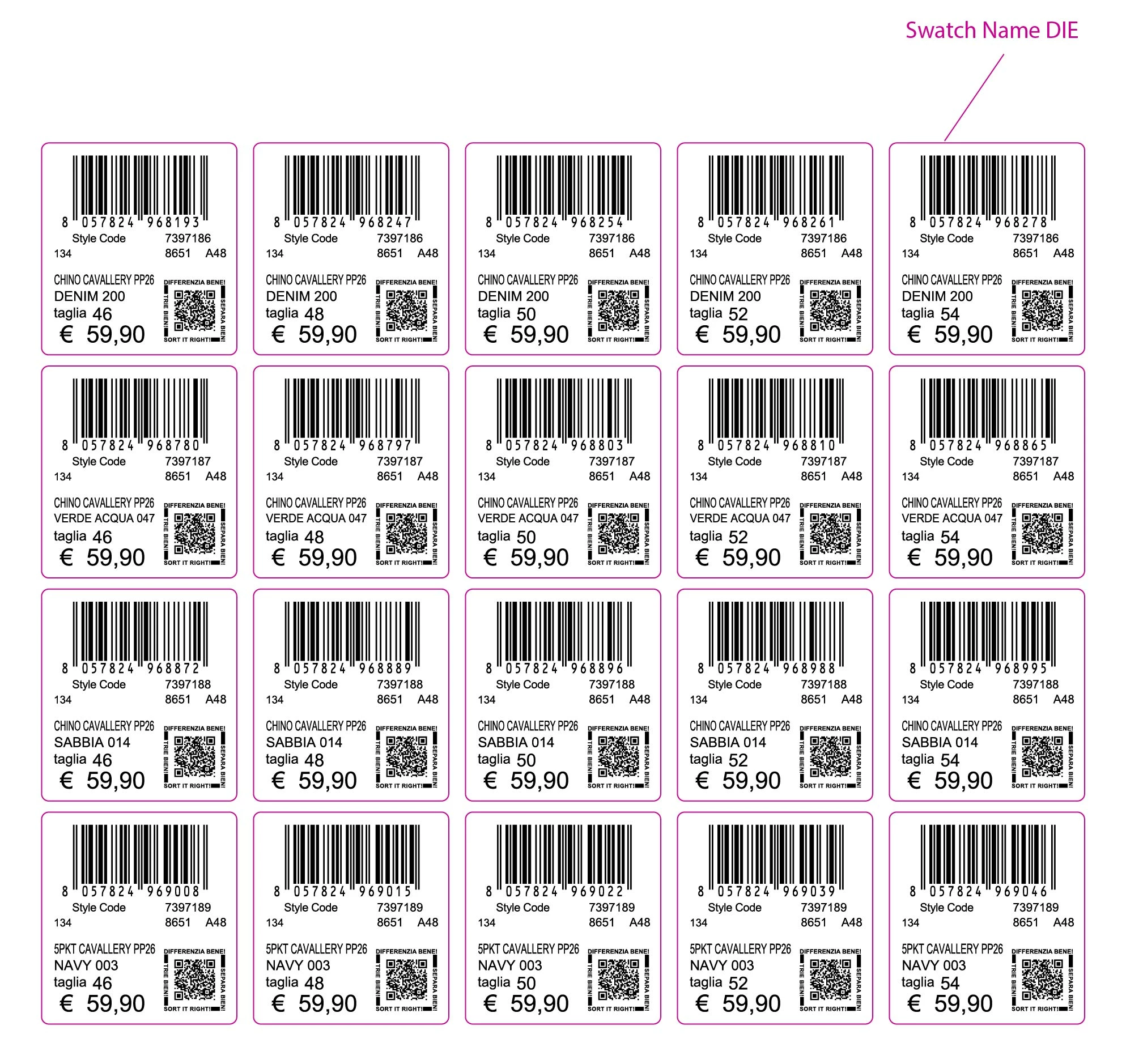
Is there a way to create groups at the same time, which creates separate groups along the die line?

 

This topic has been closed for replies.

2 replies

Participating Frequently
December 13, 2023

I feel like using InDesign for this would maybe work better for you as you can set parent pages for the label artwork which you can then add any number of pages you would like and the artwork will just be there. and then just fill in data as needed.

Kurt Gold
Community Expert
Community Expert
December 11, 2023

Seems doable.


Can you share a sample Illustrator file for inspection?


Also, which Illustrator version are you using?


maan-khiAuthor
Participant
December 12, 2023

thanks Kurt for your reply. and i am using adobe ai 2020


maan-khiAuthor
Participant
December 12, 2023

Thanks for the sample file.


A couple of follow-up questions:


  • Each label consists of filled paths only. Is that always the case or may it vary in other files (e.g. a mixture of filled paths, stroked paths, live type etc.)?
  • The sample file contains 20 labels. Is that always the case or may it vary?
  • Each dieline is grouped together with a QR-Code. Do you want to retain this group or is it sufficient to just put all black filled objects per label in one group?
  • Are the dielines supposed to be part of the separate groups?


• Each label always have .5pt Strokes with Spot color name "DIE" and having diffrent data inside like text, object etc.

• Label containing is vary in every file, yes i dont want to change the previous group properties,

• Yes

i am also attaching the file that i want.