
Halftone patterns on separations for Screenprinting
I'm hoping this is simple user error...
I'm printing out some separations to film, for a screenprinting job. The film printer is at the lab I'm using, I've never printed there, and I wanted to confirm that my seps will halftone correctly. I would usually just send the PDF, and let them print the seps, but again, I'd like to see what's getting printed, before sending it over.
So, I was on my home office mac, printing to an Adobe PS file, via the Adobe PDF 9.0 PPD. I chose "Separations (Host-Based)", a resolution of "60 lpi / 300 dpi", selected my 3 spot colors, set the frequency of each to 60 lpi, gave them 3 different angles (15, 45, 75), , set my shapes to "dot", and sent it. Opened with Adobe Distiller, and there are no halftones, just the grayscale colors, that should have been converted to dot patterns.
The design was created in a CMYK PSD, on my 3 spot color channels. I then Placed the PSD into Illustrator, and added my text using the same 3 spot colors. Using "Separations Preview" the 3 spot colors separate perfectly, so no issues there. The issue is simply that I'm not seeing halftone dot patterns in the Distilled .ps PDF file.
Am I missing something? Am I correct in thinking that the halftones should be showing up on that final outputted .ps/PDF?
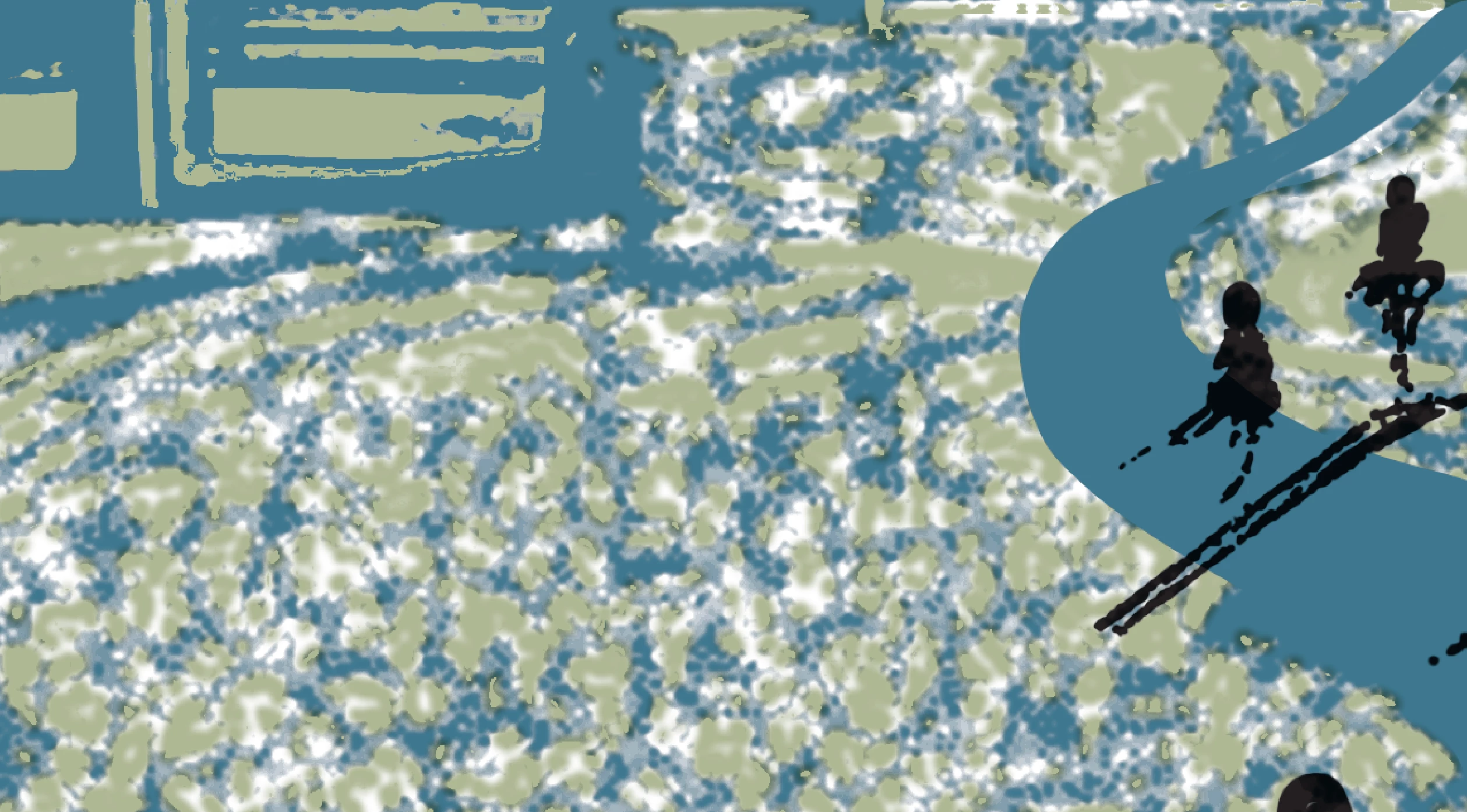
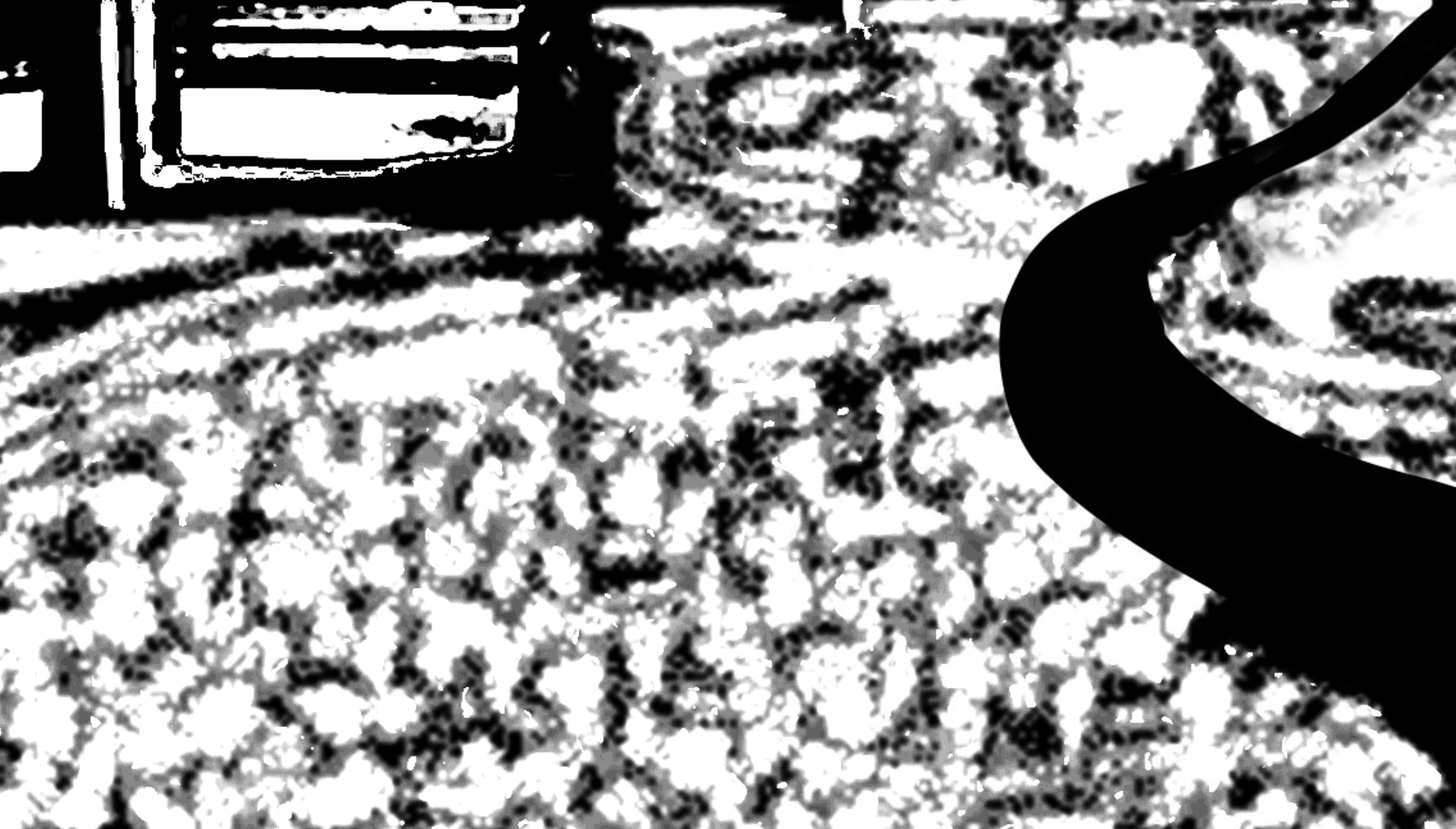
I've attached 2 files. One is a screenshot of the color composite in Illustrator, the second is a screenshot of the same section from the outputted separation for one of the spot colors. The color is properly separating, but no halftone dots were produced.
Thanks for your help
 AdChoices