
Participant
December 7, 2024
Question

Hanging bits?

  • December 7, 2024
  • 1 reply
  • 247 views

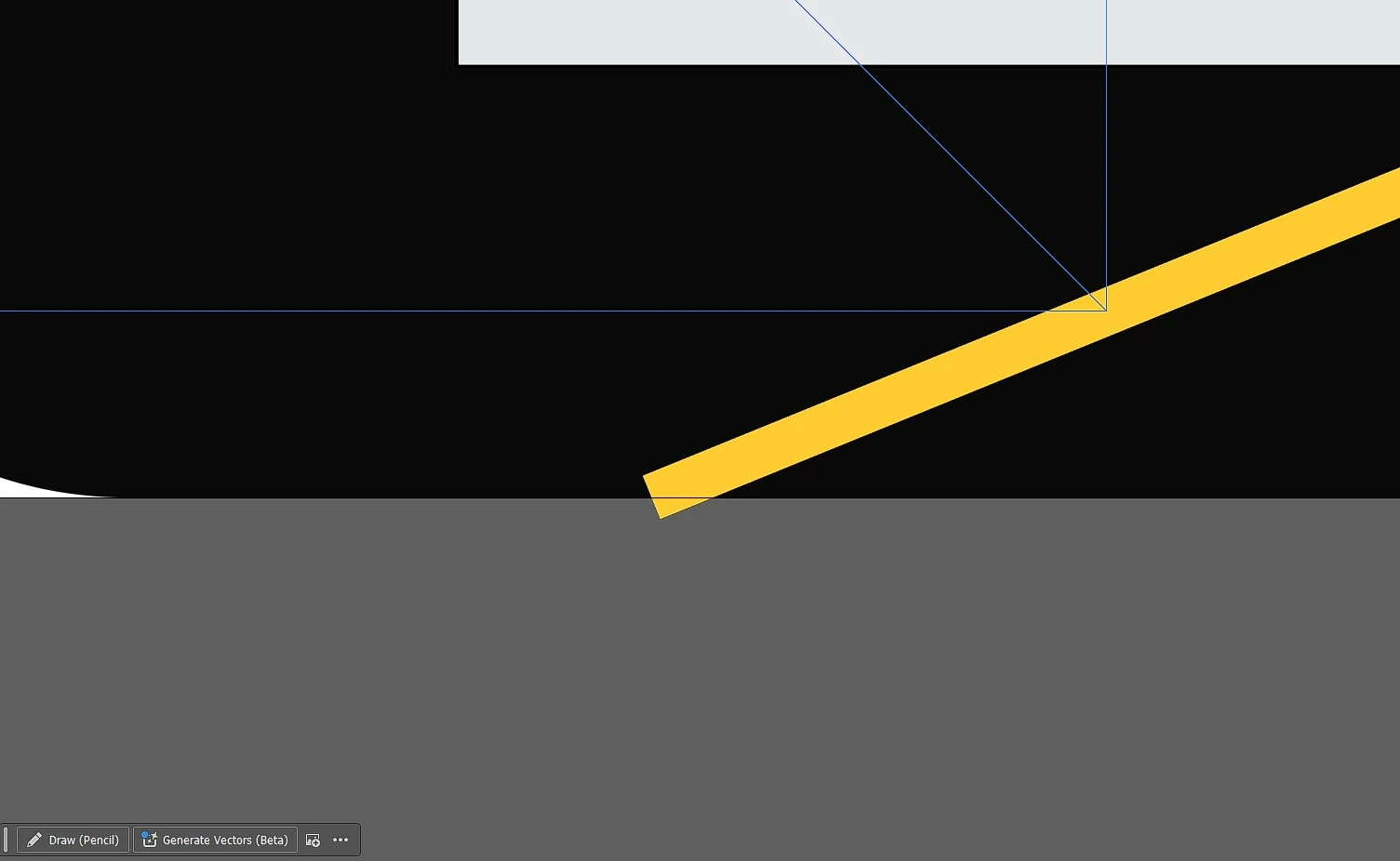
Hello there people! Im new to adobe, i've watched lots of tutorials and How-to's buuut can't find a solution to something.... Im practicing with making some kind of a flyer/brochure and i want to make a line on a background but when i cut the line that hangs from background piece this happens ... how do i fix this?
1. the hanging part of the line out side of the background?
2. the black triangle that is happening?

Thanks in advance! 🙂
This topic has been closed for replies.

1 reply

Community Expert
December 7, 2024

I can't tell for certain what you're trying to do based on the image. Are you talking about the yellow line whose corner is going into the gray area below? If that's the case it looks like an open line path with a yellow stroke applied to it. Different methods can be used to fix that.


One solution would be expanding the line stroke so it is a long skinny rectangle. Pathfinder tools (such as Minus Front) can be used to chop off that dangling yellow corner.


Another method would be using a clipping mask. Create a box the size of your page and position it above the contents that are going out of the page area. Select both items and create the clipping mask. It's a non-destructive solution, but you would have to release the clipping mask to do further edits on the objects being clipped.

Participant
December 8, 2024

So, sorry for the lack of info i put, here are some more pictures.


This irritates me because i will print it ... and the stroke of the lines will be visible in the print ...

Monika Gause
Community Expert
Community Expert
December 8, 2024

From your images I assume that you are looking for a clipping mask.