
Participant
May 19, 2023
Question

Having issues trying to convert an eps vector from RGB to CMYK

  • May 19, 2023
  • 2 replies
  • 1843 views

Hi there,


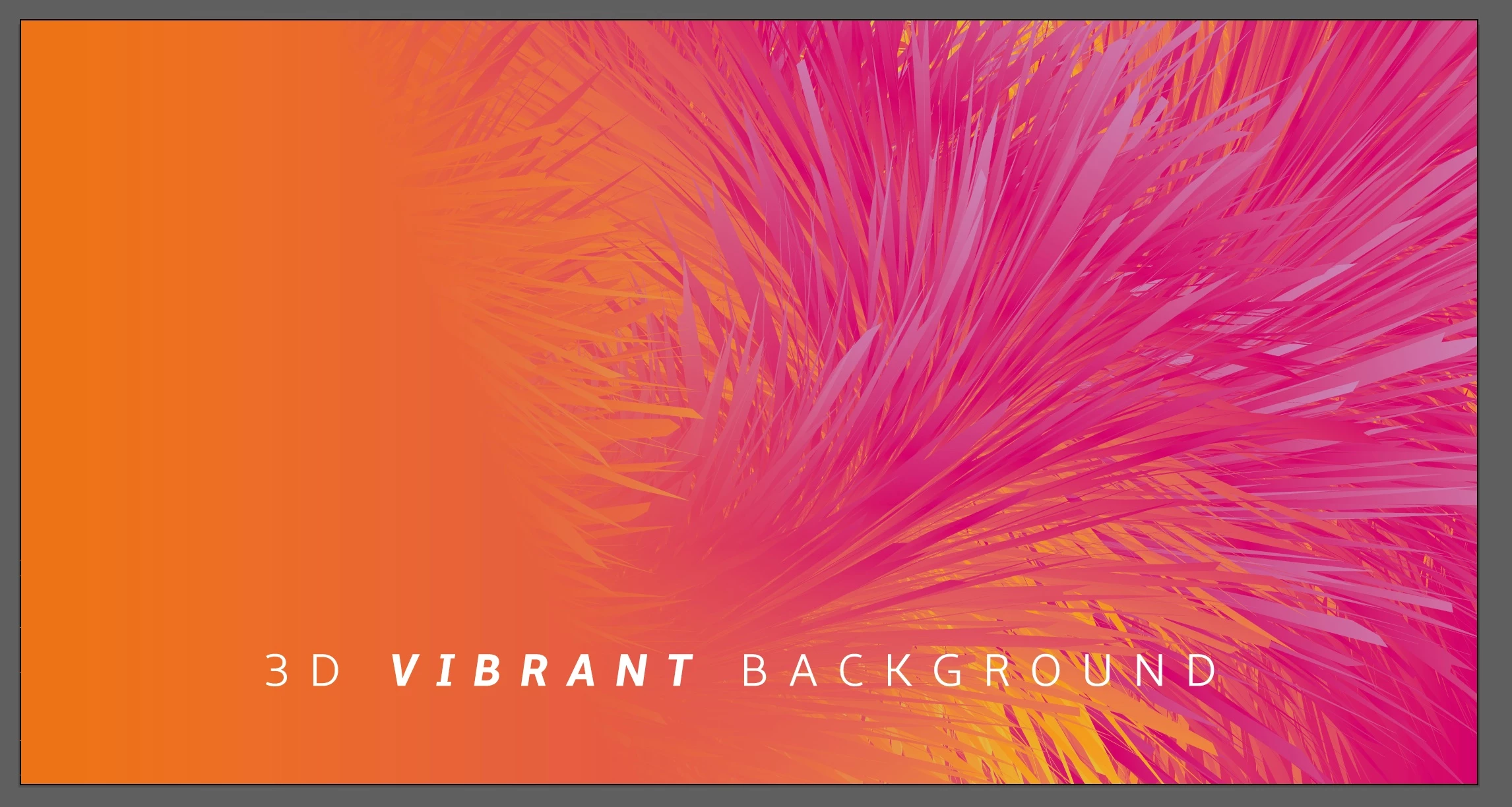
I have downloaded a vector graphic that is an eps, but it's in an rgb colour mode. When I try to convert to CMYK I get a lot of colour change and the gradients go wrong.


Is there any way to correct this? please see before and after images below when converting.

I am simply changing document colour mode


Before-
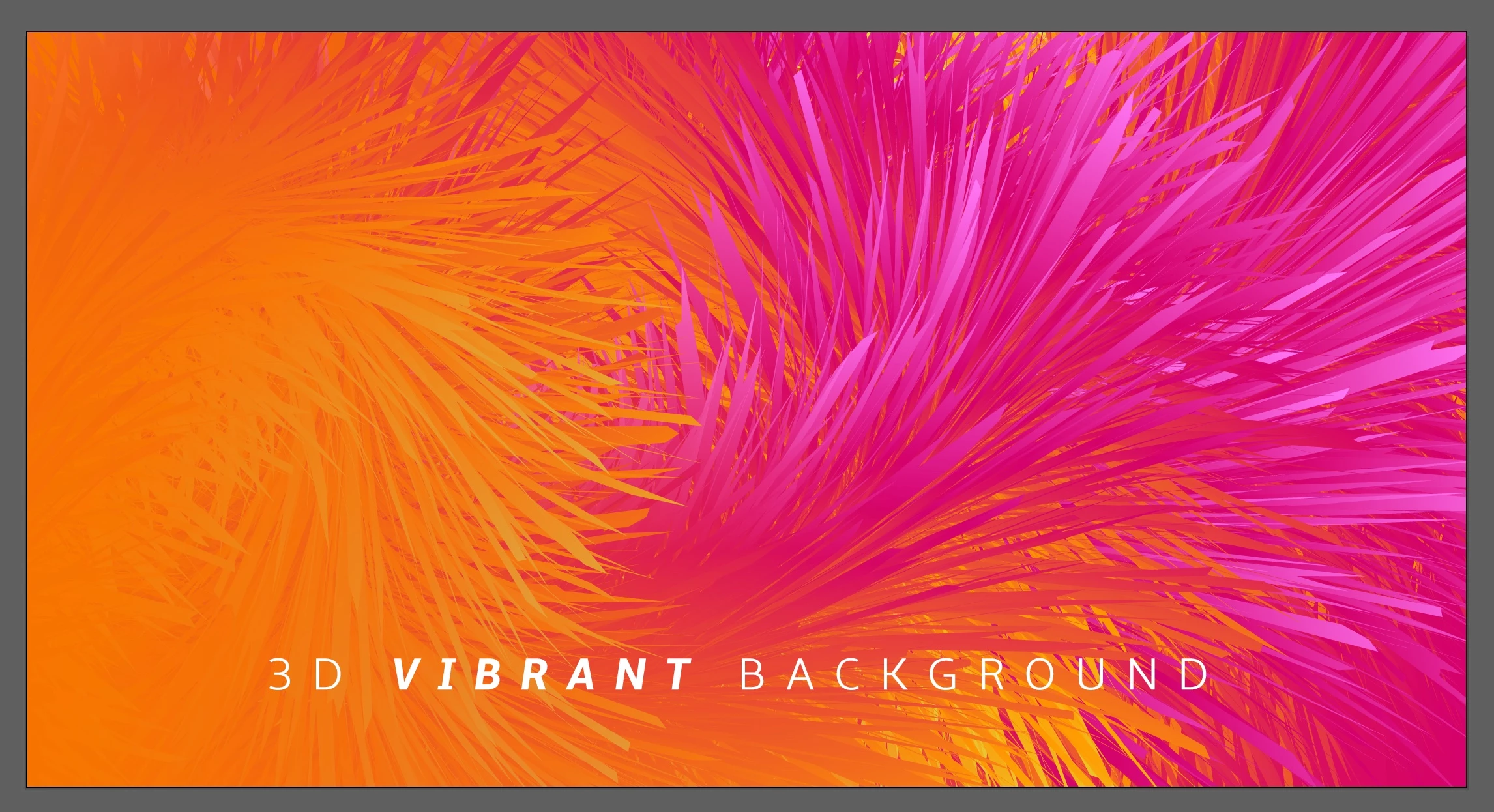
After-
This topic has been closed for replies.

2 replies

Monika Gause
Community Expert
Community Expert
May 19, 2023

You could try and export it as a pixel artwork and then convert that to CMYK in Photoshop.


The reason why this is not working is most probably this: https://www.youtube.com/watch?v=Tiqm5hdQA5A 

Community Expert
May 19, 2023

The RGB color model has a significantly wider color gamut range than the CMYK color model. That's why you're seeing a lot of colors getting clipped when converting to CMYK. Whoever created the RGB-based graphic obviously did so without print-based work in mind; the graphic may only be meant for electronic screens.

Is the content in the EPS file vector-based artwork? If so you might be able to use the Recolor commands (Edit>Edit Colors) to manually adjust the colors. Another option would be manually editing the objects in the design, but it looks like that could be a very tedious process. If the imagery is pixel-based then it might need to be adjusted in Photoshop.

Participant
May 19, 2023

Thanks for the reply. No worries thats good to know, it look's like a very complex vector so definitely don't want to be manually editing objects.