
Known Participant
October 28, 2022
Answered

Heavy color change in eps preview

  • October 28, 2022
  • 1 reply
  • 703 views

Hi, I have uploaded some items EPS files in Adobe Stock and I am seeing a huge color difference in shades.

These usually happens in blue and purple shades.

attached img.
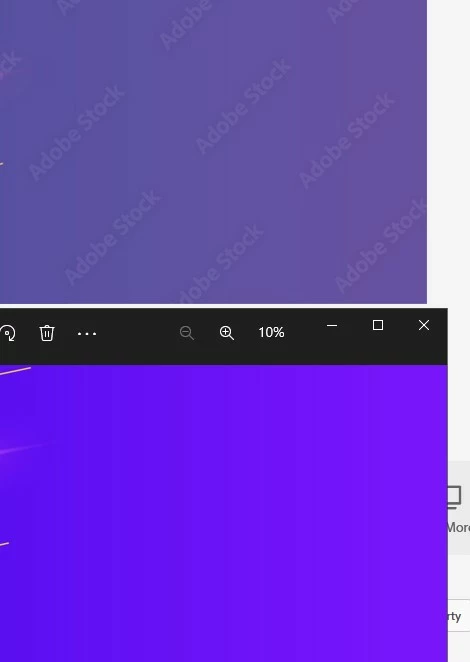
Previously we use to upload eps and jpg both, in which jpgs were used to create preview but with recent change I believe Adobe Stock takes EPS file as a preview and generates its own image out of it.


I have even tried contacting Adobe Stock support but have not got any solution.

What is right way to export so that colors are preserved in EPS preview.

This topic has been closed for replies.
Correct answer Ton Frederiks

EPS does not support color management, so it could be any generic CMYK/RGB that is used to generate the preview.

It may be useful to ask this in the Stock Contributers forum:

https://community.adobe.com/t5/stock-contributors/ct-p/ct-Stock-Contributors?page=1&sort=latest_replies&lang=all&tabid=all

1 reply

Ton Frederiks
Community Expert
Ton FrederiksCommunity ExpertCorrect answer
Community Expert
October 28, 2022

EPS does not support color management, so it could be any generic CMYK/RGB that is used to generate the preview.

It may be useful to ask this in the Stock Contributers forum:

https://community.adobe.com/t5/stock-contributors/ct-p/ct-Stock-Contributors?page=1&sort=latest_replies&lang=all&tabid=all