
Participant
July 15, 2020
Question

Hello there I have a problem!

  • July 15, 2020
  • 4 replies
  • 264 views

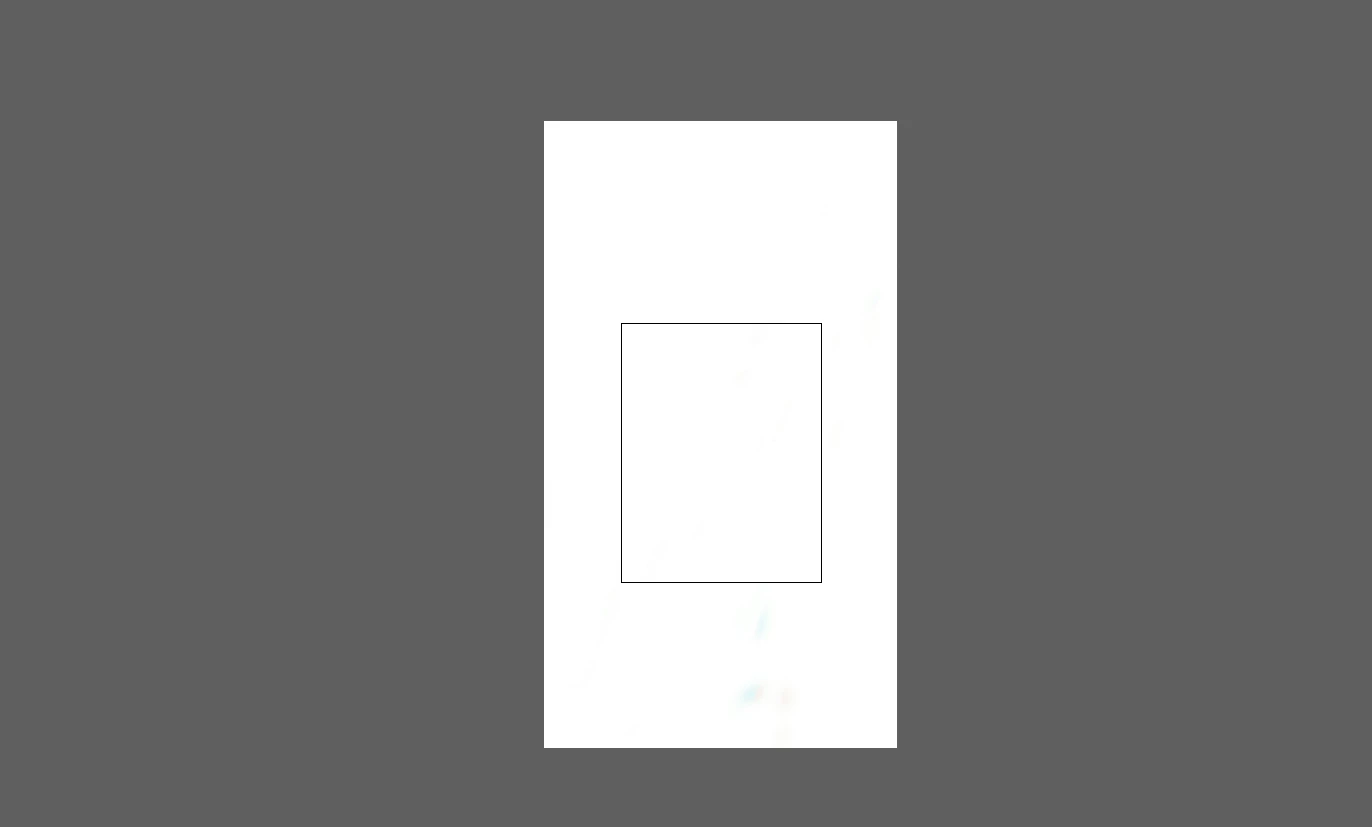
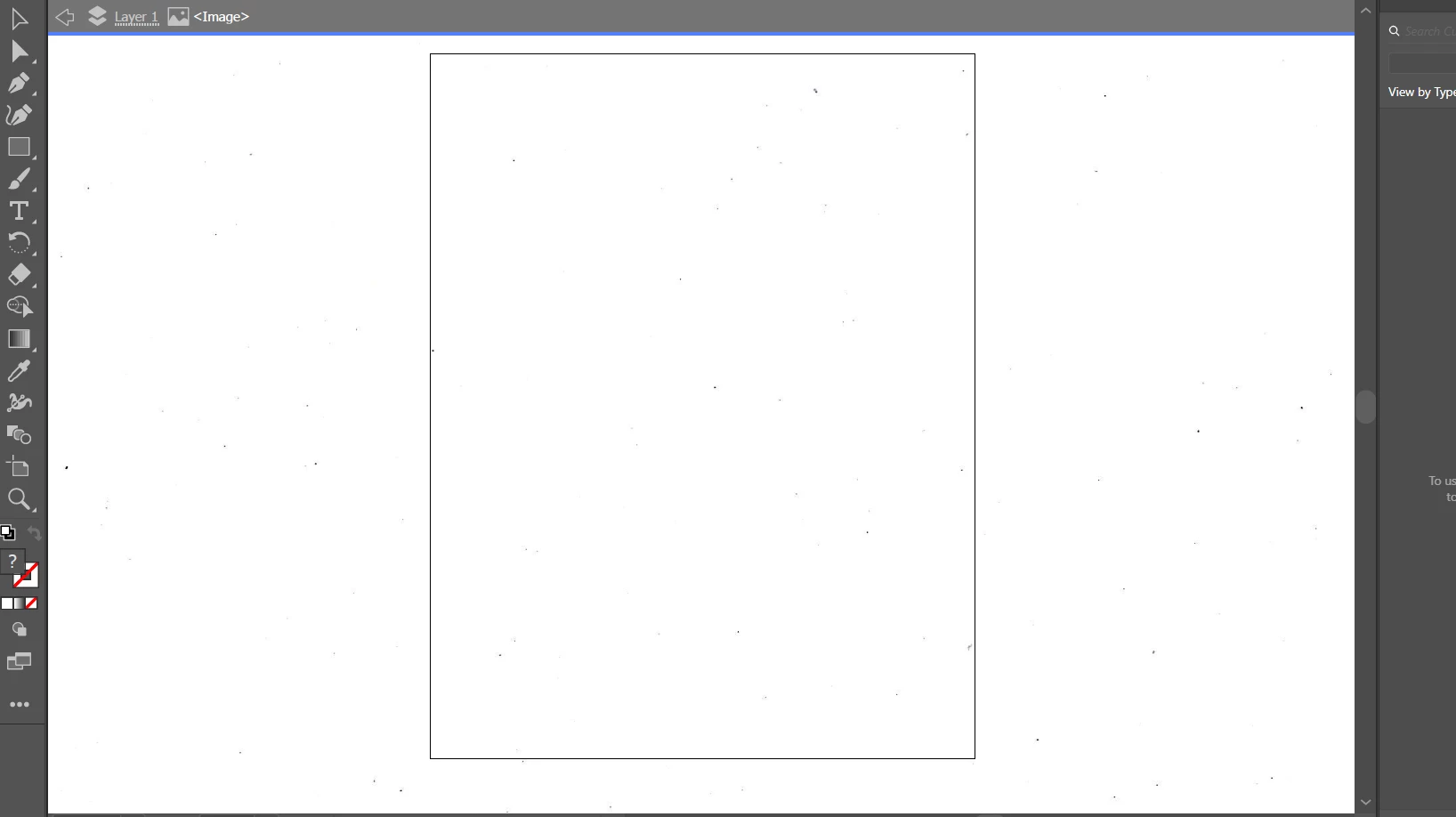
I want to remove this unwanted black line square in that white background, can you please explain me step by step how to remove it?

Whenever I open this software and I open a white background picture, this black line square appear.
This topic has been closed for replies.

4 replies

Jacob Bugge
Community Expert
Community Expert
July 15, 2020

HelpmePlease,


How about View>Hide Artboard?


Participant
July 15, 2020

Can you please upload a picture how I can do that?


Create a new Illustrator document the size you want and place your texture image, rather than opening it directly.

Doug A Roberts
Community Expert
Community Expert
July 15, 2020

File > New...

Specify the settings you want.

File > Place...

Participant
July 15, 2020

Whenever I open Adobe illustrator and i click on 'open' and put a picture 'that has a white background'that black line square appear, i want to remove it.

Doug A Roberts
Community Expert
Community Expert
July 15, 2020

What do you mean when you say you open a 'white background picture'? Are you opening a white raster image? Why?


edit: I see, it's a texture, not pure white.


Illustrator files have an artboard, which is your export area, and a pasteboard or canvas, which is the entire working area.

When you create a normal AI file, you define the artboard size.

When you open a raster image, Illustrator uses the last used artboard size. That's the rectangle you are seeing.

Create a new Illustrator document the size you want and place your texture image, rather than opening it directly.