Participant
June 4, 2023
Answered

Help, all artboards still visible after exporting to separate PDFs

  • June 4, 2023
  • 2 replies
  • 640 views

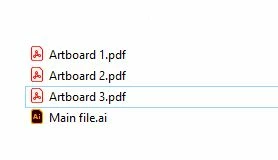
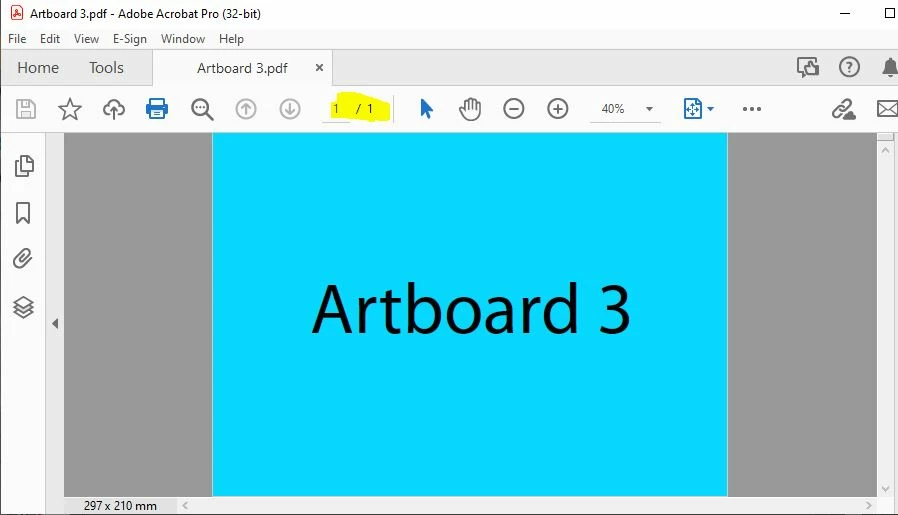
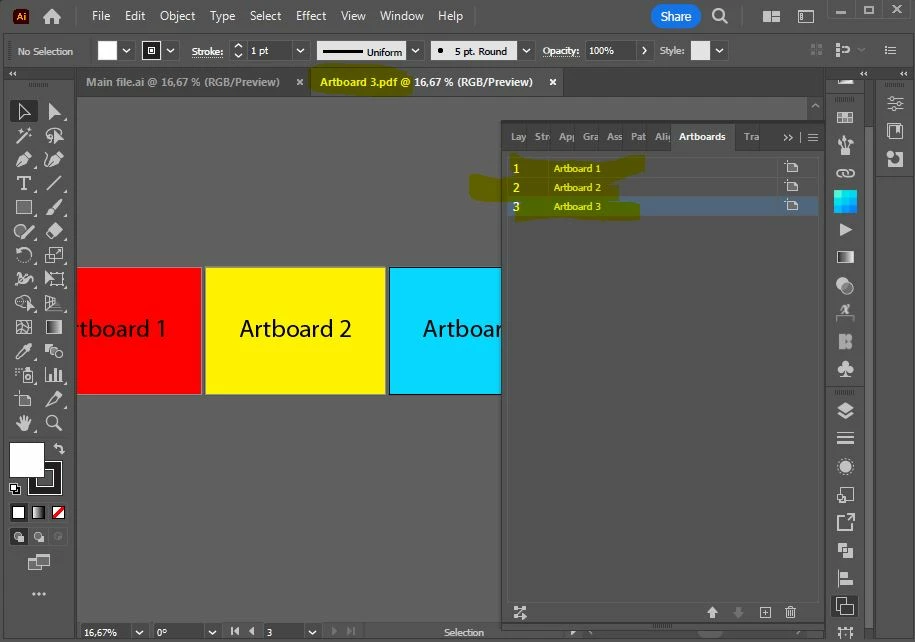
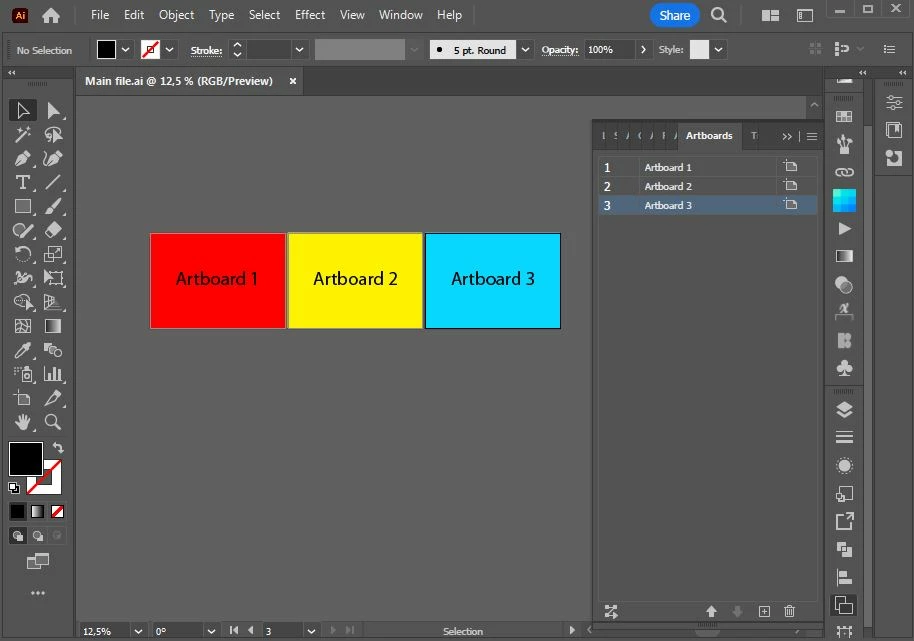
When I export all artboards to separate PDF files, the files appear to be a single page, but all the artboards are still visible on evey single exported PDF file when I open them back in illustrator.. Is there a way to export only what's on the single artboard?

(This doesn't happen when I save the artboards to separate AI files. Then the only things that get saved is what's on the single artboard.)
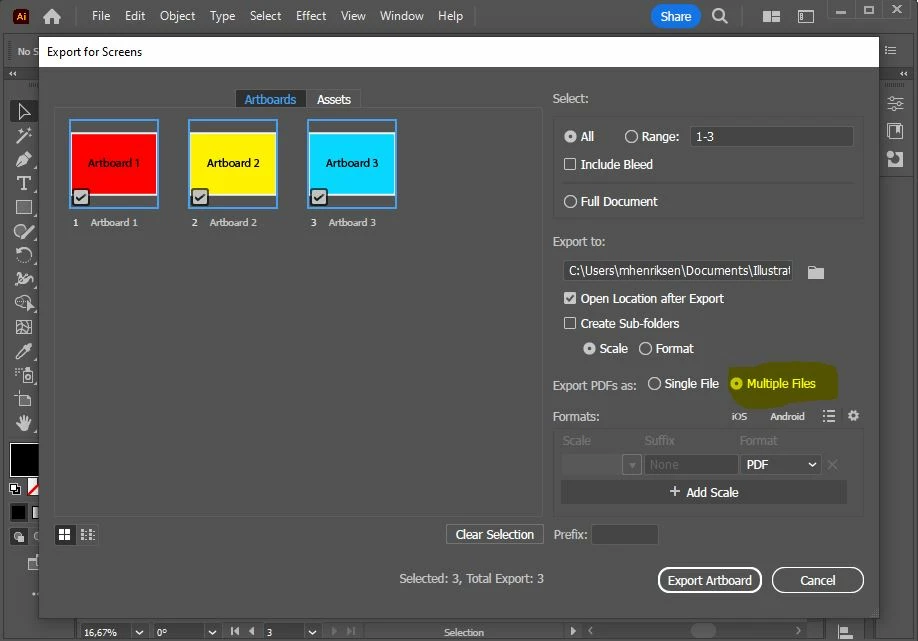
 

This topic has been closed for replies.
Correct answer Ton Frederiks

Not only Illustrator Default has the option checked, but also High Quality Print and Press Quality. 

2 replies

Mike_Gondek10189183
Community Expert
Community Expert
June 4, 2023

What PDF preset are you using?  Any preset except Illustrator default should work, so Illustrator editing is off on the pdf.


Ton Frederiks
Community Expert
Ton FrederiksCommunity ExpertCorrect answer
Community Expert
June 4, 2023

Not only Illustrator Default has the option checked, but also High Quality Print and Press Quality. 

Ton Frederiks
Community Expert
Community Expert
June 4, 2023

If you turn off Illustrator Editing Capabilities when exporting you should get single artboards.

You first need to create a PDF Preset (Edit menu > Adobe PDF Presets...) with that option turned off and use that preset in the Export for screens.