
Participant
March 29, 2021
Answered

Help! everything is grey and I can't copy and paste an object to another artworks

  • March 29, 2021
  • 2 replies
  • 723 views

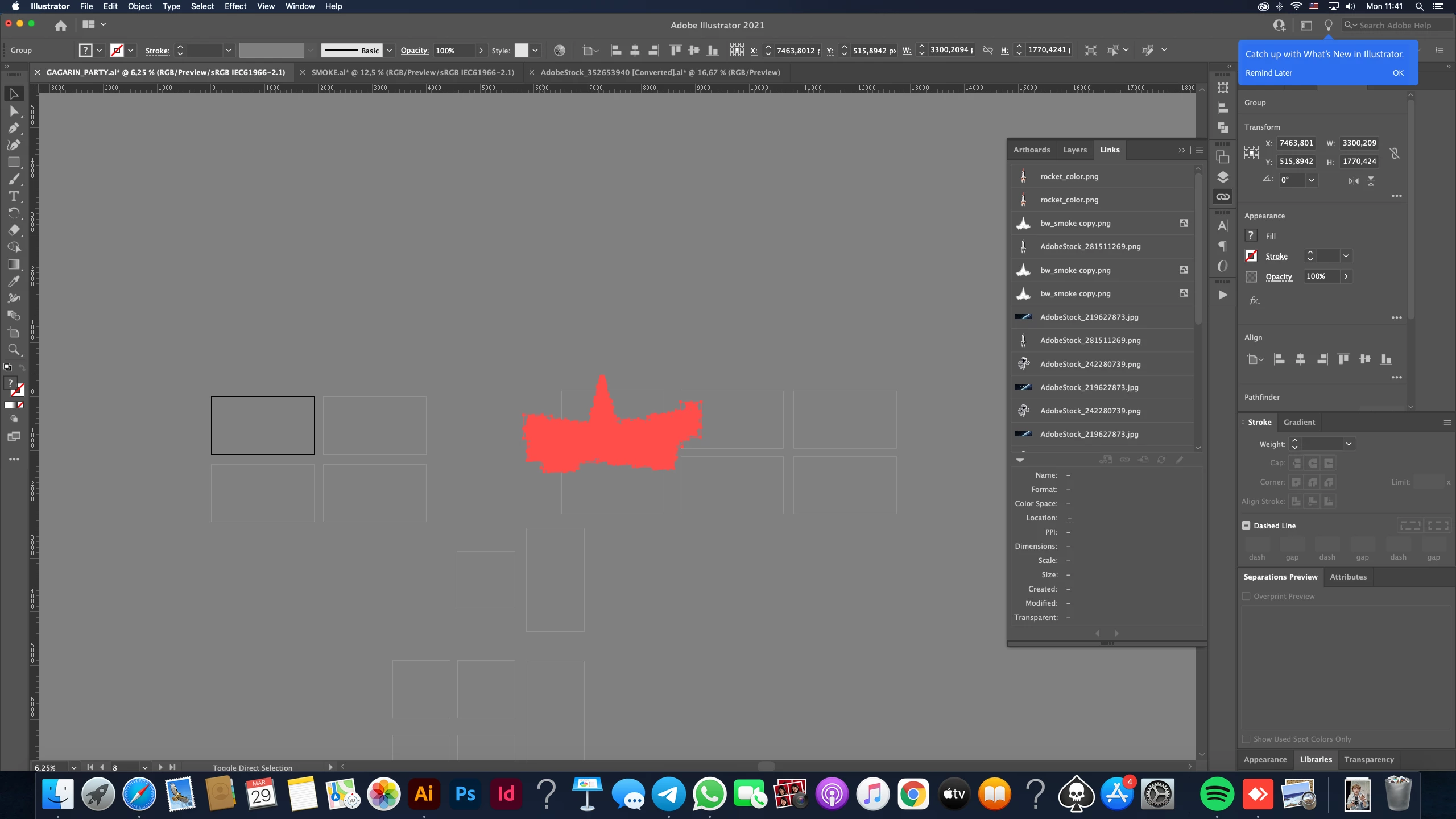
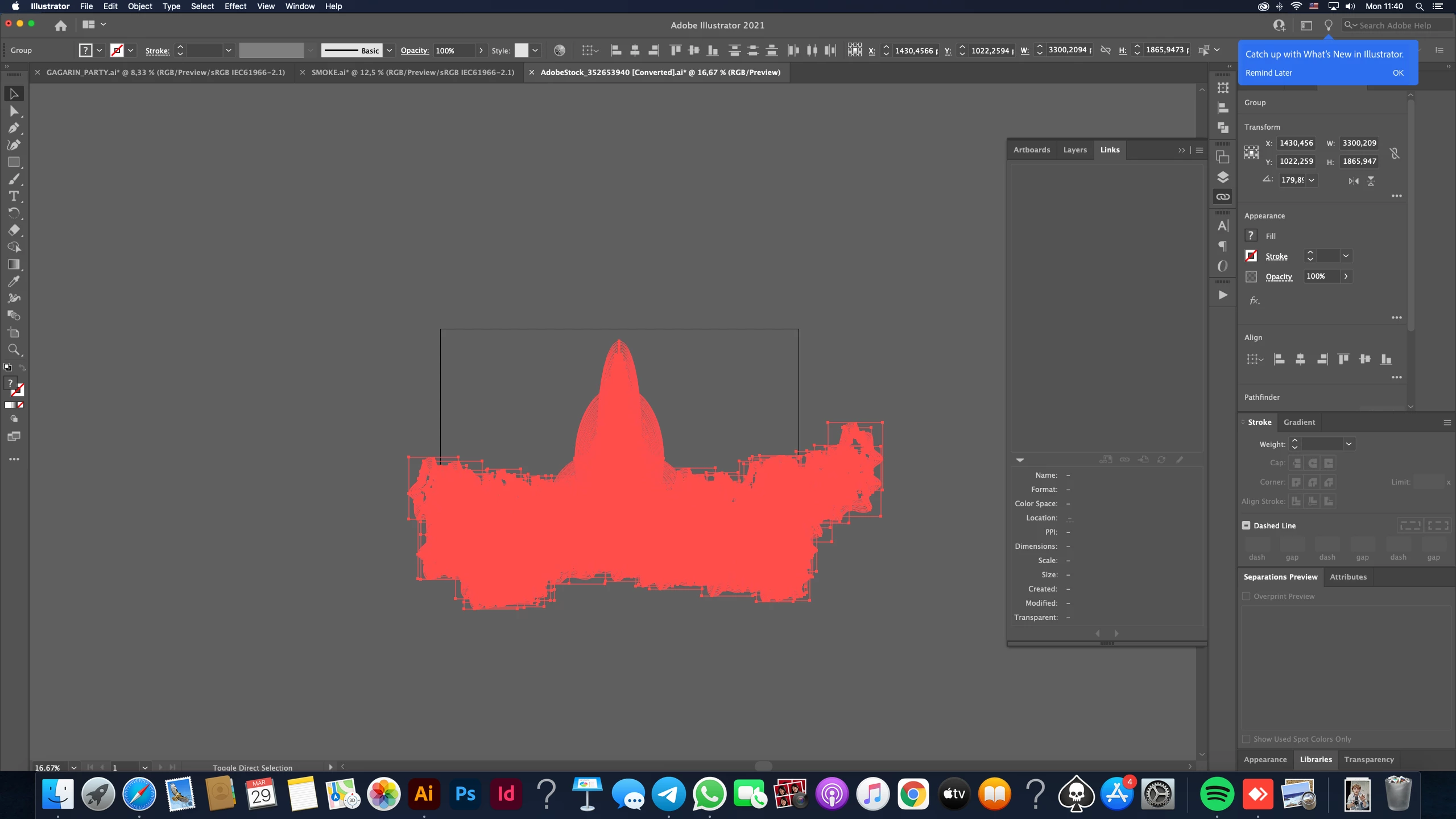
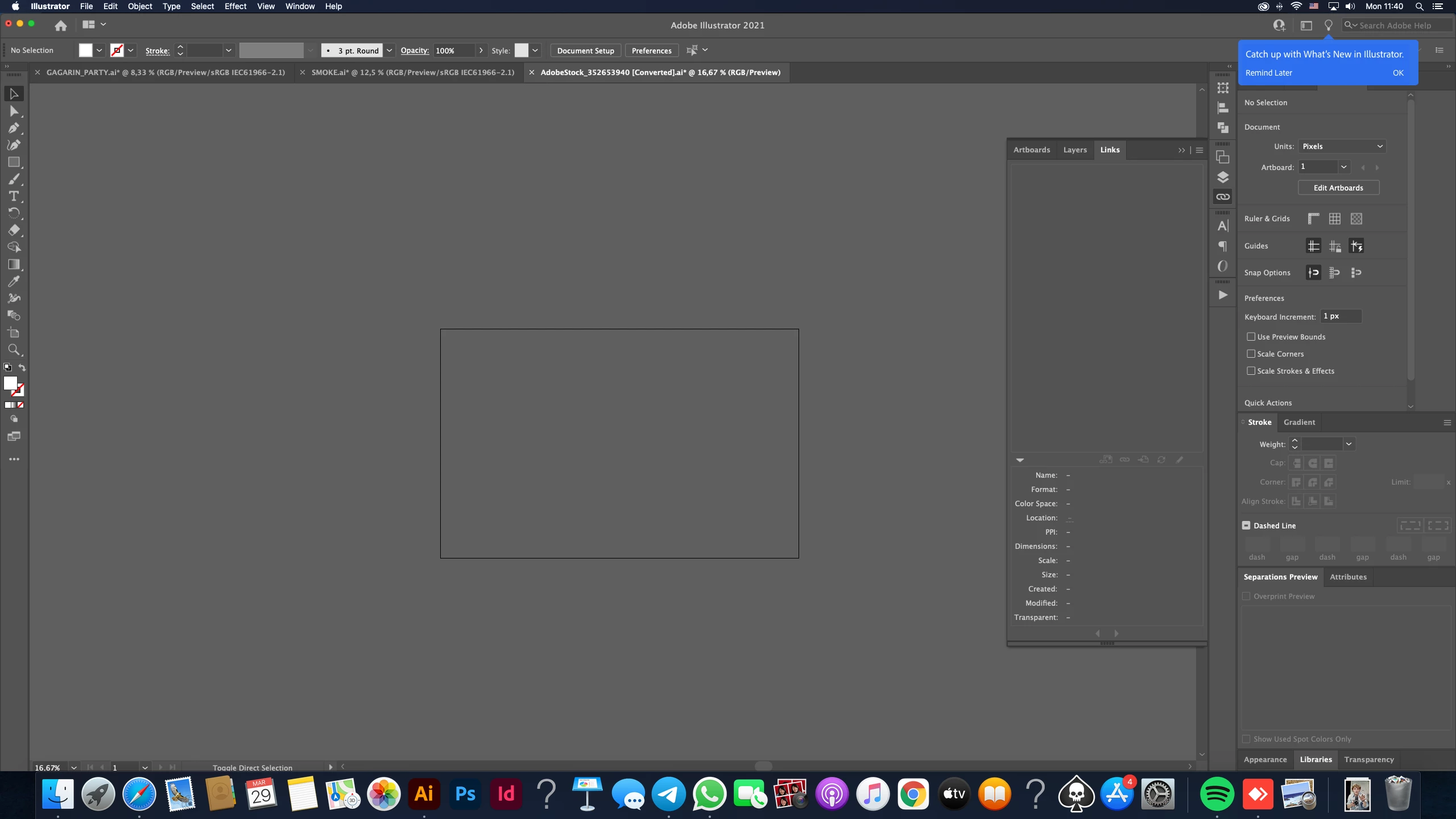
When I open this file everything turns grey and I can't see an object at all. 
The object is still there, I can see it when i go to outline mode.
Somebody, please, tell me whats going on?

Also, when I first opened this file it said something about honering 9-slice scaling of symbols. maybe it helps
This topic has been closed for replies.
Correct answer Monika Gause

There are a couple of PNGs in that file, any chance that they cover the object?

What does the layers panel tell you about the file?


The symbols error just tells you that this is a very old file. Or a file created by some other software that can only write AI version 8 files.


So what is the history of that file? Where did you get it from?

2 replies

Monika Gause
Community Expert
Monika GauseCommunity ExpertCorrect answer
Community Expert
March 29, 2021

There are a couple of PNGs in that file, any chance that they cover the object?

What does the layers panel tell you about the file?


The symbols error just tells you that this is a very old file. Or a file created by some other software that can only write AI version 8 files.


So what is the history of that file? Where did you get it from?

Igor5E62Author
Participant
March 30, 2021

Hi! By unchecking some layers everything came back to normal, so thank u very much!

This file I got in stock and it is possible that this bug happened because of the newer version of illustrator that I just reinstalled. Still a mystery, but at least I can deal with it.
Thank u again and have a nice day!

Participating Frequently
March 29, 2021

Hi,

try by copy paste that object into a new document

Igor5E62Author
Participant
March 29, 2021

Hi, it didn't help. The new document turned grey as well