
Resuelto
Help! How has this texture been applied to this shape?
Hi All,
I've inherited a file that features a shape with a bitmap transparent texture. The trouble is I can't work out how it's done, and therefore replicate it for other shapes.
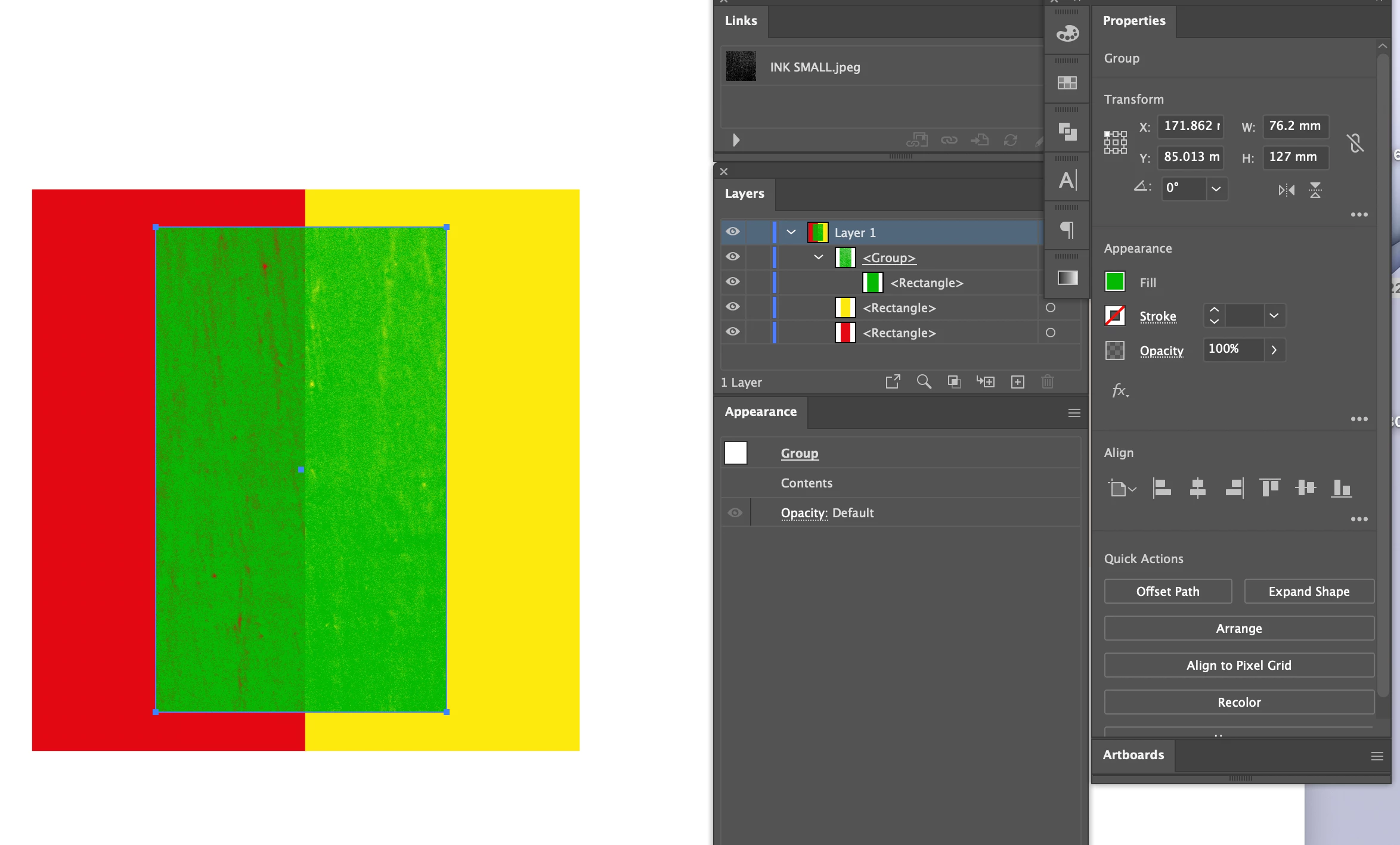
1. Here's the inherited textured shape shape. As you can see, the shape is in a group, but the group is showing as just the green box. There is no clipping mask or effect applied.
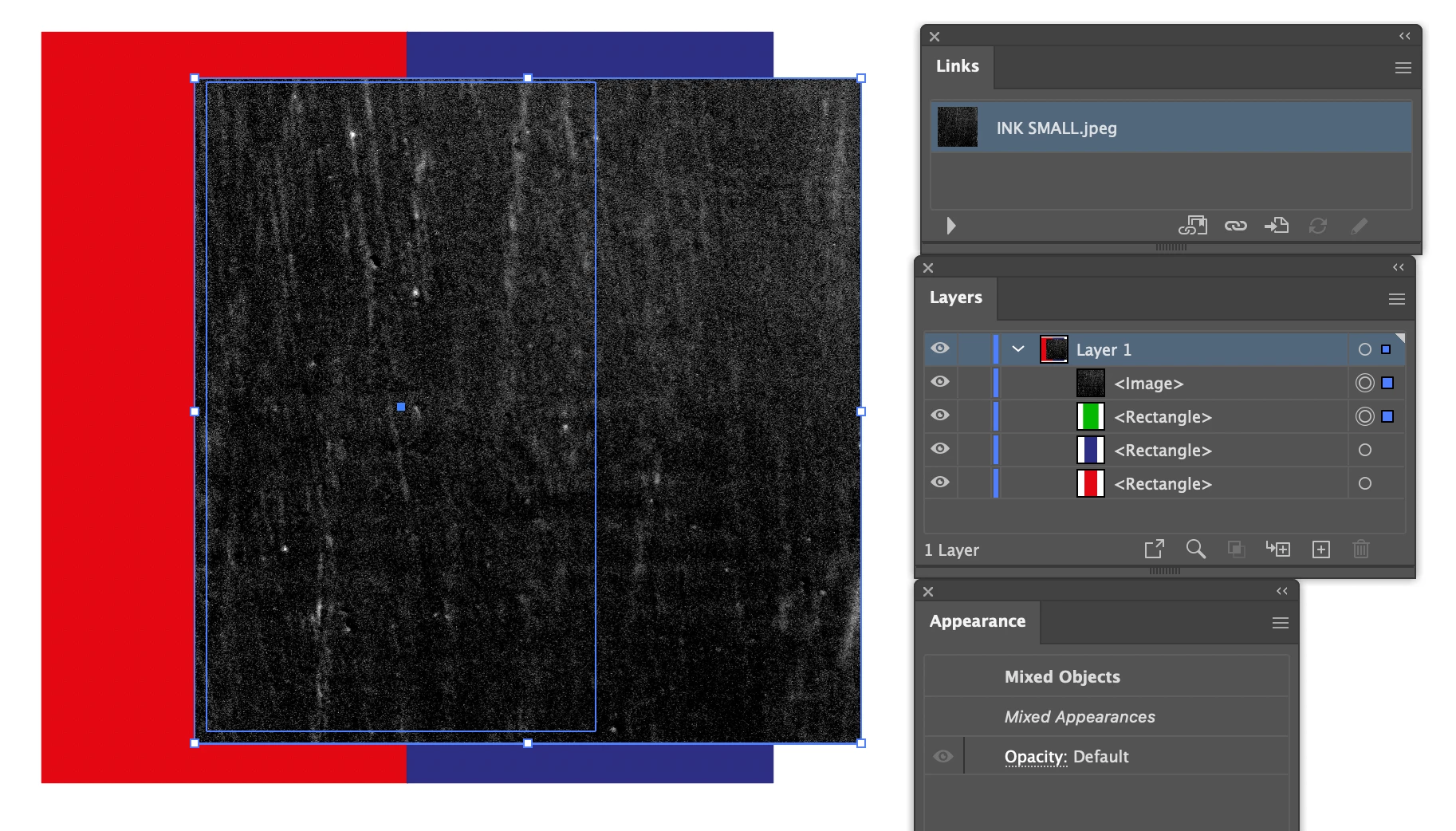
2. On 'Ungroup’ the jpg texture is revealed overlaying shape. Regrouping just gives me a group with the green box and the black JPG - it does not replicate the transparent texture of the original.
Please help - deadlines looming!
Thanks,
Rick
 AdChoices