


Participant
June 14, 2017
Answered

Help illustrator errors

  • June 14, 2017
  • 2 replies
  • 273 views

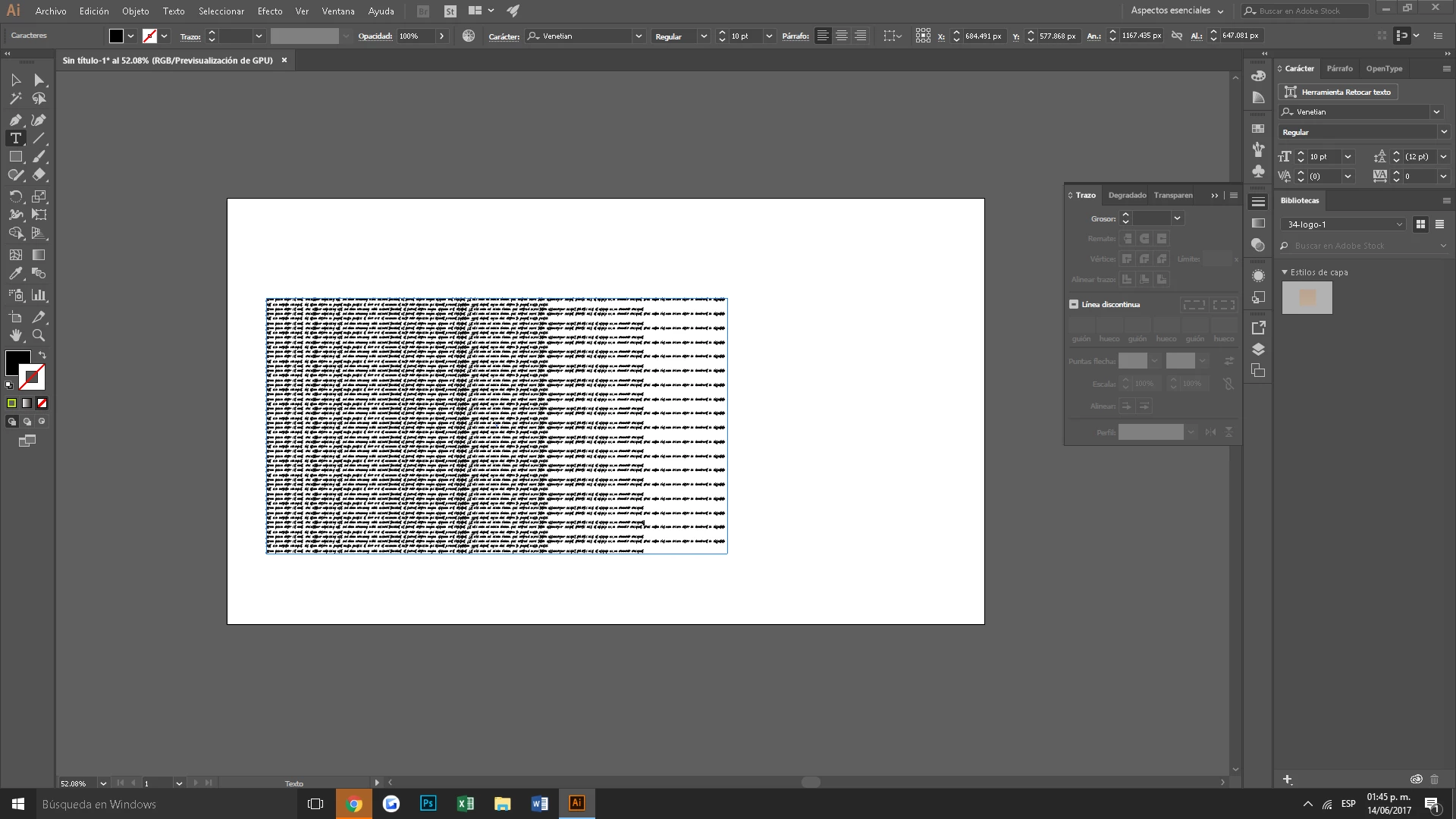
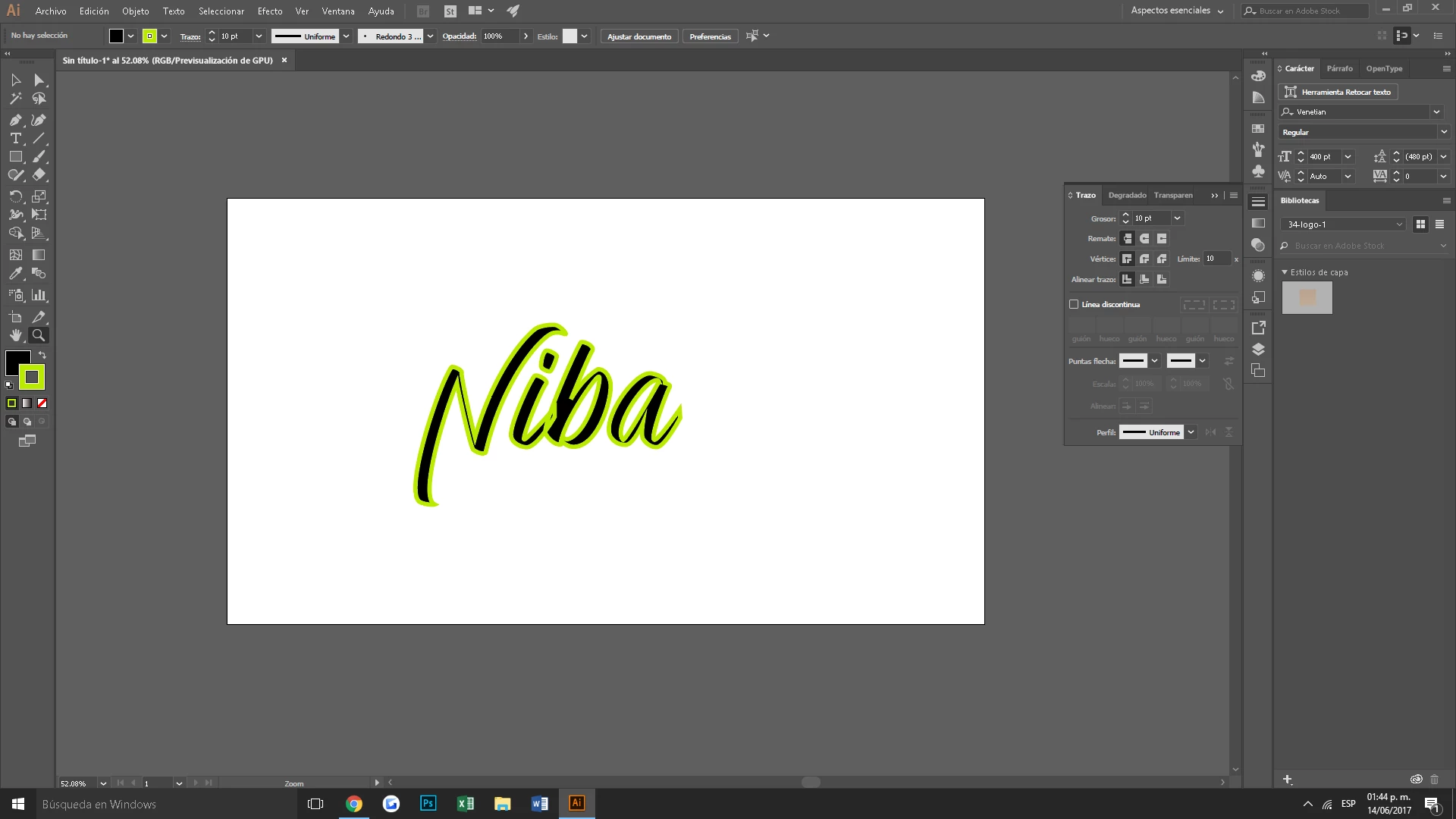
Hola necesito ayuda con illustrator , (1) Cuando abro para escribir un texto se ve asi , Solucion para que no se vea mas? (2 foto) quiero ponerle un trazo al texto y cuando le doy a exterior no se hace nada se queda en trazo interior ! HELP
    This topic has been closed for replies.
    Correct answer Monika Gause

    To get a stroke to the outside, you will have to select the text object with the selection tool. Then open the appearance panel and add the stroke. Then move that stroke to the bottom. Please read the documentation about the appearance panel.

    The text in your object is placeholder text. Just delete it. Or Check Preferences > Text. There's a setting to disable placeholder text.

    2 replies

    barbara_a7746676
    Community Expert
    Community Expert
    June 14, 2017
    1. Select the text with the black Selection tool.
    2. Change the fill and stroke to none.
    3. In the Appearance panel, select Type and choose Add New Stroke.
    4. Click the down pointing arrow and choose the color you want.
    5. In the Appearance panel menu, choose Add New Fill.
    6. Select the fill color that you want.
    7. It is important that the Stroke is underneath the Fill in the Appearance panel. If it is not, then drag the fill or stroke to rearrange them.
    Monika Gause
    Community Expert
    Monika GauseCommunity ExpertCorrect answer
    Community Expert
    June 14, 2017

    To get a stroke to the outside, you will have to select the text object with the selection tool. Then open the appearance panel and add the stroke. Then move that stroke to the bottom. Please read the documentation about the appearance panel.

    The text in your object is placeholder text. Just delete it. Or Check Preferences > Text. There's a setting to disable placeholder text.