Exit
  • Global community
    • Language:
      • Deutsch
      • English
      • Español
      • Français
      • Português
  • 日本語コミュニティ
  • 한국 커뮤니티
0

[HELP] illustrator printing issue: "mismatch lines"

New Here ,
Nov 06, 2022 Nov 06, 2022

Hello,

I want to print out a pattern on several sheets of A4 size paper.

When I printed the pattern and attached paper, the height of lines were not matched.

The lines all match on the program screen. What's the problem? 😥😥😥


화면 캡처 2022-11-07 162515.jpg

illustrator - program all lines are matched 
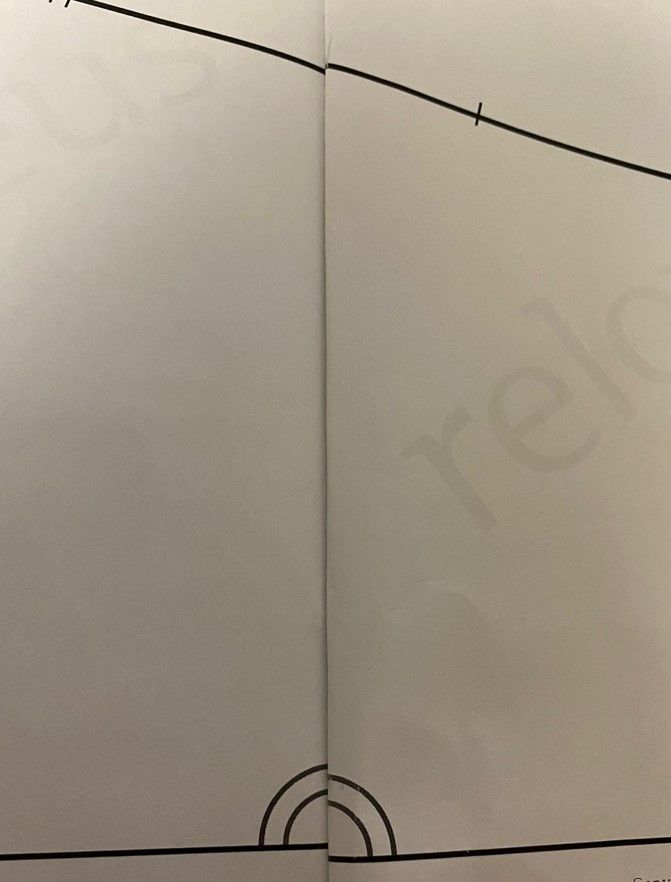
화면 캡처 2022-11-07 162339.jpg

print out - mismatch lines... all same paper 
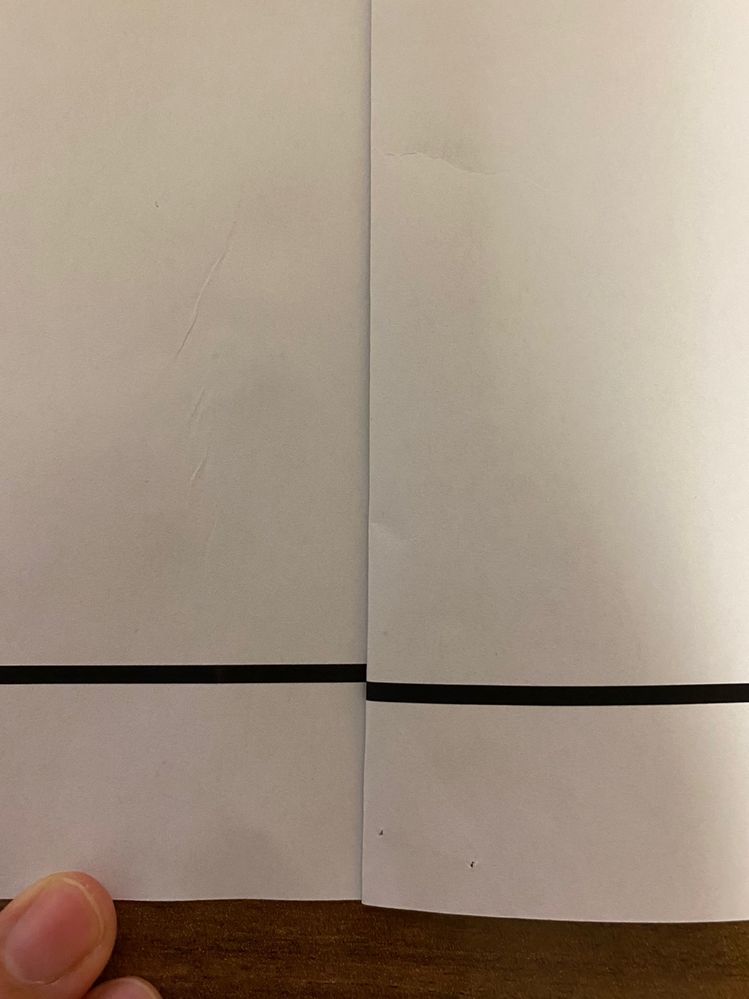
화면 캡처 2022-10-19 201359.jpg

even one straight line doesn't match... 

화면 캡처 2022-11-07 160818.jpg


When I asked Adobe helper, he said it was difficult to solve there and asked to Adobe community. Your answer is my big hope. Solving this problem is very important to me . 

please please help me....!!


thank you very much!

TOPICS
Bug , Import and export , Print and publish , Tools
144
Translate
Report
Community guidelines
Be kind and respectful, give credit to the original source of content, and search for duplicates before posting. Learn more
community guidelines

correct answers 1 Correct answer

LEGEND , Nov 07, 2022 Nov 07, 2022

Do not print multiple artboards. Create your artwork on a large artboard and set the print tiling in the print dialog or create the PDF and print the PDF using the tiling options there.


Mylenium

Translate
Adobe
LEGEND ,
Nov 07, 2022 Nov 07, 2022
LATEST

Do not print multiple artboards. Create your artwork on a large artboard and set the print tiling in the print dialog or create the PDF and print the PDF using the tiling options there.


Mylenium

Translate
Report
Community guidelines
Be kind and respectful, give credit to the original source of content, and search for duplicates before posting. Learn more
community guidelines
