
Participant
September 22, 2020
Answered

Help me please! Ilustrator no me deja colocar imágenes

  • September 22, 2020
  • 2 replies
  • 8250 views

Buenos dias, les escribo para pedir ayuda.


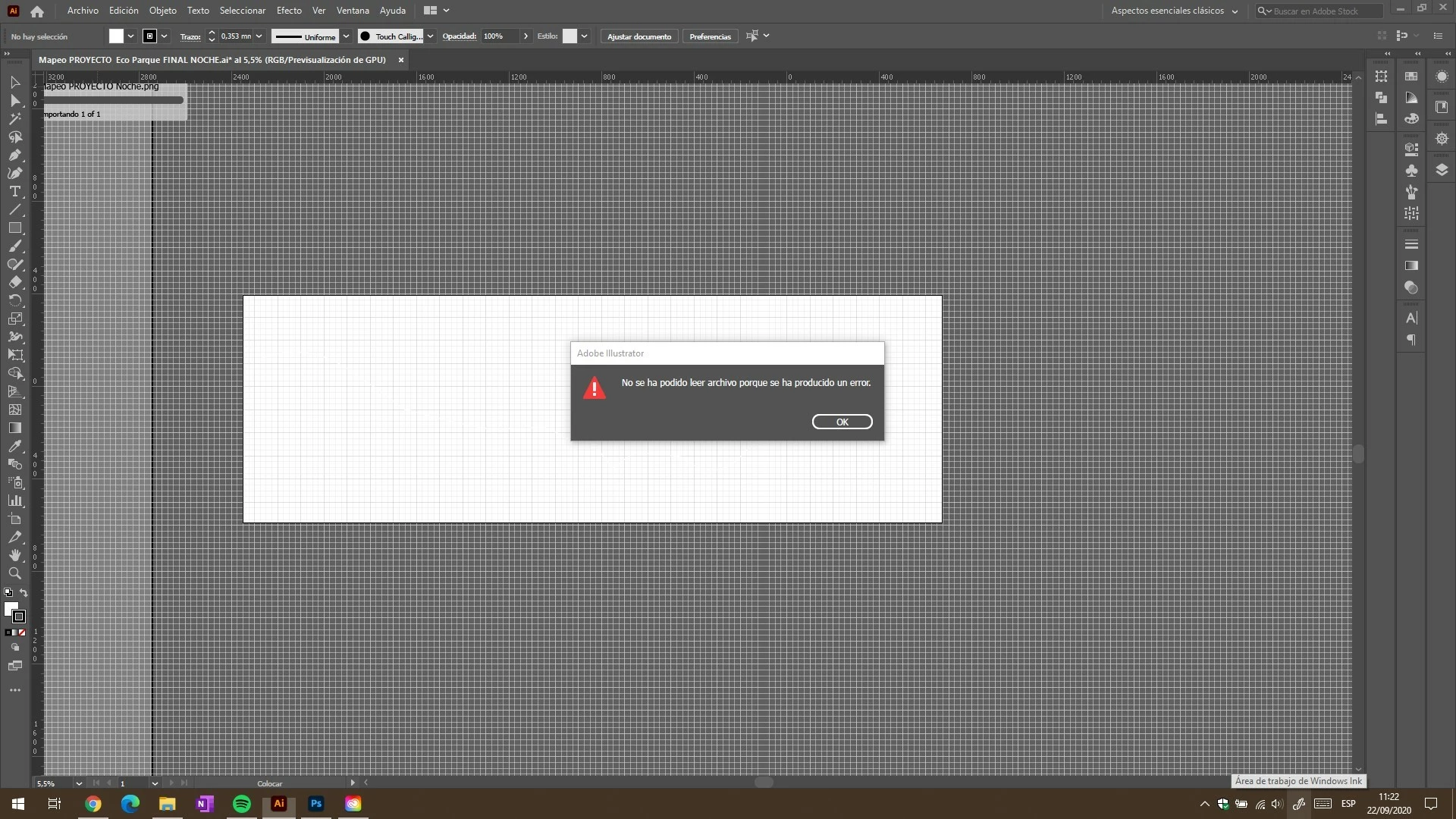
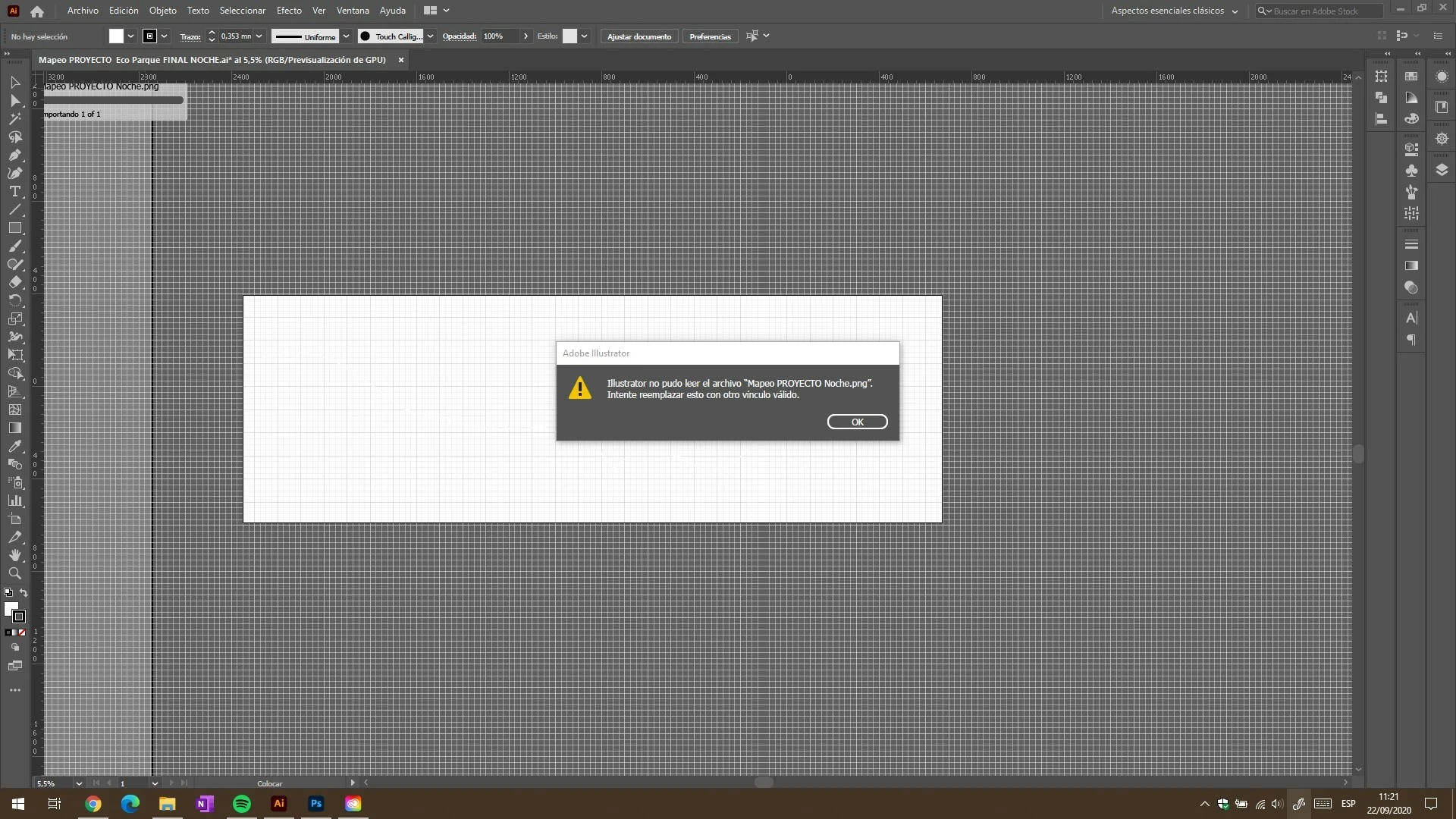
Ilustrator no me esta dejando colocar imagenes; eh buscado informacion en internet y en varios post sobre este tema. Pero ya no se que mas intentar, necesito su ayuda.

Tengo siempre Actualizado mi Ilustrator de forma automatica, mi pc presenta un procesador i7, 32gb de Ram y Grafica Nvidia GTX960m


Eh intentado abrir los archivos en Paint, en Photoshop, volver a guardarlos como png o tiff o etc. Pero de ilgual menera al momento de colocarlos me da error
 

This topic has been closed for replies.
Correct answer Ton Frederiks

Thank you, Ton. My version is Adobe Illustrator 2021. You also recommend me to turn to "Other versions"?


Alizia, if you check About Illustrator you will see your version. The latest 2021 version is 25.4.8, try to go back to 25.4.7.

In the Creative Cloud Desktop app, select "All Apps". Click the 3 dots next to your Illustrator, select "Other versions" and choose Illustrator (25.4.7)

2 replies

Ashutosh_Mishra
Inspiring
September 25, 2020

Hi there,


Sorry to hear about your experience. In addition to information asked by Monika, please share version of OS & Illustrator?

Does it happen with a specific file or all? Are these files stored on a local drive or network?

If they are on a network drive, please try copying them on a local drive and then place them. Let us know if it helps.

Looking forward to your response.


Regards,

Ashutosh

Participant
September 25, 2020

Hola,


La version de Windows 10 home 2004

Ilustrator Version 24.3


Me di cuenta de que solo realiza el problema con los archivos creados propiamente por ilustrator, cuando los exporto como png, luego no me deja colocarlos en otro archivo ilustrator

Pero si me deja abrirlos con photoshop y con Indesing.

Tambien me di cuenta que esos archivos los cuales me dan error, tampoco me los lee el Bridge, solo los marca como archivos pero no me da pre visualizacion.


Subi los archivos a la nube y volvi a colocarlos pero tampoco me lo permite, por ahora la unica solucion que logre que funcionara fue de tomar el png con photoshop, recortarlo por los bordes y volver a guardarlo.


Gracias por su ayuda, saludos

Srishti Bali
Community Manager
Community Manager
October 15, 2020

Hi there,


Sorry about this trouble and the delayed response.  This is definitely not a typical experience with Illustrator. Could you please share a few sample files? Also confirm where are the files saved (Network Drive/ System HDD/ Shared Folder on System /External HDD)? 


When did this start happening? Are there any recent changes made to your system? For example, any antivirus, system updates or web extensions installed recently. 


Regards,

Srishti

Monika Gause
Community Expert
Community Expert
September 22, 2020

Where are the files located?

Anything strange in the file names? Long names, special characters?

Does it also happen with a short filename and the file on the local disk?

Participant
September 25, 2020

Los archivos se encuentran dentro de la Unidad local del disco

No presentan nombres extraños Ej: "1_Proyecto Planta"

Tambien me sucede si subo los archivos a la nuve, al momento de colocarlos me da el error