

Doug A Roberts
Community Expert
Community Expert
July 21, 2023
Question

Help me test something? Knockout Group text disappears at at certain zoom level

  • July 21, 2023
  • 2 replies
  • 557 views

AI version 27.7 on Windows 11. I haven't tried other versions yet.

The object here is RGB black point text, set to 0% opacity and used in a knockout group over a rectangle. Looks normal at 66.67% zoom:
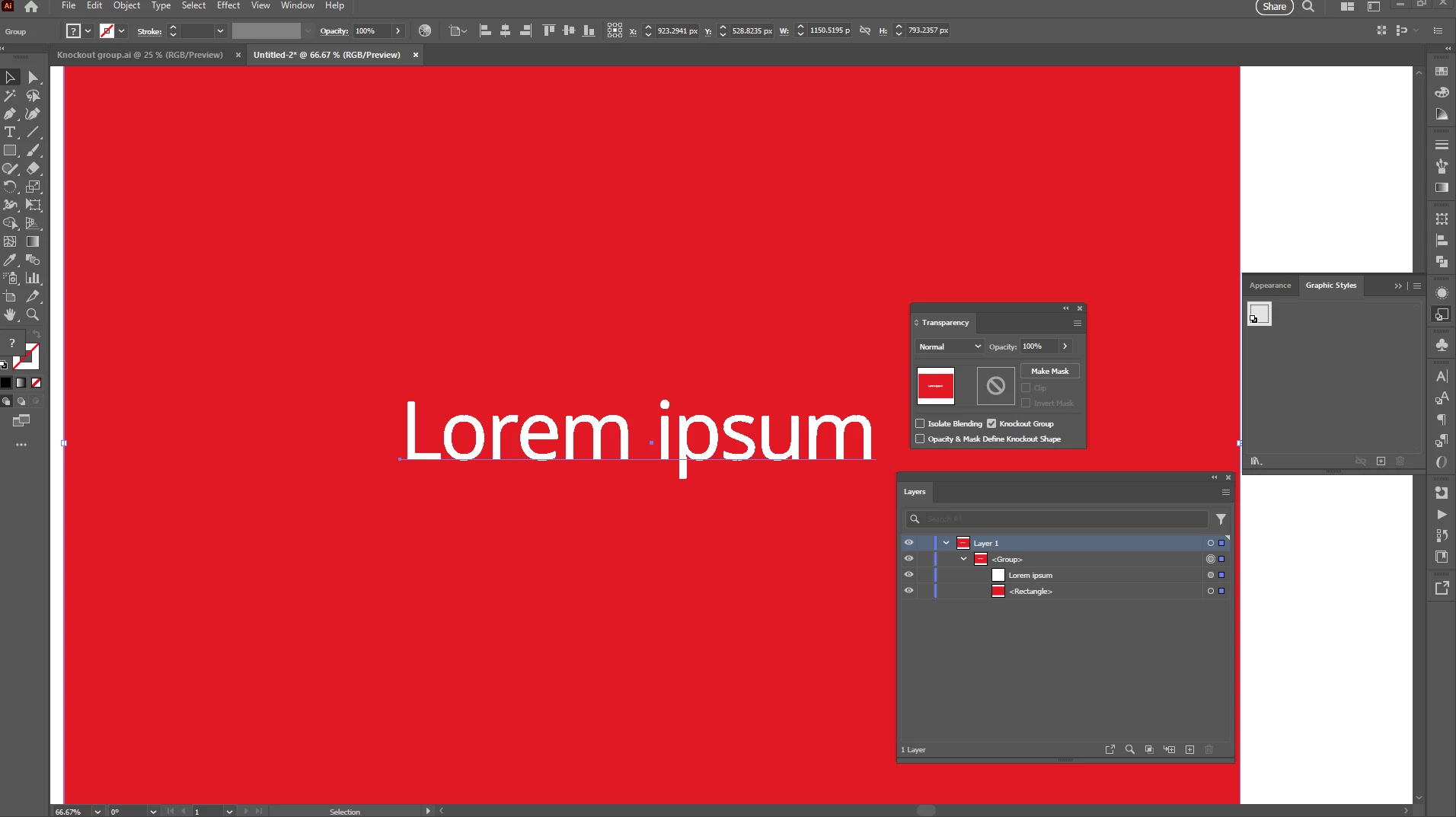
If I zoom out any more, the text disappears:
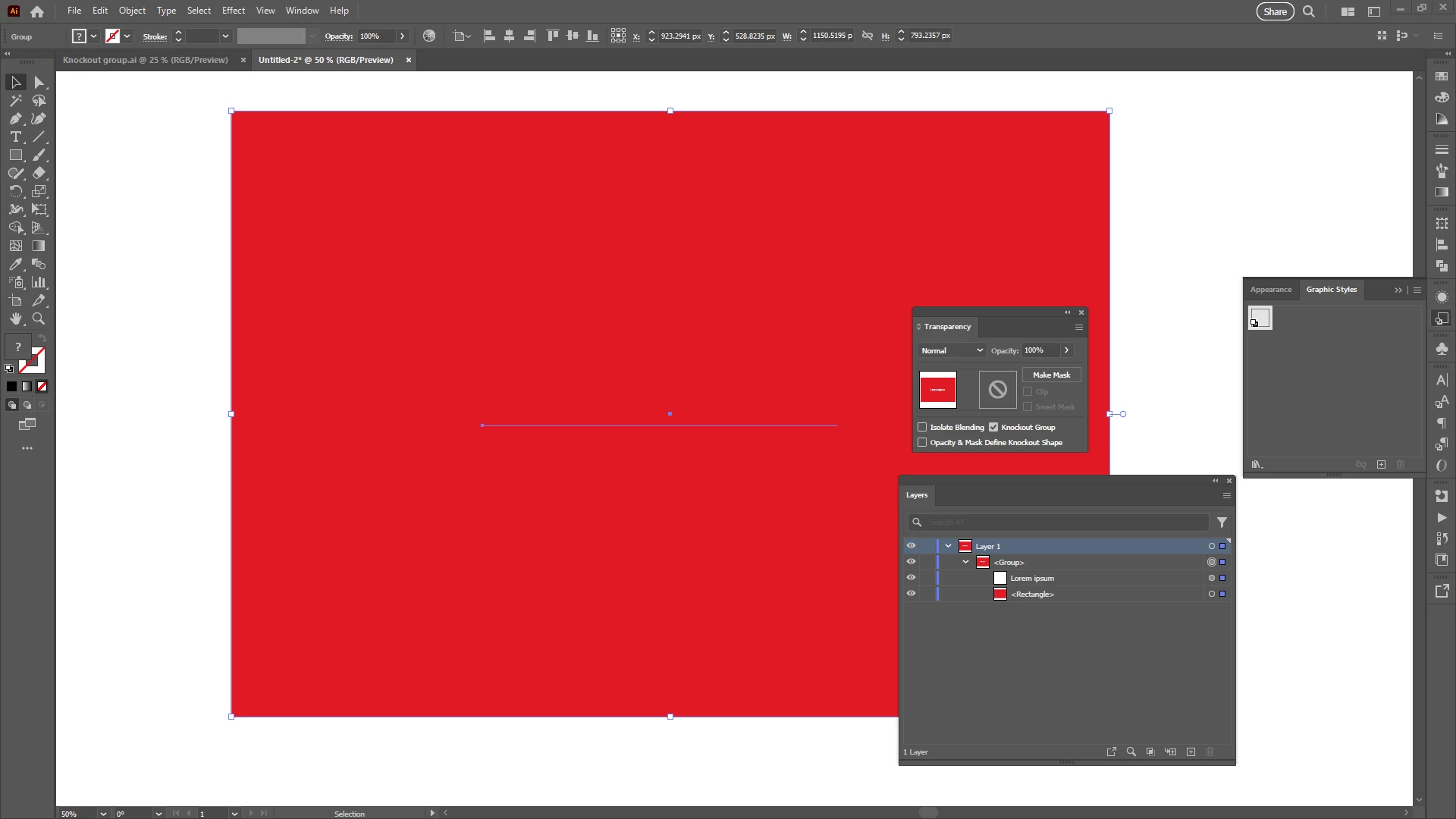
 

It's still there and exports fine, but disappears on screen. Only seems to occur with text, and the zoom level before it disappears seems different for different sized text objects. Can anyone else confirm/deny?

This topic has been closed for replies.

2 replies

Ton Frederiks
Community Expert
Community Expert
July 21, 2023

That works fine on my machine, but I am not a fan of knockout groups.

They are not very reliable, not only with graphic cards preview, but they can also fail to display properly in PDF files.

In Browsers, Apple Preview app and even Acrobat.

Monika Gause
Community Expert
Community Expert
July 21, 2023

Apple Preview doesn't count in any way.


But Acrobat? I would be interested in the kind of knockout groups that fail in there.

Ton Frederiks
Community Expert
Community Expert
July 21, 2023

Which seems logical. Your browsers probably use the same engine as Apple Preview and CC Web is probably built around Acrobat. 

I still like knockout groups because of flexibility. In order to get the correct output you can still flatten transparency before saving the PDF.


Unfortunately Flatten Transparency does not solve the problem with the rectangles.

Monika Gause
Community Expert
Community Expert
July 21, 2023

Is it the same in CPU preview?


Knockout groups always had issues with the GPU.

Doug A Roberts
Community Expert
Community Expert
July 21, 2023

Yes, seems to be an issue with GPU preview.

Monika Gause
Community Expert
Community Expert
July 21, 2023

Depending on the graphic card, knockout groups sometimes do not work at all in GPU preview. 

That has been happening since the introduction of GPU preview.