


Help! pen tool to make shape? but its still a path> DO I need to create to a shape ????
Hi
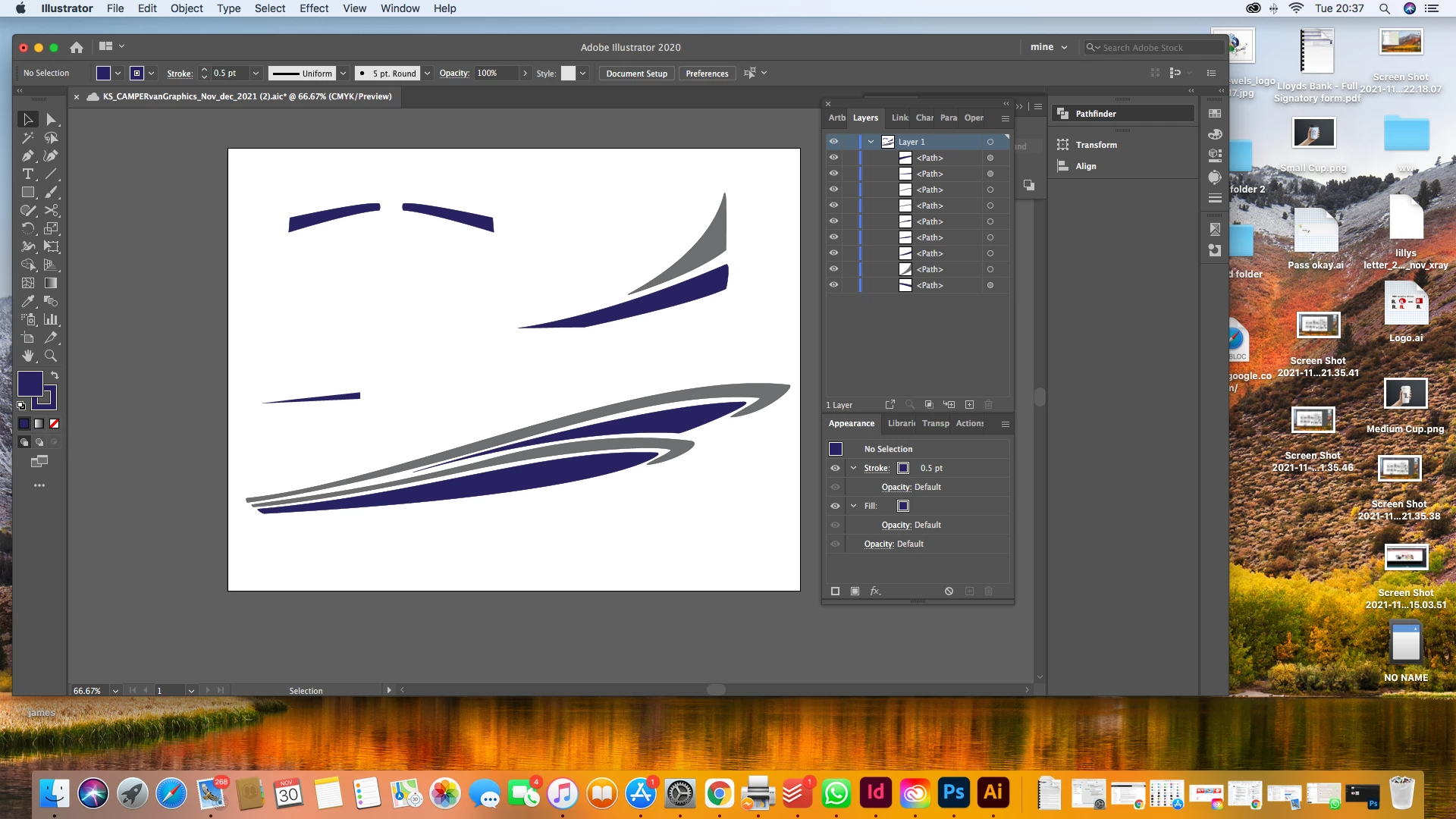
I would like to covert these paths (i used to make shapes) to objects or shapes - the reason; I want to add a bevel and emboss effect with gradient to them, then open them back in illustrator to save and covert to PDF for printer. The are van graphics so need to go very large - hence doing it in Ai so it can be a vector to size up and print.
I've tried convering to a shape - just a warning comes up saying 'not converted'
do i even need to change it to shape/object? do I need to create an outline? im soooo confused and need to get this done for the client at lunch time tomorrow.
so i need to do the following by not lossing any quality and making sure it remains a vector.....
1. add the bevel and emboss effect in PS (I can do that its transfer the files between PS and Ai - tried to export it as an asset but it loses quality
2. open it back up in Ai, add a cut line and bleed (which i can do)
 AdChoices