Participant
January 27, 2020
Answered

Help! Why are my tool palette windows in 'dark mode'???

  • January 27, 2020
  • 2 replies
  • 986 views

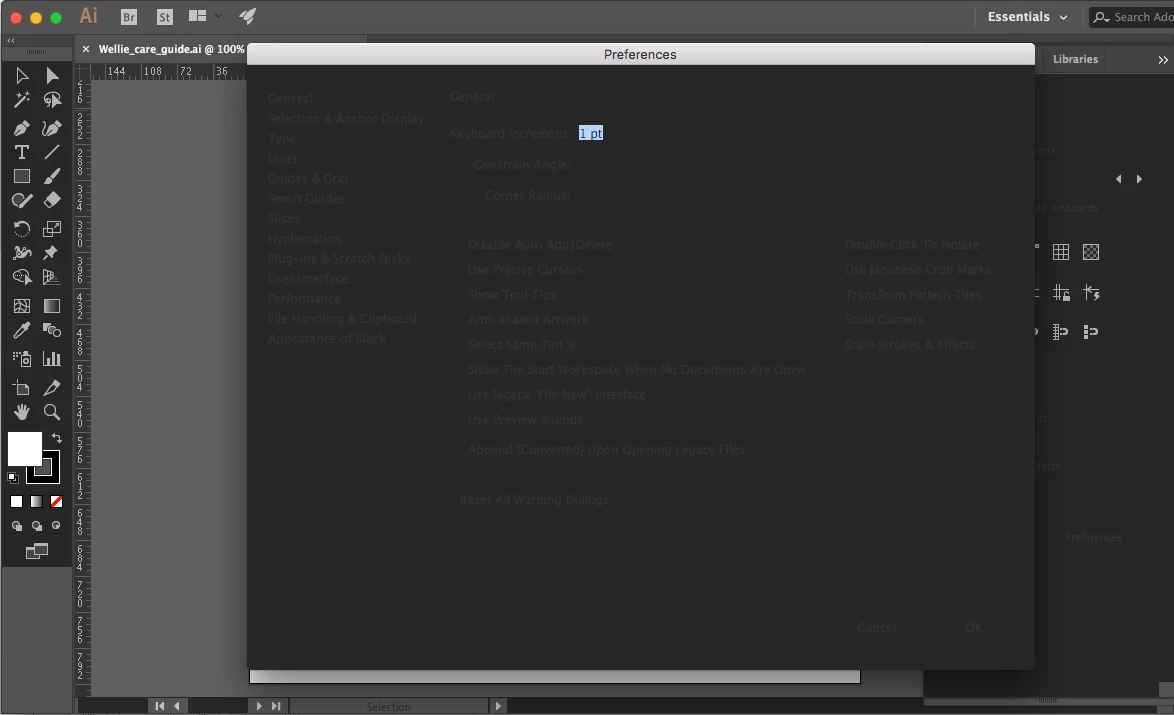
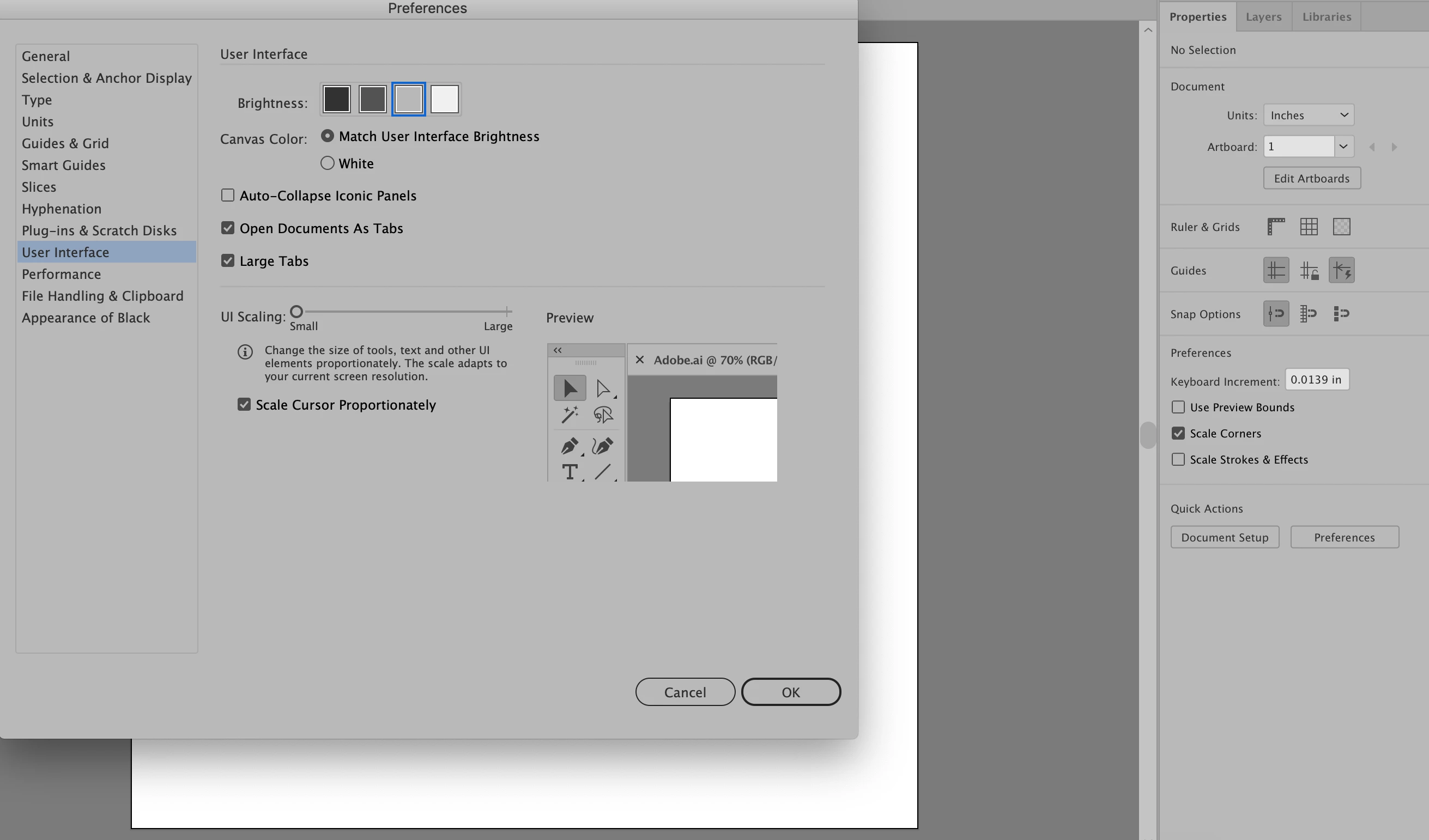
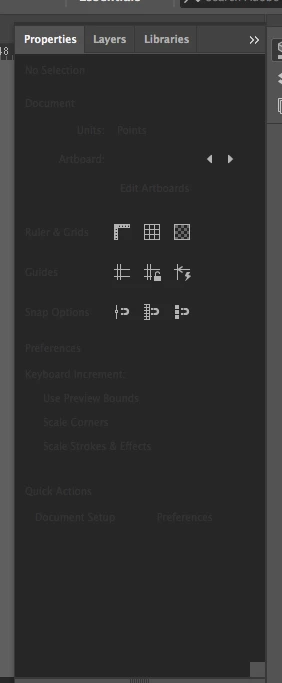
Just powered up Illustrator after months of not using and my tool palettes are nearly unreadable. I have gone into Preferences > User Interface and played around with 'Brightness' but that does not affect the backgrounds of the tool palettes. I can barely see what I am trying to do. Anyone know the fix to this?

Thanks

Andrea
 

This topic has been closed for replies.
Correct answer chanaart

Command or Control K to take you to the preference file and change the color of the interface....

2 replies

chanaart
Community Expert
chanaartCommunity ExpertCorrect answer
Community Expert
January 28, 2020

Command or Control K to take you to the preference file and change the color of the interface....

andreajjAuthor
Participant
January 28, 2020

Thank you. Yes, I have done this and the tool palette background does not change as I cycle through the white and 3 greys. So weird!


Warren Heaton
Community Expert
Community Expert
January 28, 2020

You definately have an issue that goes beyond setting the User Interface Brightness.


Your panels are dimmed in a way that's not controlled via preferences.


Are you able to use the text fields to enter values or are those dimmed as well?


Warren Heaton
Community Expert
Community Expert
January 28, 2020

Which version of macOS are you running?


Which version of Illustrator are you running?

andreajjAuthor
Participant
January 28, 2020

OS X 10.11.6

Illustrator CC2018