
Answered
Help with borderless printing in Illustrator Epson ET-8550
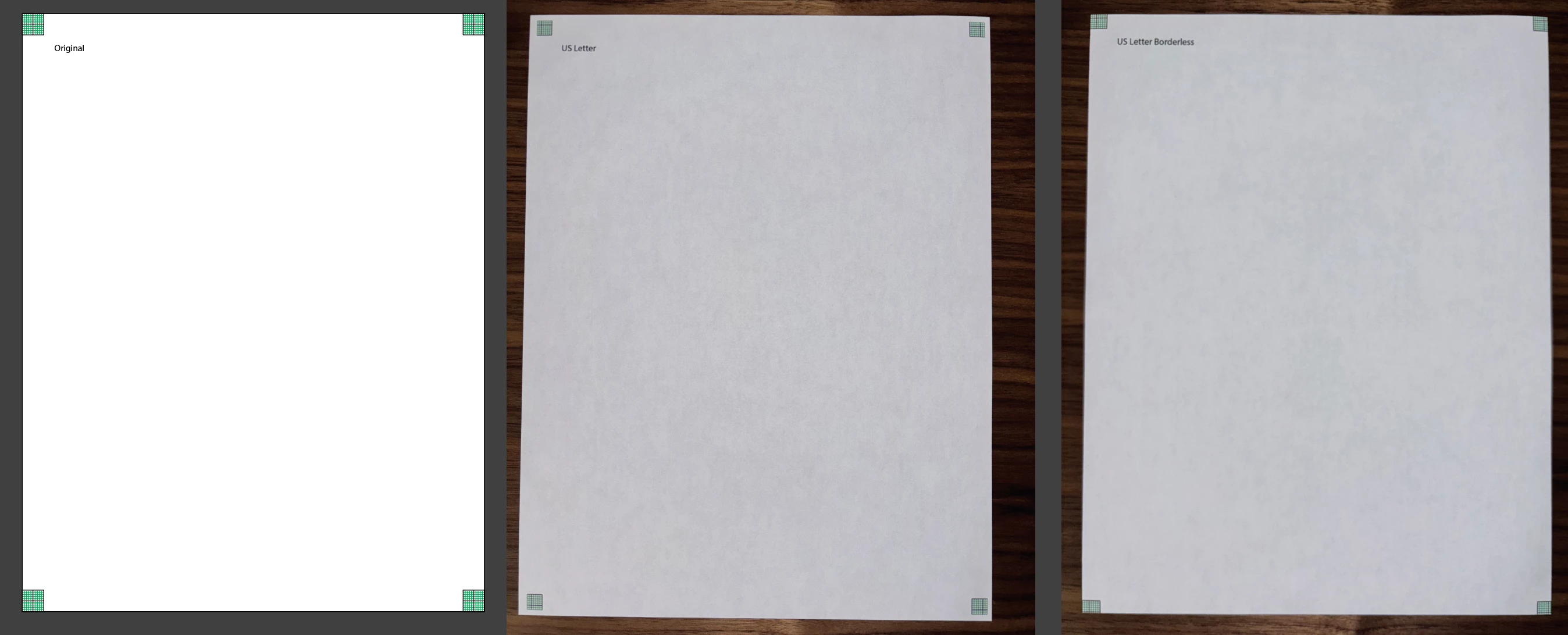
Hi... I am new to producing printed output. I just attempted to print my first 13x19 on high quality paper, and unexpectedly, ended up w/ a ~1/4" white border all the way around, which maked the content at the edge.
Instead of trial-and-erroring w/ the expensive paper, I thought I'd tinker more w/ cheaper copy paper.
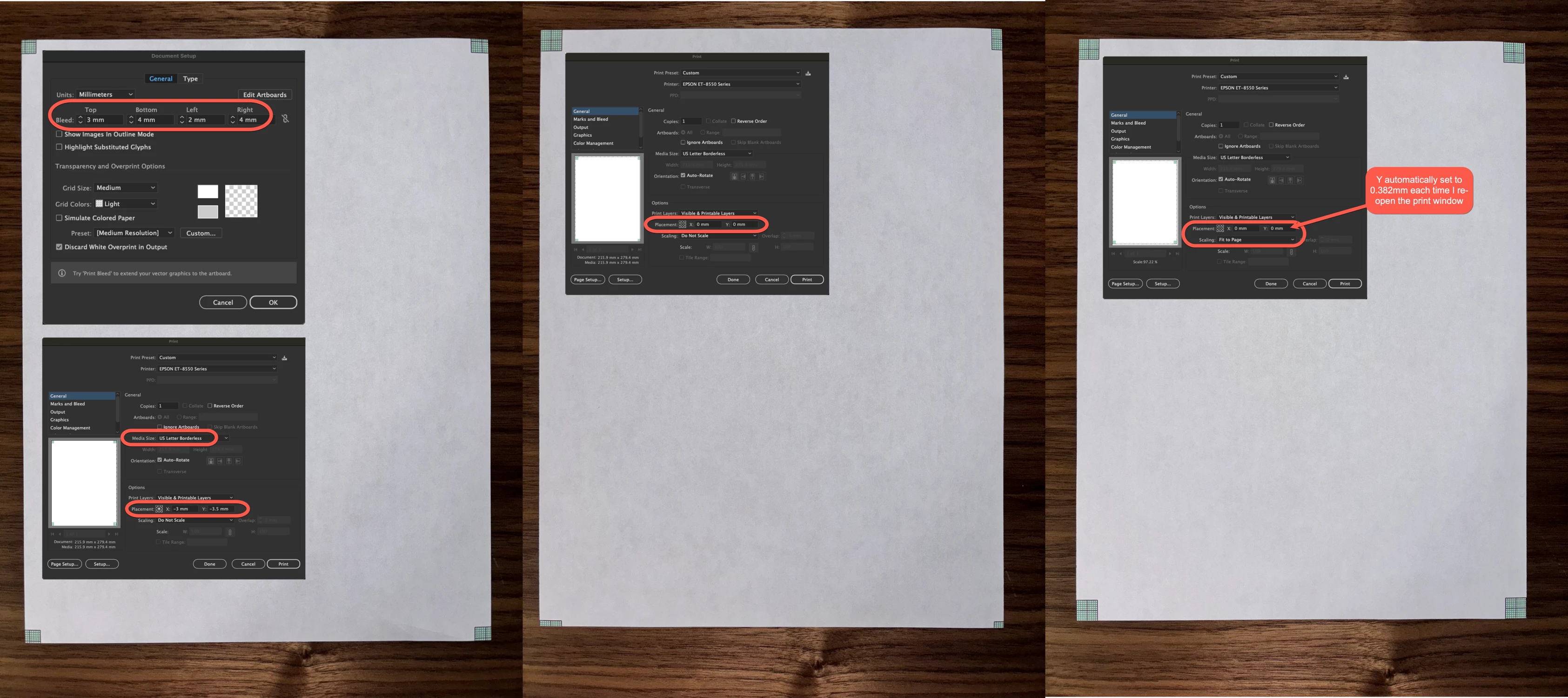
I don't quite undersatand what is happening. Seems if I print 'non' Borderless on US Letter, I similarly get a white border that masks part of the image (see "US Letter").... and if I print Borderless, it seems to stretch the image a bit, and cuts off the edge (see "US Letter Borderless"
How might I more reliably get edge-to-edge printing w/o cutting off (or border/masking) content?
 AdChoices