
dylanc5138440
Participant
October 2, 2018
Question

Help with Illustrator being slow

  • October 2, 2018
  • 1 reply
  • 300 views

Hello

I am working on a document that requires a texture of splotches across the main color gradients causing the document size to be pretty huge.

See picture:
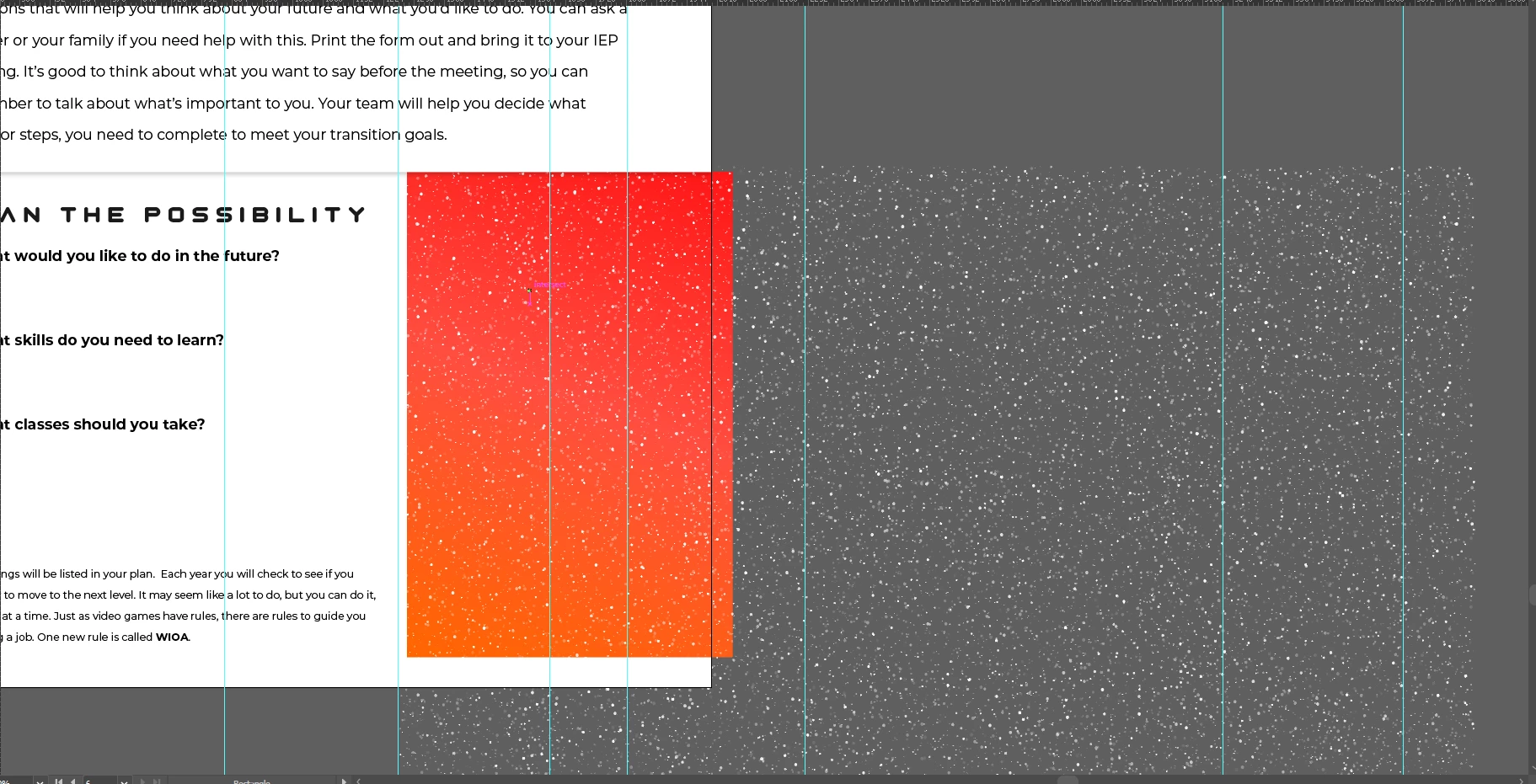
Right now they're all individual points, etc. I won't need to edit the color of the splotches so am I correct that I can create a symbol or object or what not and that will drastically reduce the document size?

Thanks

    This topic has been closed for replies.

    1 reply

    Monika Gause
    Community Expert
    Community Expert
    October 2, 2018

    Symbols will only get down document size when they're used repeatedly. If you only use your symbol once, it won't have any effect on document size.

    dylanc5138440
    Participant
    October 2, 2018

    Yeah I'm going to be putting these splotches all over the document repeatedly in different spots.

    Monika Gause
    Community Expert
    Community Expert
    October 2, 2018

    So you want to have each of these spots as a symbol?

    Probably you will save more disk space by saving the document without the option "PDF compatible" (not an option when you want to use the AI doc in layout apps).

    Also: the document might still be slow when panning and zooming.