But hit CONTROL ALT DELETE and End Task on Illustrator. Restart Illustrator and maybe if you are lucky it will come back when you open it up. If lucky it will allow you to restore the file.... it may miss some steps, but better than nothing.
Just do not do File Quite other wise forget it.
Now this is not a fool proof idea. It may be futile. But if it works then good. If not then well, it is what it is.
Let's connect on LinkedIn. https://www.linkedin.com/in/kshinabery/
Hi, we need more information to help you. Which version of Illustrator are you using? What are the features of your computer? Does this problem occur with all files?
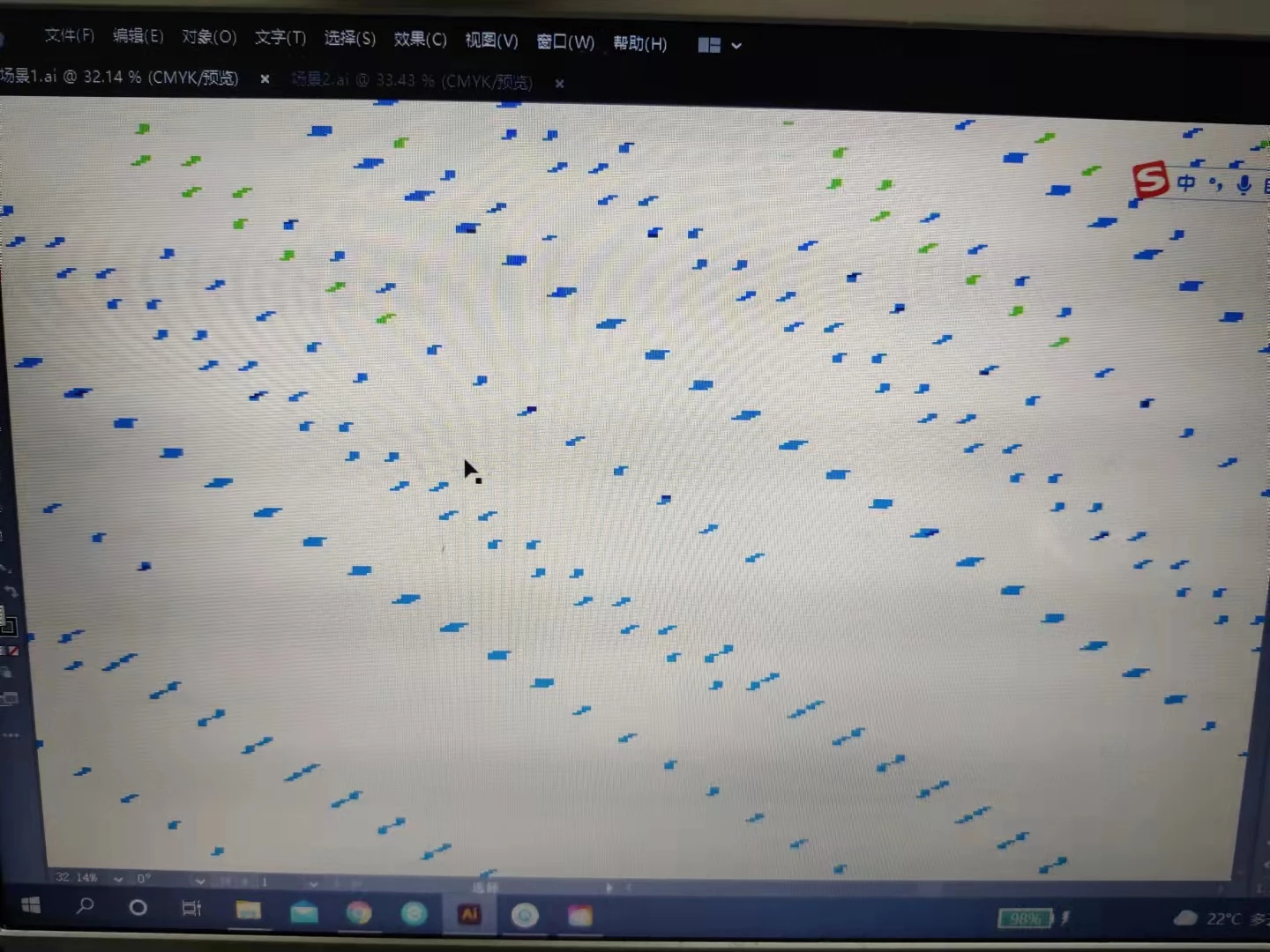
hi, my Illustrator version is the latest version, and my computer is Lenovo ideapad310s. This is my character animater's homework. I have completed and saved the sketch two days ago. Now all my sketches are in this situation.

 AdChoices