
Participant
August 13, 2018
Answered

Hidden Items on EPS

  • August 13, 2018
  • 4 replies
  • 3998 views

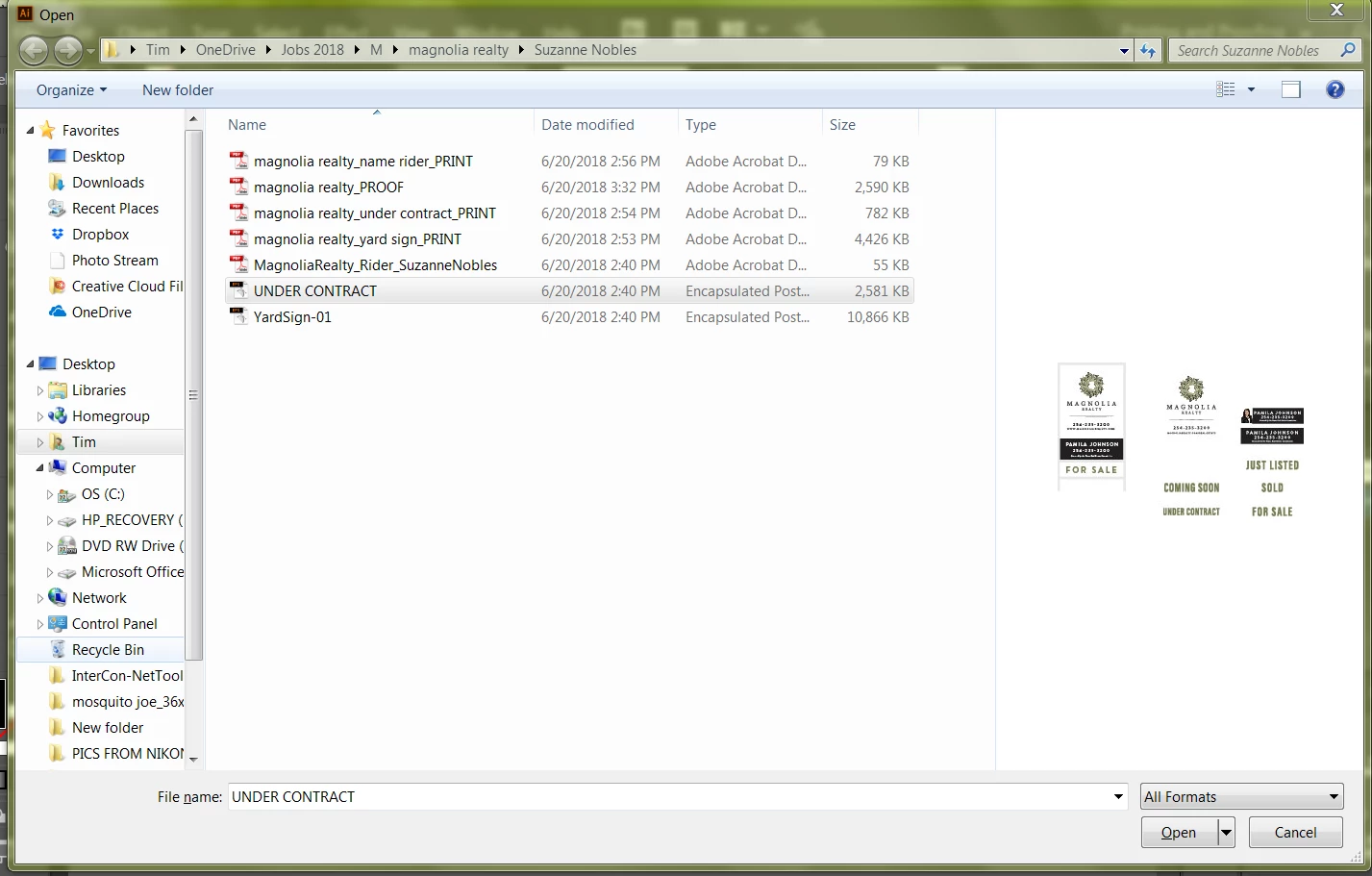
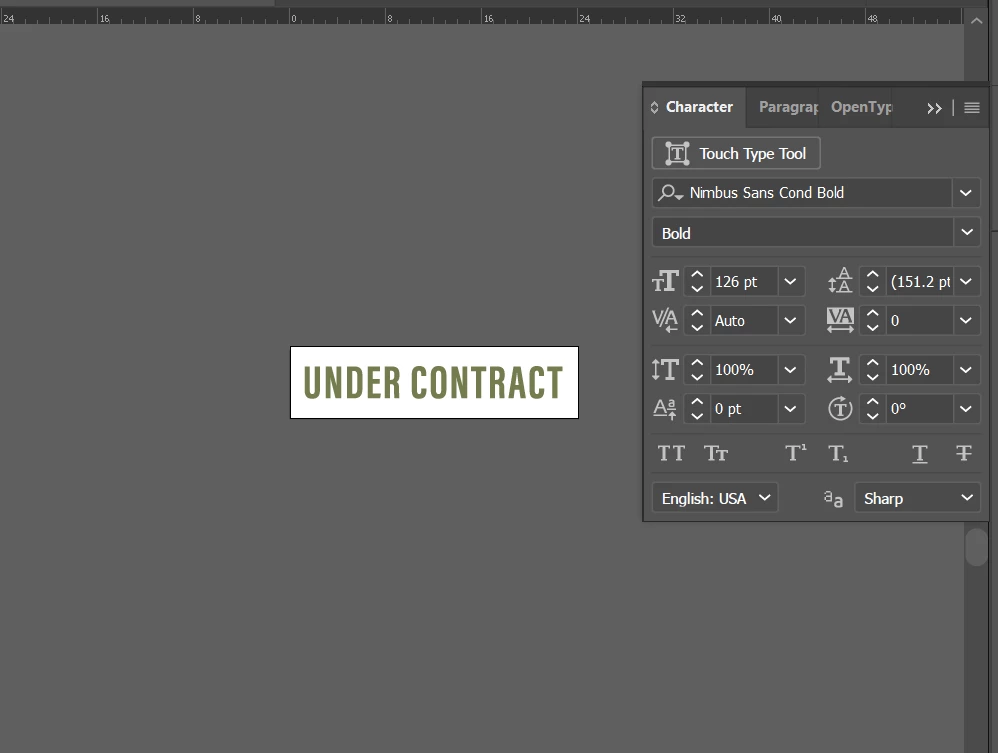
When I go to open this eps file that I received from a client, in the preview window there are other items besides what is on the artboard. When I open the file the other items aren't there, there aren't any masks in the layers, and the Show All option is grayed out. I'm probably being a dope and missing something obvious but it's driving me crazy. Thanks for any help!
This topic has been closed for replies.
Correct answer Monika Gause

The answer to this has been given twice in this thread:

The preview is an embedded pixel file. The EPS has been changed, but the preview obvioudly hasn't been updated.

4 replies

Participant
January 14, 2021

Did you ever get an answer for this? This makes me crazy!

Monika Gause
Community Expert
Monika GauseCommunity ExpertCorrect answer
Community Expert
January 14, 2021

The answer to this has been given twice in this thread:

The preview is an embedded pixel file. The EPS has been changed, but the preview obvioudly hasn't been updated.

Participant
January 15, 2021

Thanks, Monika. That final answer wasn't apparent given the other suggested potential fixes. I had no idea that the preview could ever be so wildly different from the actual file.

josephooi
Participant
October 16, 2019

Same goes to me.

Monika Gause
Community Expert
Community Expert
October 16, 2019
Exactly how did you open that EPS? Or did you place it? EPS is an outdated file format. It can be written by several applications that might do it in a way that Illustrator does see differently. That preview is an embedded raster file and might perhaps not match the actual content. So if it doesn't work, complain to shutterstock.
Bill Silbert
Community Expert
Community Expert
August 13, 2018

Look at all of your layers' sublayers and see if any of the sublayers don't have an eyeball next to them. If the eyeballs are missing then click on the space where the eyeball should be to activate it and the sublayer.

Mike_Gondek10189183
Community Expert
Community Expert
August 13, 2018

eps is an  outdated format that has not been updated since before the new millenium. Best to avoid using that, but understandably this is your client working with a  file format, that is on it's last legs.

Try

  • Ctrl Y to look  in outline view for misisng items
  • Open .eps in acrobat

If you do nto find anything, the preview could be old and making the files larger