
Question
Highlighted Paths & Rulers Glitching
Not really sure how to word what's going on so I've attached screenshots to show, but essentially while working in Illustrator 2023 (needs to be 23 because of our work plugins) when selecting objects, the highlighted paths will be smaller and way off from the object you've selected. Also, while moving around the artboard the rulers begin to glitch as well. Throughout a days work, files will act normal and some will act very wonky like this, if anyone has any solutions they'd be greatly appreciated. See images below.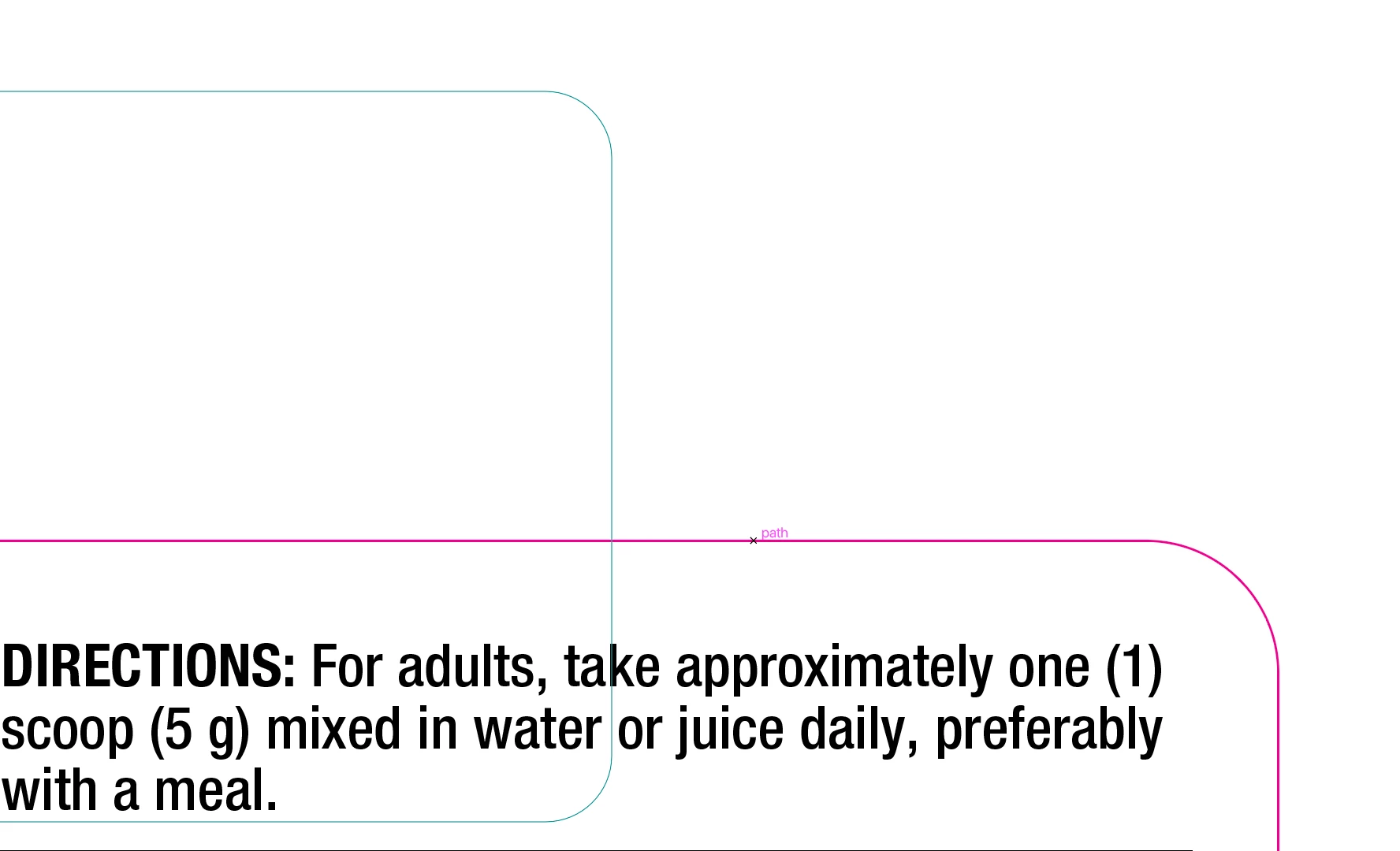
This one is to show how I have selected the pink path, but it's highlighted path(teal) lines are so small and far off.
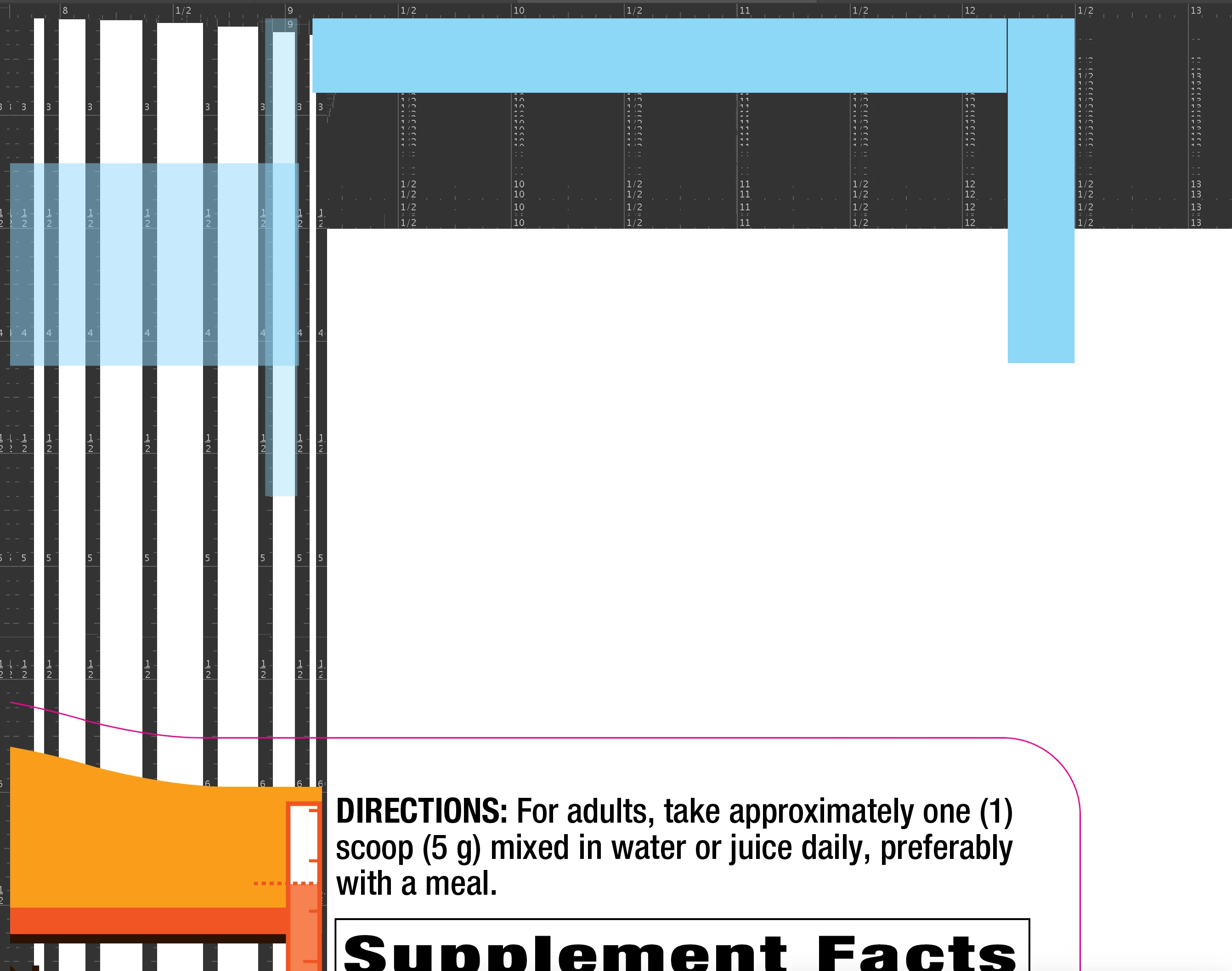
And this is showing what occurs when moving around the artboard the rulers begin to bug out.
 AdChoices