
Participant
January 26, 2021
Answered

Horizontal distibute right/center/left

  • January 26, 2021
  • 2 replies
  • 525 views

So I have a problem with distribution of different shapes in Illustrator.


First of all, in Corel Draw there is an option under Distribution  tab called "Distribute space horizontaly", which when used, gives this result as bellow:



In illustrator however, we have 3 options to choose from, which is Horizontal distibute right, center or left


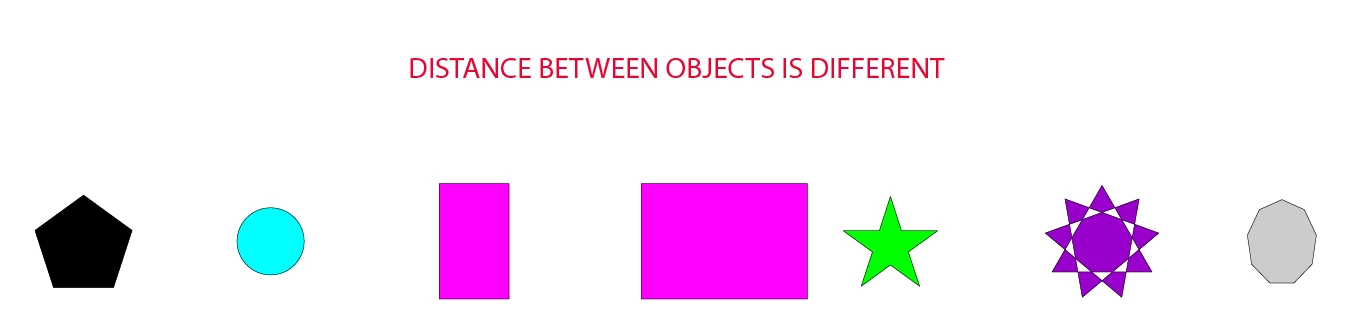
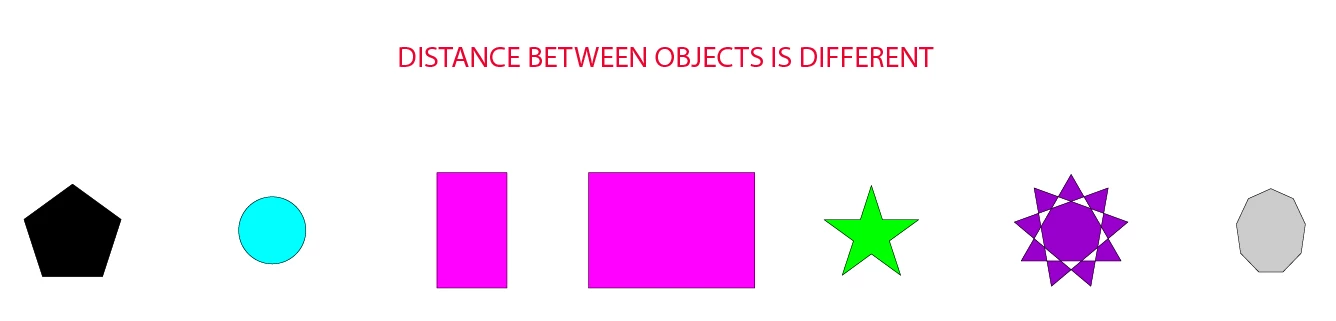
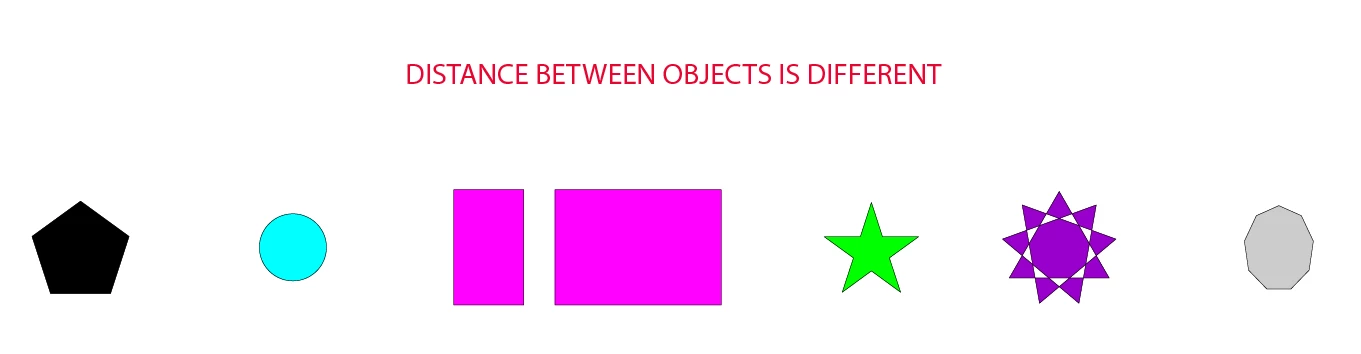
When I am trying to do the same thing in illustrator using one of these options, this happens :


LEFT:
CENTER:


RIGHT:
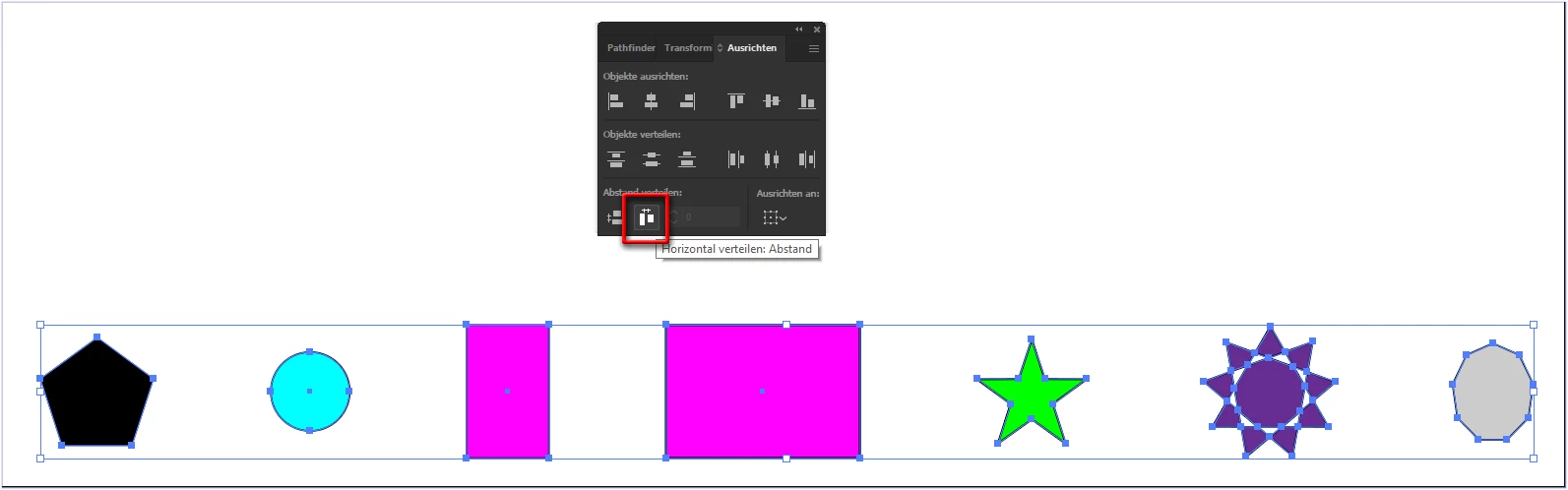
My question is: How can i make the same spacing between objects as i did in corel but in illustrator ? 


This topic has been closed for replies.
Correct answer pixxxelschubser

@Radosław98A7 

You use the wrong function 


  • Left means: all left sides does have the same distance
  • Center means: all center points does have the same distance
  • Right means: all right sides does have the same distance


Edit:

@kphotopage 

two souls - one thought

😉

2 replies

pixxxelschubser
Community Expert
pixxxelschubserCommunity ExpertCorrect answer
Community Expert
January 26, 2021

@Radosław98A7 

You use the wrong function 


  • Left means: all left sides does have the same distance
  • Center means: all center points does have the same distance
  • Right means: all right sides does have the same distance


Edit:

@kphotopage 

two souls - one thought

😉

Participant
January 26, 2021

Thank you very much ! This option is hidden under options in allign and distribute panel :).

kphotopage
Legend
January 26, 2021

Align to Key Object


K