Copy link to clipboard
Copied
Hi everyone,
I'm in desperate situation. I've recieved PDF created in CorelDraw (sic!).
This is what it looks like:

I've tried to connect red lines but I've failed. What I've discovered: every straight line is somehow CLOSED, what it means - it is actually a box built using 2 points! So when I add another point and grab it, object reveals its true nature.
I'll show You in next screenshots what is happenning.
Here: single path selected - status: closed.

On this figure I'm adding one point to it.
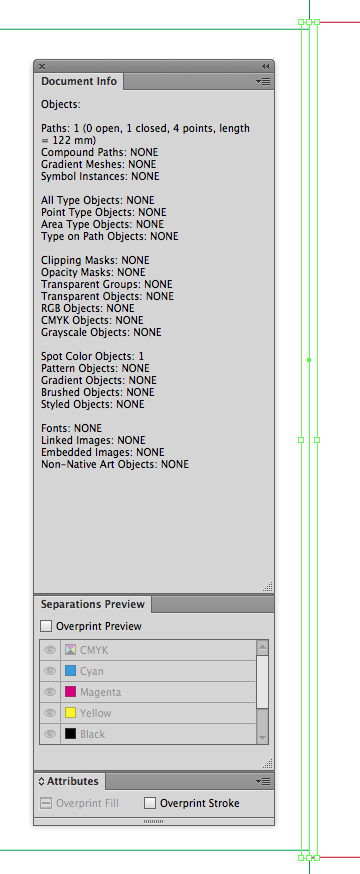
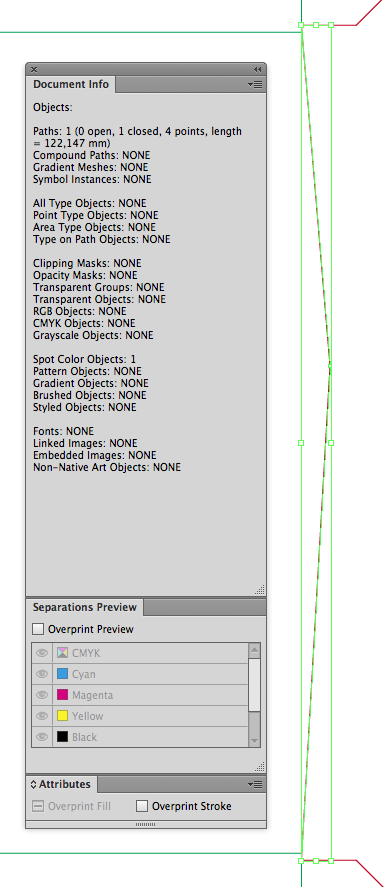
On this one the point I've added earlier is grabbed.
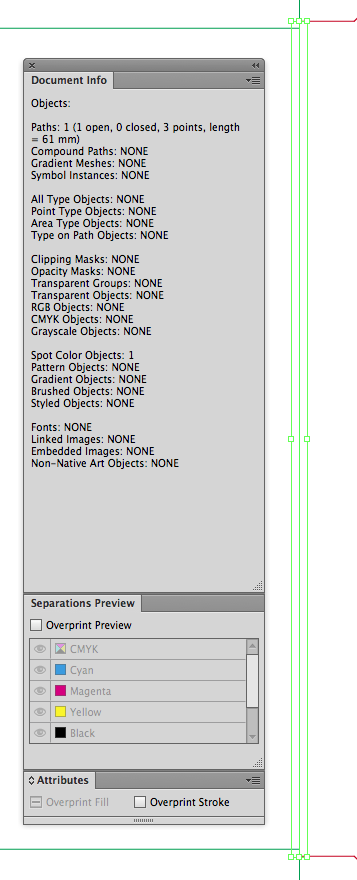
And finally after deleting this point path becomes open. Now it can be joined with another one.
My question is - how to convert paths like this into open paths?
Any tips are appreciated!
Best regards
Piotr

Ok guys!
Problem solved!
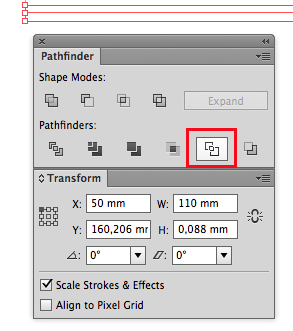
I've selected crease lines (those green ones) used outline tool from pathfinder and this caused lines to become OPEN!

Lines lost its strokes - but this is no problem! I've applied the colour and weight again and everything is ok right now!
I hope that this solution will help anyone who struggle with monstrosities from Corel.
Than You for Your help and take care!
Regards
Piotr
Copy link to clipboard
Copied
Try using the shapebuilder tool.
Or try live paint. Live paint should take care of that.
Copy link to clipboard
Copied
Hi Monika,
unfortunatelly none of that tools changes the definition of paths. I would not even to try opening this file, while this is production PDF from client, but imposition program does not recognize crease lines (which are those green ones) and can't automaticly set up fold marks. All of that because of nature of paths.
I'm including PDF so You can look closely at this case, of course if You'll be so kind!
Thanks alot!
Regards
Piotr
https://www.dropbox.com/s/xz86txrnp6i3qno/Problematic%20diecut.pdf?dl=0
Copy link to clipboard
Copied
Ok guys!
Problem solved!
I've selected crease lines (those green ones) used outline tool from pathfinder and this caused lines to become OPEN!

Lines lost its strokes - but this is no problem! I've applied the colour and weight again and everything is ok right now!
I hope that this solution will help anyone who struggle with monstrosities from Corel.
Than You for Your help and take care!
Regards
Piotr
Get ready! An upgraded Adobe Community experience is coming in January.
Learn more