not enough memory to place the file
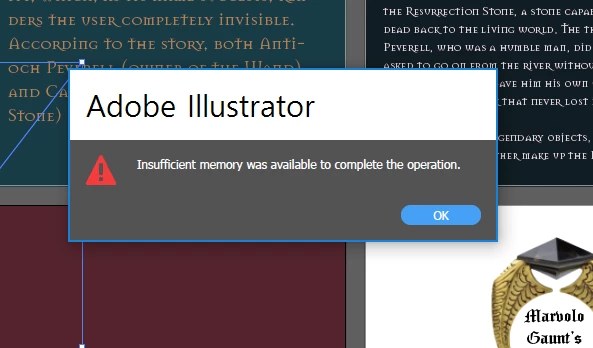
insufficient memory was availavbe to complete the operation
is exact word from the erreor of Ae.
and my computor is not apple. it is window.
and yes it is hard disk. so i want to allocate more ram for illustrator. but i cannot find the opition in any preference. in aftereffect, in general of preference, there is option how mach do i want to allocate for the program.
You can't allocate RAM to Illustrator. It takes what it needs and what is available.
You can assign virtual memory in the preferences. But when there's not enough disk space available then this won't have any desired effect.
What exactly are you placing?
How large is it? In case it is a JPEG, we would need to know the uncompressed size. It might just be too large.
What are you designing? Does the image need to be that large?
Have you done a restart recently?
Have you closed all  other apps?
How much RAM is installed (for Illustrator 8 GB RAM is recommended)? Looks like you run Windows 10. It needs a lot of RAM for itself already.




 AdChoices