Answered
How can I change the size of the button in Adobe AI CS?
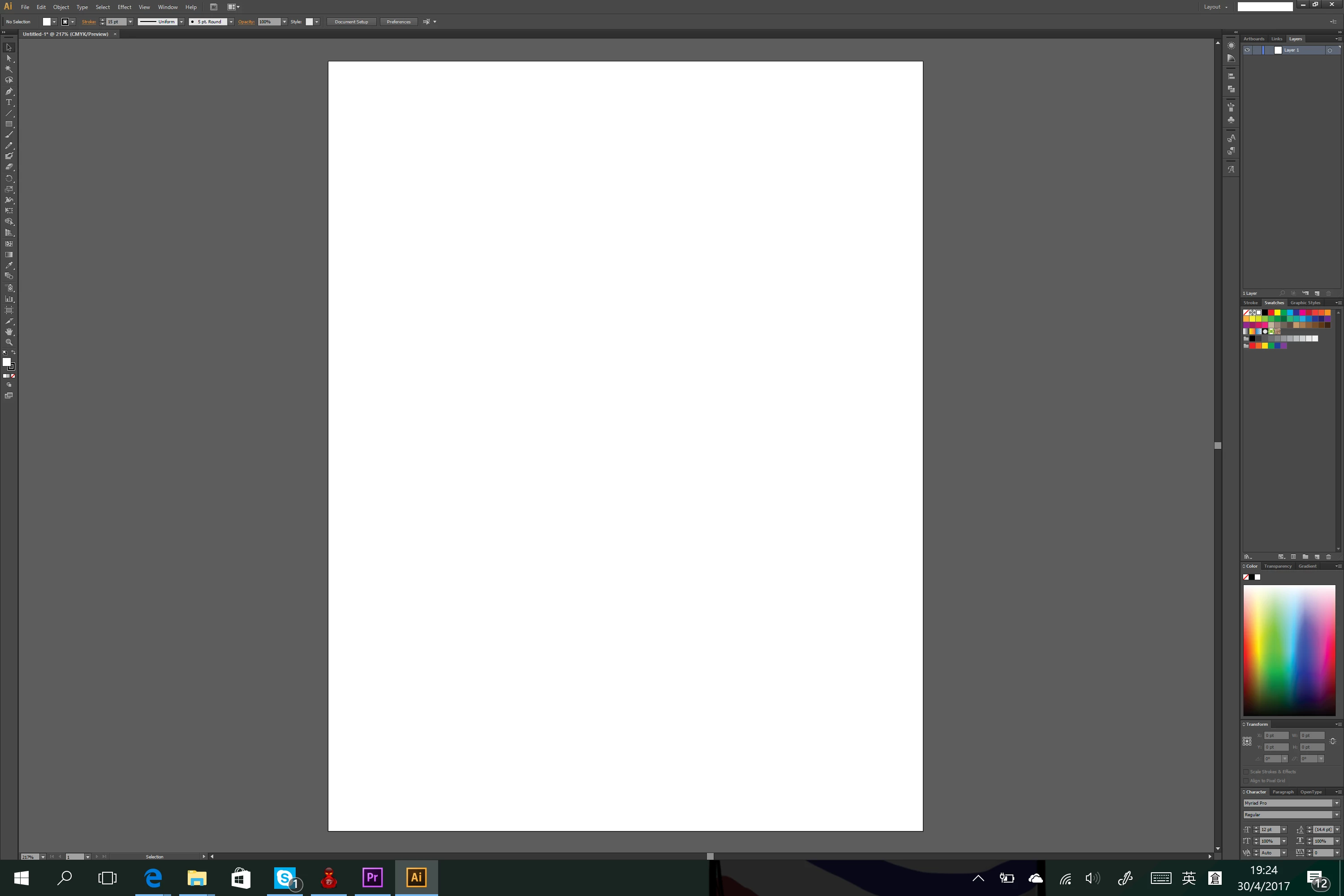
I can't see the button clearly and my notebook is surface book. The display is 3000x2000. Please help me. How can I get a larger button?

I can't see the button clearly and my notebook is surface book. The display is 3000x2000. Please help me. How can I get a larger button?
Are you talking about a button that you drew and is invisible or the interface of Illustrator?
I am going to assume the latter, and the only thing to do is to change the resolution of your screen display.
And by surface book, do you mean Surface Pro?
Here is a link from Microsoft:
Fix desktop app display issues on Microsoft Surface | Display scaling
and Reddit:
https://www.reddit.com/r/Surface/comments/2pqyso/surface_pro_3_screen_resolution_tip/
Already have an account? Login
Enter your E-mail address. We'll send you an e-mail with instructions to reset your password.
 AdChoices