Participant
March 19, 2022
Answered

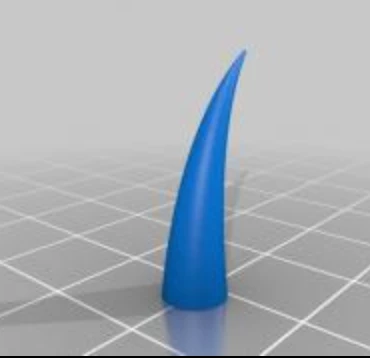
How can I create this curved shape in illustrator?

  • March 19, 2022
  • 4 replies
  • 1656 views

Hi all, 


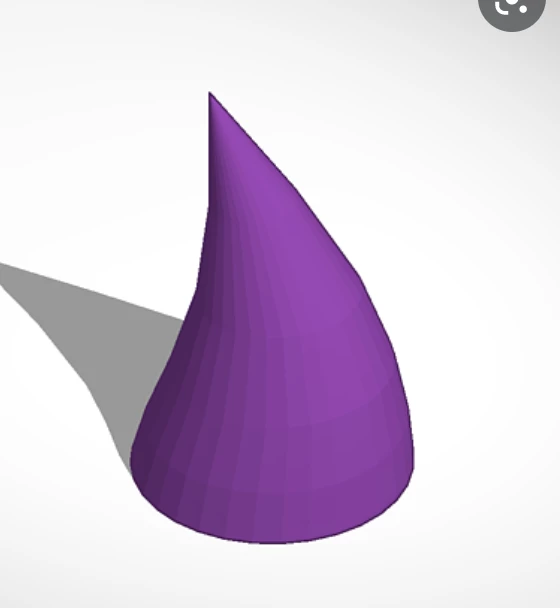
I would like to create this 3D curved cone shape in Adobe, but I have no clue at all.

Do you guys know how to do this?


This topic has been closed for replies.
Correct answer barbara_a7746676

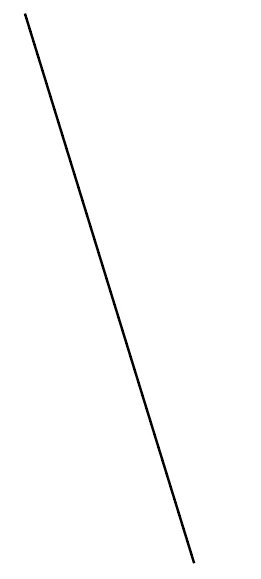
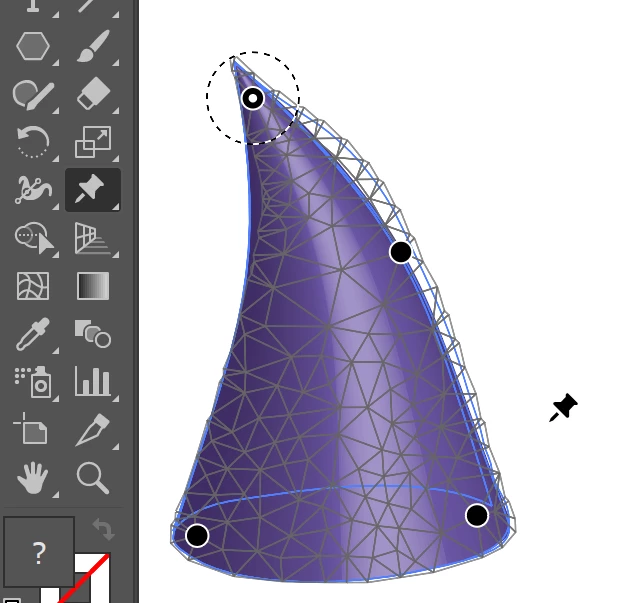
You could start with a diagonal line.

Effect > 3D > 3D Classic > Revolve.
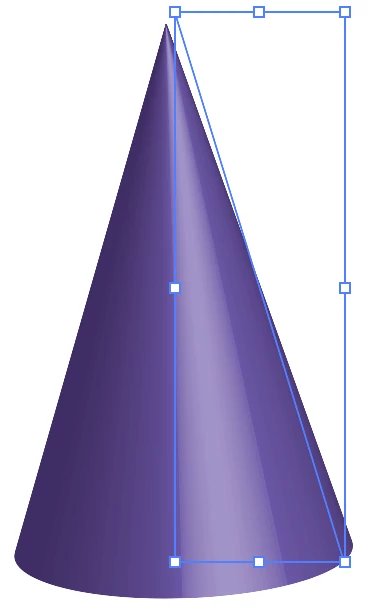
Object > Expand Appearance.

Select Puppet Warp tool and add points and drag points where needed.
 

4 replies

barbara_a7746676
Community Expert
barbara_a7746676Community ExpertCorrect answer
Community Expert
March 20, 2022

You could start with a diagonal line.

Effect > 3D > 3D Classic > Revolve.

Object > Expand Appearance.

Select Puppet Warp tool and add points and drag points where needed.


Participant
March 21, 2022

This is exactly what I was looking for.

I really appreciate your help and advice! It solved my problem 🙂

michelew83603738
Community Expert
Community Expert
March 19, 2022

Not sure what you ultimate purpose is, but you could create the 3d cone, then take the smart object into Photoshop and use the puppet warp transform tool to get this look pretty easily. While Illustrator has puppet warp as well, it will not work how you want on the 3d shape. If you rasterize the shape, it won't work at all. If you bring it in as a smart object into Photoshop, it will remain editable as a vector object, but can easily be transformed this way. But again, it all depends on what you output/final use is.

Participant
March 21, 2022

This is also a great comment. 

I will give it a try. Thank you!

Monika Gause
Community Expert
Community Expert
March 19, 2022

Even with bevel on both sides you cannot do this.

Participant
March 21, 2022

I understand. Thank you

Mylenium
Legend
March 19, 2022

Could be as trivial as bending a gradient mesh into shape. I suggest you start by reading the online help.


Mylenium

Participant
March 21, 2022

Thank you for your advice, Mylenium!

Your insight helped me a lot!