Participant
December 8, 2017
Answered

How can I erase part of an image

  • December 8, 2017
  • 2 replies
  • 12165 views

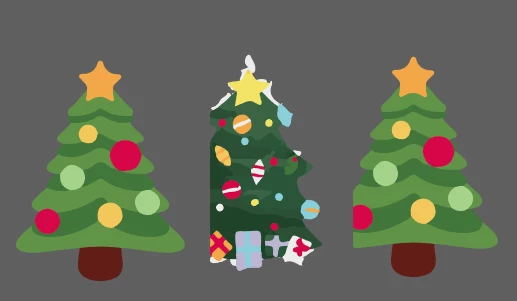
Hi, I am trying to overlap some images like below on Illustrator but as they have a white square box around them part of the trees is missing when I have cropped, copied and pasted on to an art board.  I tried to use the eraser tool but it is not allowing me to do so. Is there a way that i can do this please like Photoshop maybe where you have a selection tool to go around the edge of the objects eliminating the white you do not need.  Many thanks.

    This topic has been closed for replies.
    Correct answer Srishti Bali

    Hi xoxErinxox,

    This will depend on what kind of files these images are if they are raster images then it will be done in photoshop or you can image trace them to vector and then you can remove background by selecting it.

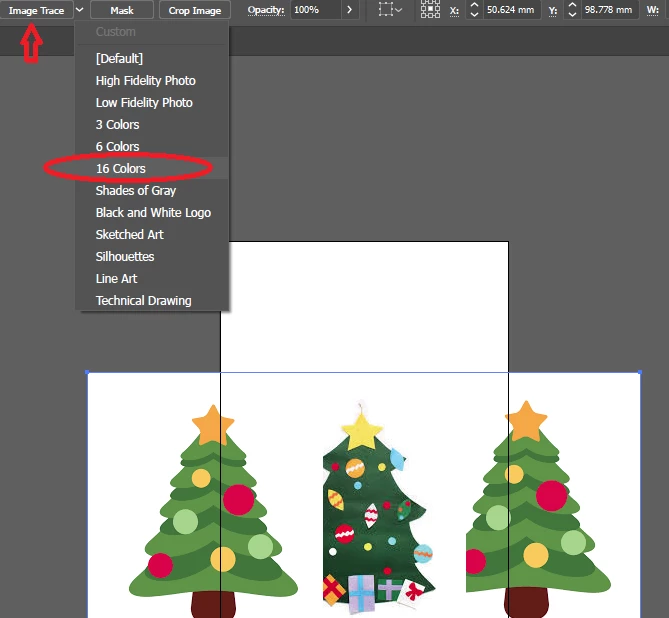
    I have image traced to screenshot which was in PNG format(Same can be done with JPEG and other raster formats)

    Use 16 colors for original colors

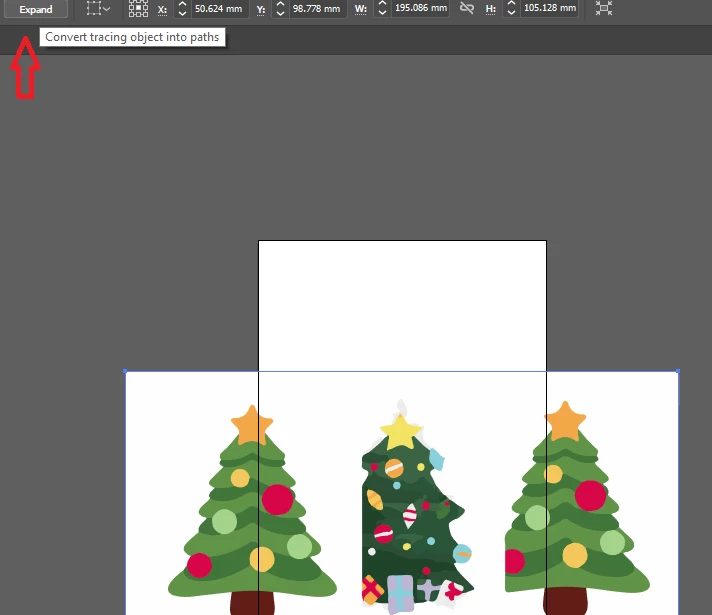
    Expand image to get vector paths.

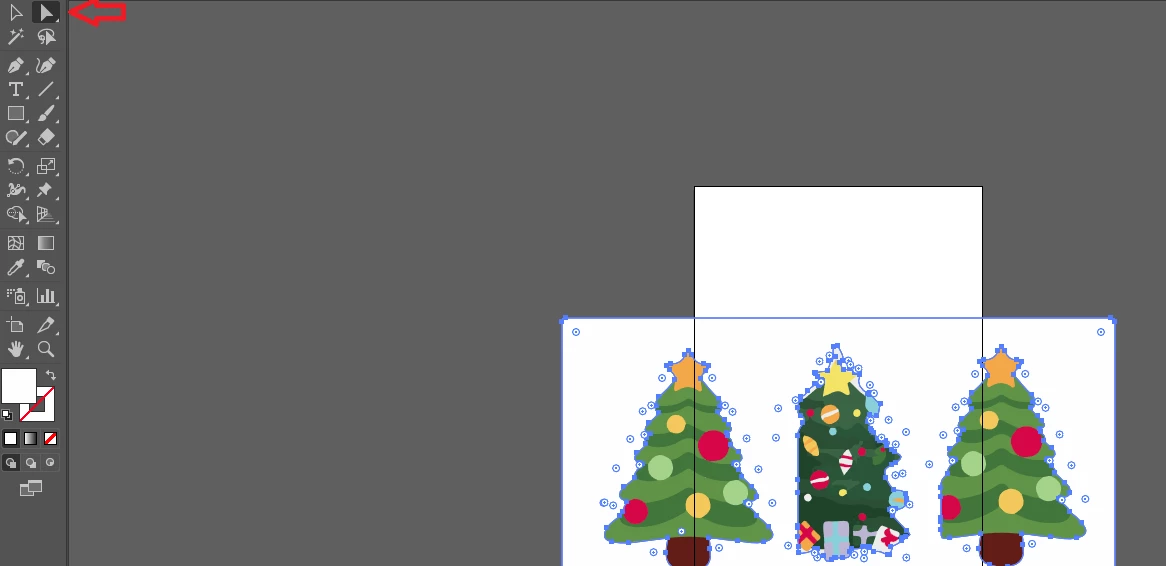
    Select background using direct selection tool

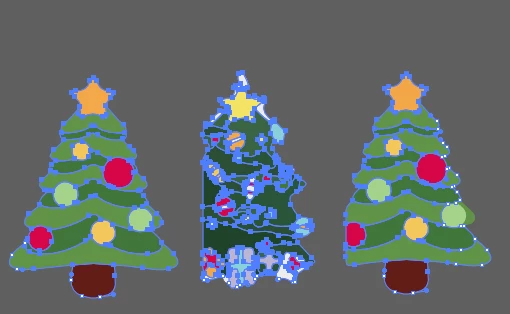
    Delete background

    Regards

    Srishti

    2 replies

    Srishti Bali
    Community Manager
    Srishti BaliCommunity ManagerCorrect answer
    Community Manager
    December 8, 2017

    Hi xoxErinxox,

    This will depend on what kind of files these images are if they are raster images then it will be done in photoshop or you can image trace them to vector and then you can remove background by selecting it.

    I have image traced to screenshot which was in PNG format(Same can be done with JPEG and other raster formats)

    Use 16 colors for original colors

    Expand image to get vector paths.

    Select background using direct selection tool

    Delete background

    Regards

    Srishti

    Participant
    December 8, 2017

    Hi, thank you very much i have managed to do it :-)

    John Mensinger
    Community Expert
    Community Expert
    December 8, 2017

    xoxErinxox  wrote

    ...they have a white square box around them...

    So despite their looking like they originated as vector graphics, I'll assume, based on the above, that they are raster images. If that's the case, you can't really "edit" them in Illustrator. The best you can do is mask the parts you don't want with a Clipping Mask.

    Is there a way that i can do this please like Photoshop...

    Well, if you're working with raster images anyway, why not just do it in Photoshop?

    Participant
    December 8, 2017

    Hi, thank you very much for your answer.  That makes sense.  The quality wasnt as sharp in Photoshop so was trying to do it in Illustrator.  I can get them changed to vector images so hopefully it will work for me then :-) thanks again.