Inspiring
December 13, 2023
Answered

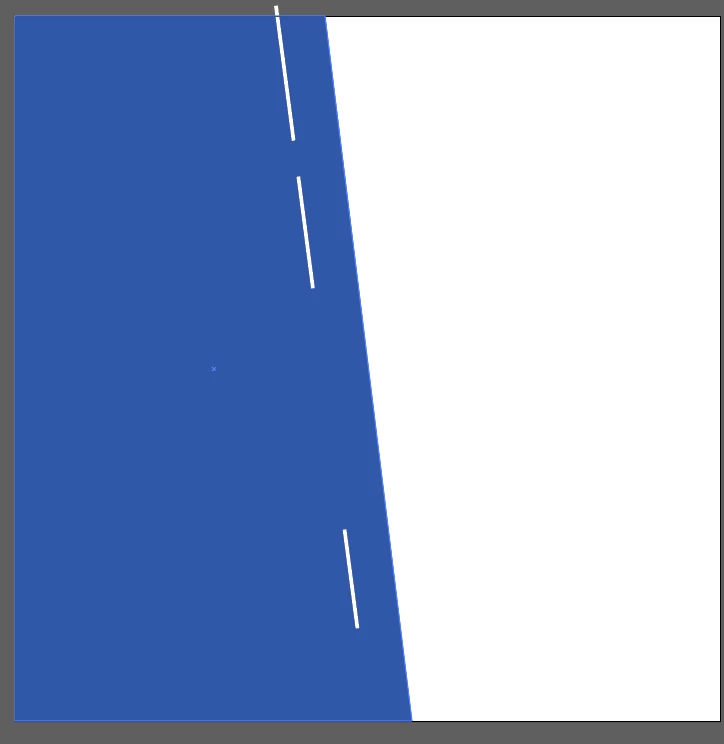
How can I evenly distribute three inclined lines in Illustrator without them aligning vertically?

  • December 13, 2023
  • 3 replies
  • 586 views


This topic has been closed for replies.
Correct answer Thunder-Lightning

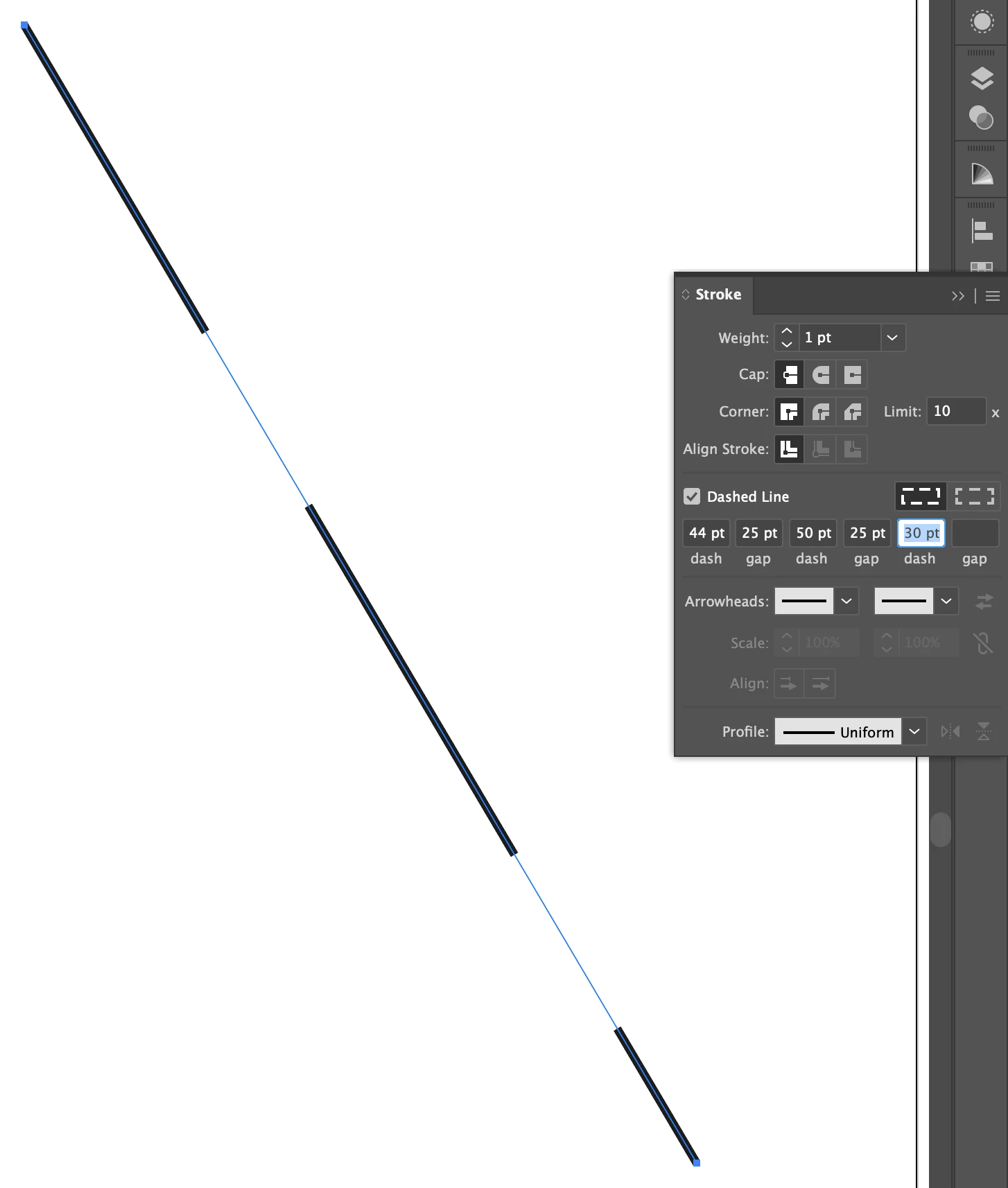
If you need the lines lined up still, one suggestion if recreate it using dashes and gaps on one line.

Just make sure the gaps are the same value.
3 replies

Jacob Bugge
Community Expert
Community Expert
December 14, 2023

hibru,


I (mis)interpreted you question as a wish to distribute the lines, which have different lengths, so they have the same distance between them (Distrubute Spacing) without changing the overall length (farthest end points of the first and last one).


In that case, Bobby has given the simple exquisite answer to sinply distribute both horizontally and vertically (using Auto).


Otherwise you could mean to have the same distances between the centres or the starting points (depending on direction), or maybe something else, with different requirements.


If that is so, which is it?

Community Expert
December 14, 2023

If the three inclined lines are the same length (and angle) they can be aligned and distributed evenly using the standard horizontal and vertical distribution functions. If the line segments are of different lengths some additional help would be needed. I'd probably lean on one of Astute Graphics' plugins to make the work easier. The space where the three line segments would be aligned/spaced would need to be rotated to a zero or 90 degree axis where the line segments could be distributed evenly, then the result would need to be rotated back to its previous state. Illustrator doesn't have stock, built-in tools to display a line segment's angle in numerical values.


Without a third party plugin it is possible to use the stock align/distrubute functions to vertically distribute the line segments and then use Smart Guides to snap the line segments to a diagonal guide line.

Inspiring
December 14, 2023

Thanks a lot, mate. That's what I need!

 
Thunder-LightningCorrect answer
Inspiring
December 14, 2023

If you need the lines lined up still, one suggestion if recreate it using dashes and gaps on one line.

Just make sure the gaps are the same value.

Jacob Bugge
Community Expert
Community Expert
December 14, 2023

Post moved