
Participant
January 29, 2019
Question

How can I reduce my file size in Illustrator before printing?

  • January 29, 2019
  • 2 replies
  • 3533 views

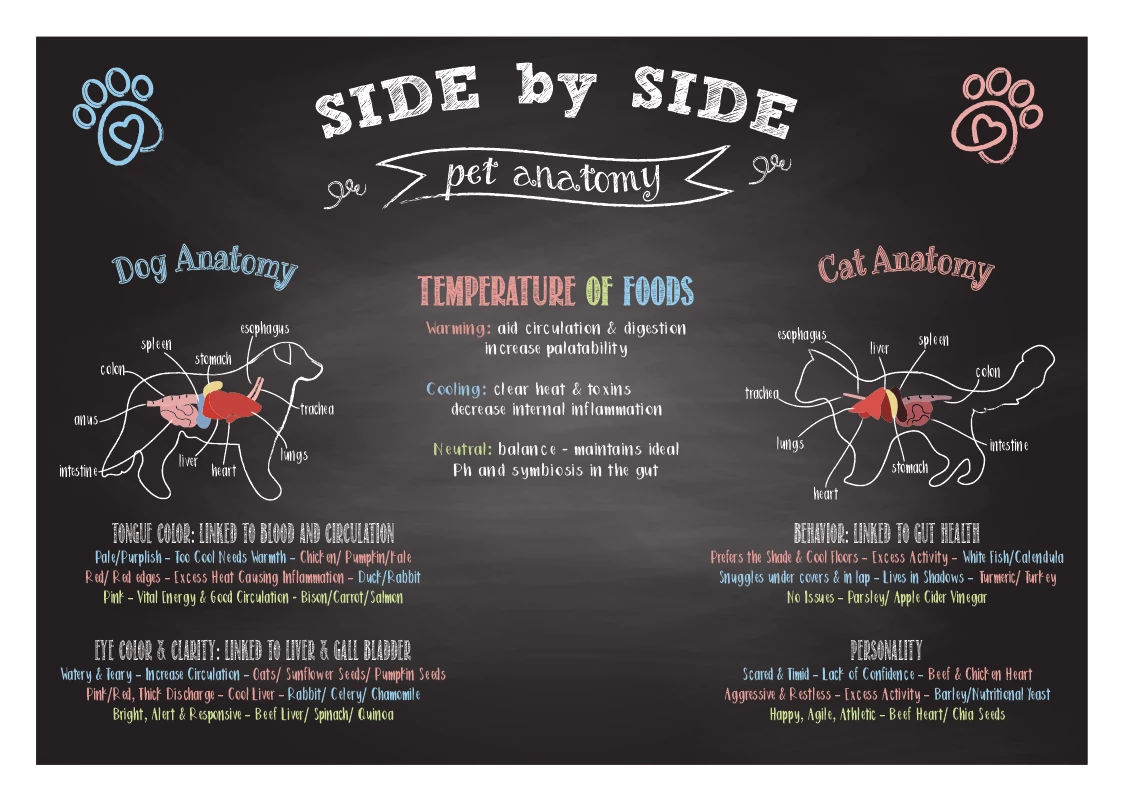
I have an Illustrator file that is pretty big 2.5gb to be exact. There are a lot of complex bristle brushes to make a chalkboard effect for the background and there are also text and illustrations using the brush as the strokes.

It's for a big print file that will be 7' wide by 5' tall. Illustrator is advising me to rasterize the bristle brushes before saving, but I'm worried if I do the final outcome will look pixelated when printing. My artboard is the exact dimensions as what the final print size will be. My client told me they were thinking of printing on a foam board through FedEx.

So my questions are:

Should I rasterize the brush paths before printing?

Can I make the artwork smaller to decrease the file size and the print company can blow it up to the right dimensions before printing?

What should I export the artwork as (pdf, tiff, ai, etc)

This is my first big print project through Illustrator so any information and help would be greatly appreciated. Thank you!
This topic has been closed for replies.

2 replies

Participant
January 30, 2019

Ok thank you for the contact! My client said FedEx can do a custom order but can't handle the file size. I tried your solutions and I'm thinking I might have to rasterize the whole thing and hope for the best if they don't want to go with moss.

Mike_Gondek10189183
Community Expert
Community Expert
January 30, 2019

You are most welcome. That is probably one of the most nicest usages of the mixer brush I have seen, as few people use that in Illustrator, and even fewer do it well.

I would make a 2 layer .psd for background and text. Then export a copy to .pdf with some compression. If this is more than a one print let me know as could recommend GES or Freeman, but they take on bigger jobs and wont give you service level unless you exactly ask for that, but pricing on large quality they might be better.

If you have any question on choosing the correct substrate eg: so your print does no warp over time, feel free to ask.

pixxxelschubser
Community Expert
Community Expert
January 29, 2019

What is the viewing distance?

Did you try to save as PDF without Illustrator compatibility?

What is the resulting file size?

Participant
January 29, 2019

What do you mean by viewing distance? I read an article on it but I'm not sure how to calculate that in Illustrator. It will be hanging up on a wall so I'm assuming someone would have to look at it at least 3 feet away to see all the details. How would I calculate this?

When saved as a pdf without being editable the file size is 1.5GB so still rather large. that's why I was considering rasterizing everything but I don't want the quality to be lost.

Participant
January 29, 2019

The print measured diagonally is 103 inches. So following the viewing distance rule I read I take that measurement and divide it from 3438 which gives me 66". Then I believe I multiply that by 1.5 or 2 which would give me a viewing distance of anywhere from 4 to 5ft.