
Inspiring
March 23, 2021
Answered

How can I reproduce this (geometrical figure with one half filled with a pattern)?

  • March 23, 2021
  • 1 reply
  • 1054 views

Dear all,

the graphic designer left the workgroup and I have to learn, reproduce and continue their work.

I am trying to reverse engineer the SVGs they sent us before but I cannot understand how to create these geometrical figures so that half of them (or a part of them) is filled with the diagonal strokes you can see in this picture.
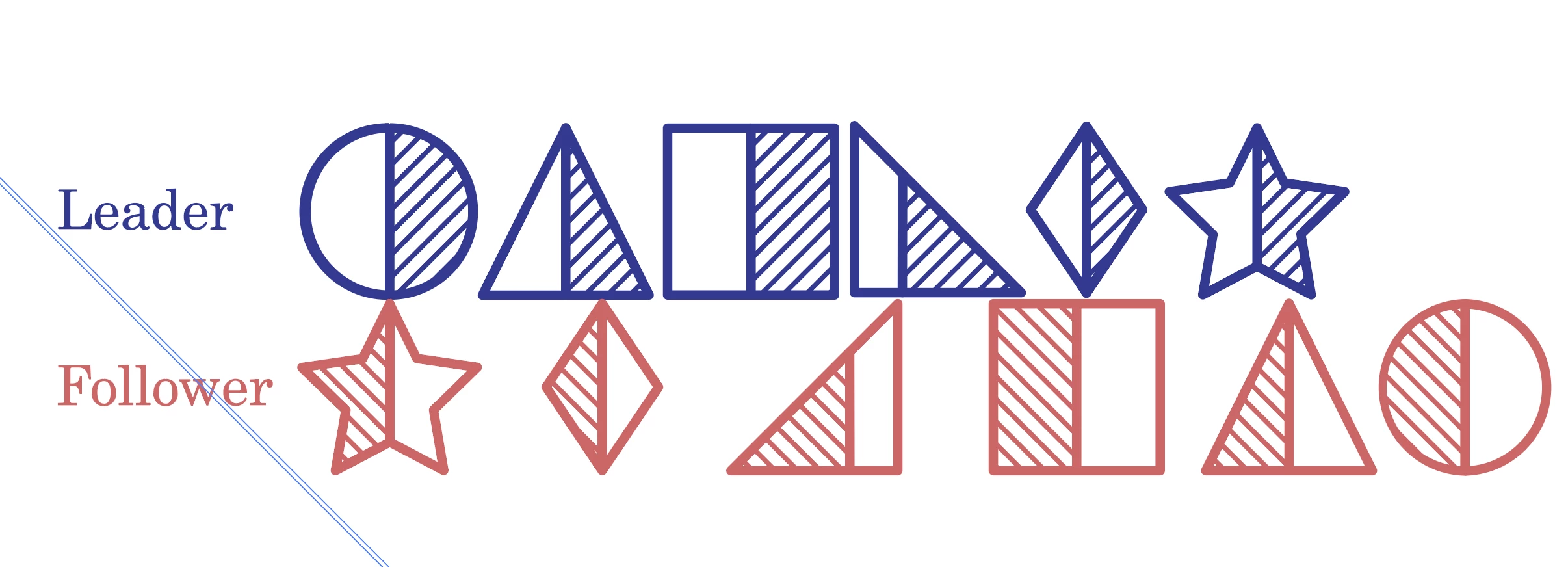
The geometrical figures are easy enough, no problem, as well as their division in more or less proportional parts, but how to create those regular strokes?

When I enter isolation mode up to those lines I get this picture:
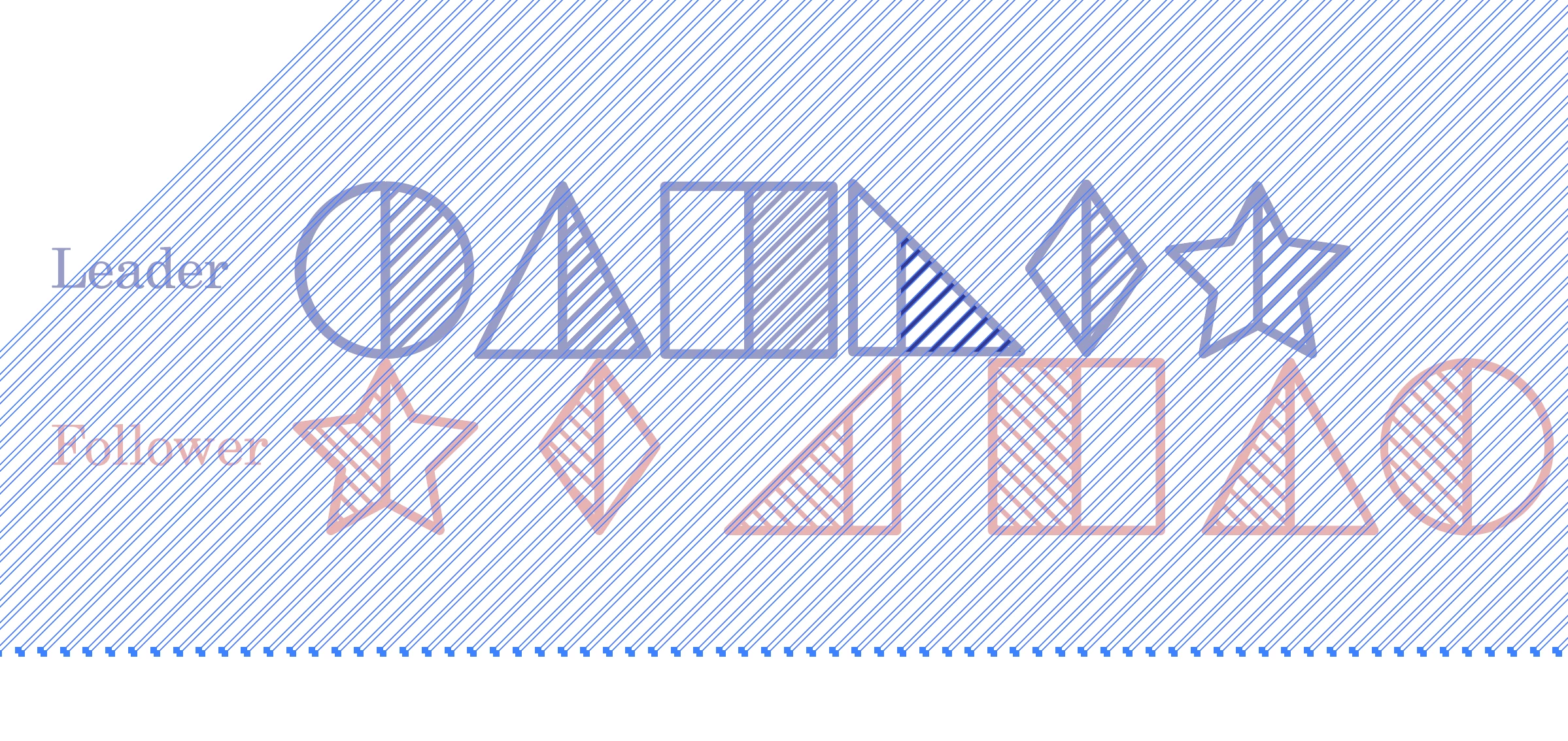
Could you please help me reverse-engineer this?

Thank you very much

This topic has been closed for replies.
Correct answer Monika Gause

Since it's an SVG, this is a clipping mask.

Inside Illustrator you could also use a pattern.

1 reply

Monika Gause
Community Expert
Monika GauseCommunity ExpertCorrect answer
Community Expert
March 23, 2021

Since it's an SVG, this is a clipping mask.

Inside Illustrator you could also use a pattern.

Inspiring
March 23, 2021

Thank you.

I am just beginning to learn Illustrator (my learning started 2 weeks ago, FYI).

Could you please illustrate (pun intended) me how best to do this? 

Both as a clipping mask and as a pattern. 

Thanks

Monika Gause
Community Expert
Community Expert
March 25, 2021

Update!

By double-clicking to the core I managed to isolate the pattern (or object) that was used to make the fill in the SVG.

I then added it to my CC Library so that I could insert it elsewhere. 

Created a path equal to half the pentagon I needed, changed the layer so that it sit on top of that object and made the clipping mask. So, at least, I can work around this. 

My last question is: if I have multiple geometrical figures, can I have all of them be clipping mask for that same object? If so, how?

Right now I have to reinsert the same object multiple times, once per every figure. 

This is what I see: the single lines are what the previous designer did, the frame to the right is what I did.

https://www.dropbox.com/s/hy1hu6sgn8ab700/Illustrator%20Clipping%20Mask.mov?dl=0 


You would have to first combine all the shapes to a compound path. And then you can make them into a clipping mask.