
How can I select two corners with white arrow key to to modify them?
Hi,
I am trying to select just two corners of my rectangle in order to round the edges into one very round shape. I know how to modify the corners individually when the black arrow tool is selected and using the dialog box. My goal is to be able to marquee the corners with the white arrow tool and then pull them into a round shape.
Right now I cannot marquee the two points at all in order to specifically target them with the white arrow tool. What can I do to achieve this goal of targeting just two corners of a rectangle at the same time?
This is what I'm trying to achieve...

As you can see I can't select the two left side corner points with the white arrow tool. 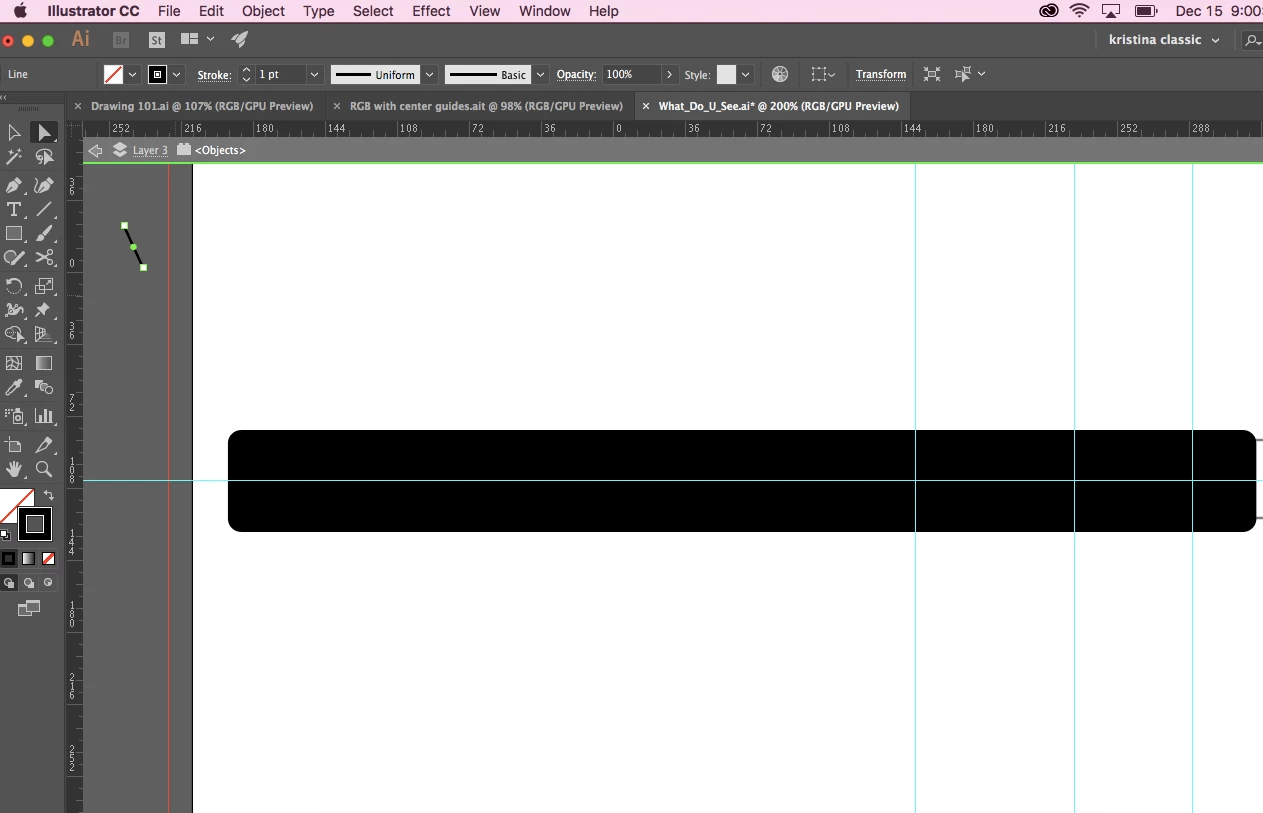
But I can with the black arrow for ALL FOUR POINTS.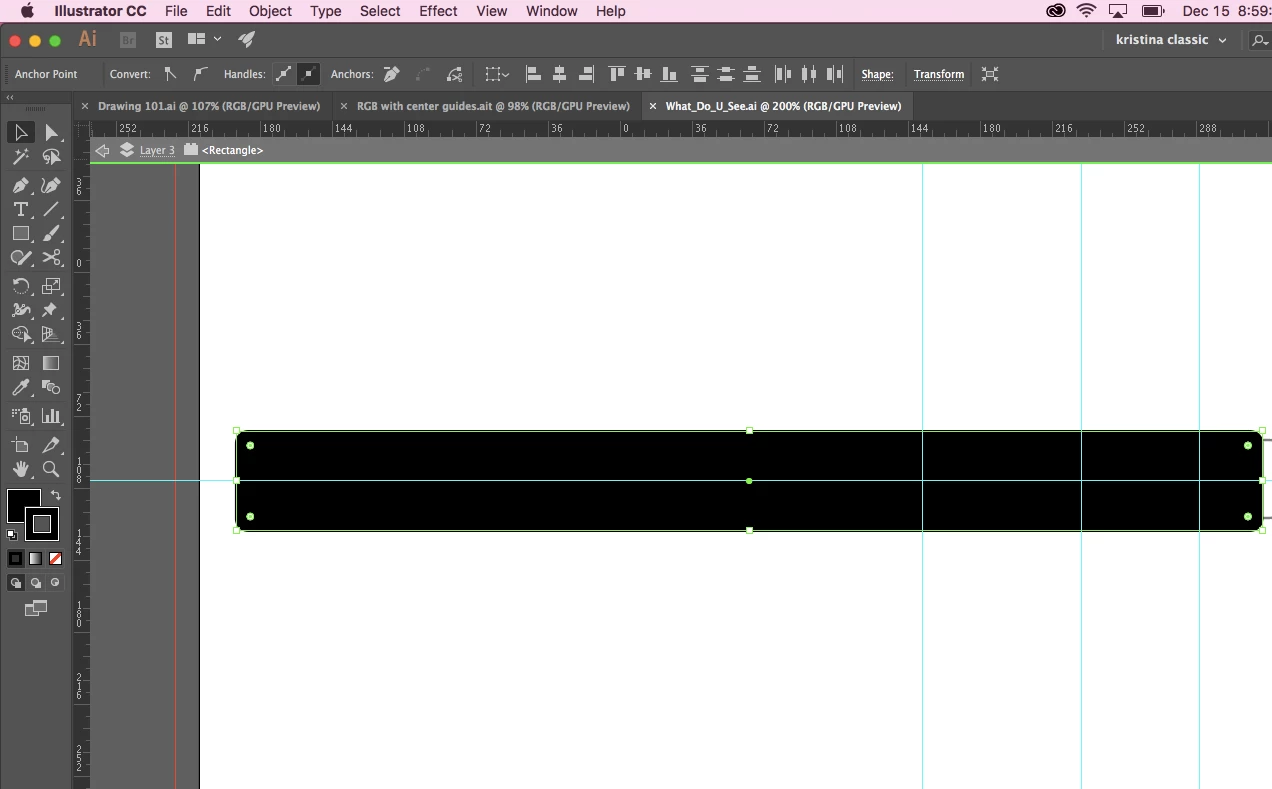
Thank you for taking the time to read my question.
Kristina
 AdChoices