
Participant
August 8, 2020
Answered

How do I access the eyedropper from the color picker tool?

  • August 8, 2020
  • 1 reply
  • 1231 views

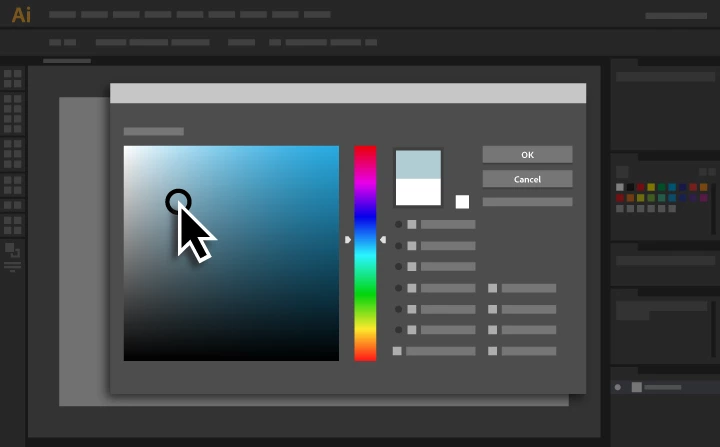
Is there a way to access the eyedropper tool from the color picker tool? Basically, I want to be able to double click the fill swatch on the left toolbar and use the eyedropper to pick an existing color on screen.


https://helpx.adobe.com/illustrator/how-to/use-color-picker.html
 

This topic has been closed for replies.
Correct answer Ton Frederiks

I noticed when I select a shape and then use the eyedropper, it picks up both the fill color and the stroke width and color of the other shape I used the dropper on. Is there a way to prevent this?


With the second approach, where you drag the color from the toolbar fill, that works.


Double click the Eyedropper in the toolbar to tell what to pick up and what to apply.

1 reply

Ton Frederiks
Community Expert
Community Expert
August 8, 2020

If you press "I" you get the eyedropper and can pick up any color on screen. That color is then the current color. 


Participant
August 8, 2020

Right, but if I then select a shape to apply the color I picked with the eyedropper, the fill swatch replaces that newer color with whatever the current fill of that shape is.

Ton Frederiks
Community Expert
Community Expert
August 8, 2020

If you first select a shape and use the eyedropper it will fill the shape with the color you picked.

If you did not select a shape and picked a color with the eyedropper, just drag the color  from the toolbar fill or stroke onto the shape.