
Known Participant
April 27, 2022
Answered

How do I automate adding 100+ strokes?

  • April 27, 2022
  • 2 replies
  • 404 views

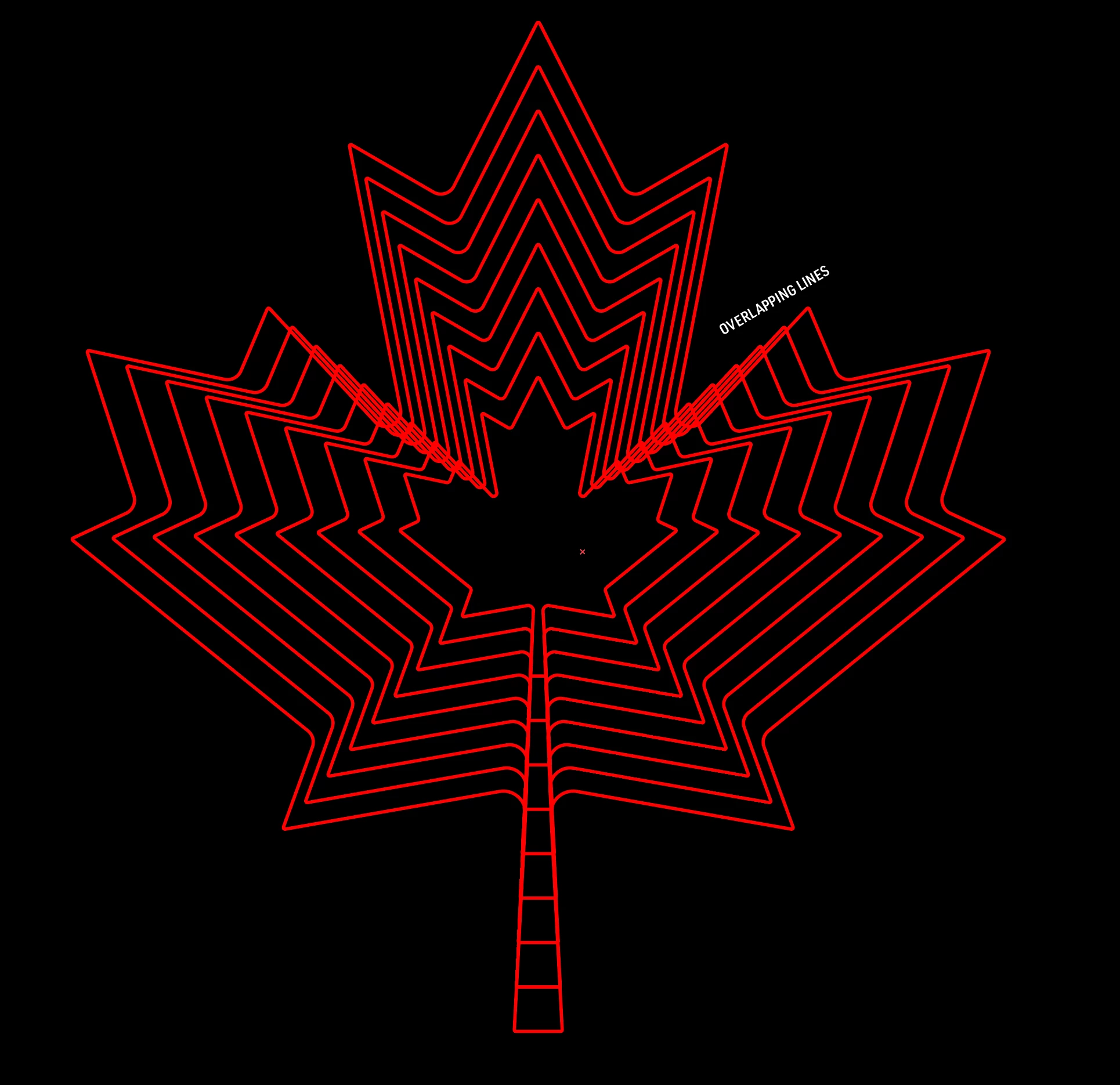
Hey folks, I'm working on this image where we want this maple leaf but with a bunch of strokes that go all the way to the edge. I kept adding black and red strokes to it, but after a few dozen, I figured there has to be a better way! 

The first thing I tried was to duplicate the maple leaf, resize, and blend the two, but as you can see it produces a different look. Some lines intersect each other and lines aren't always equadistant to each other:
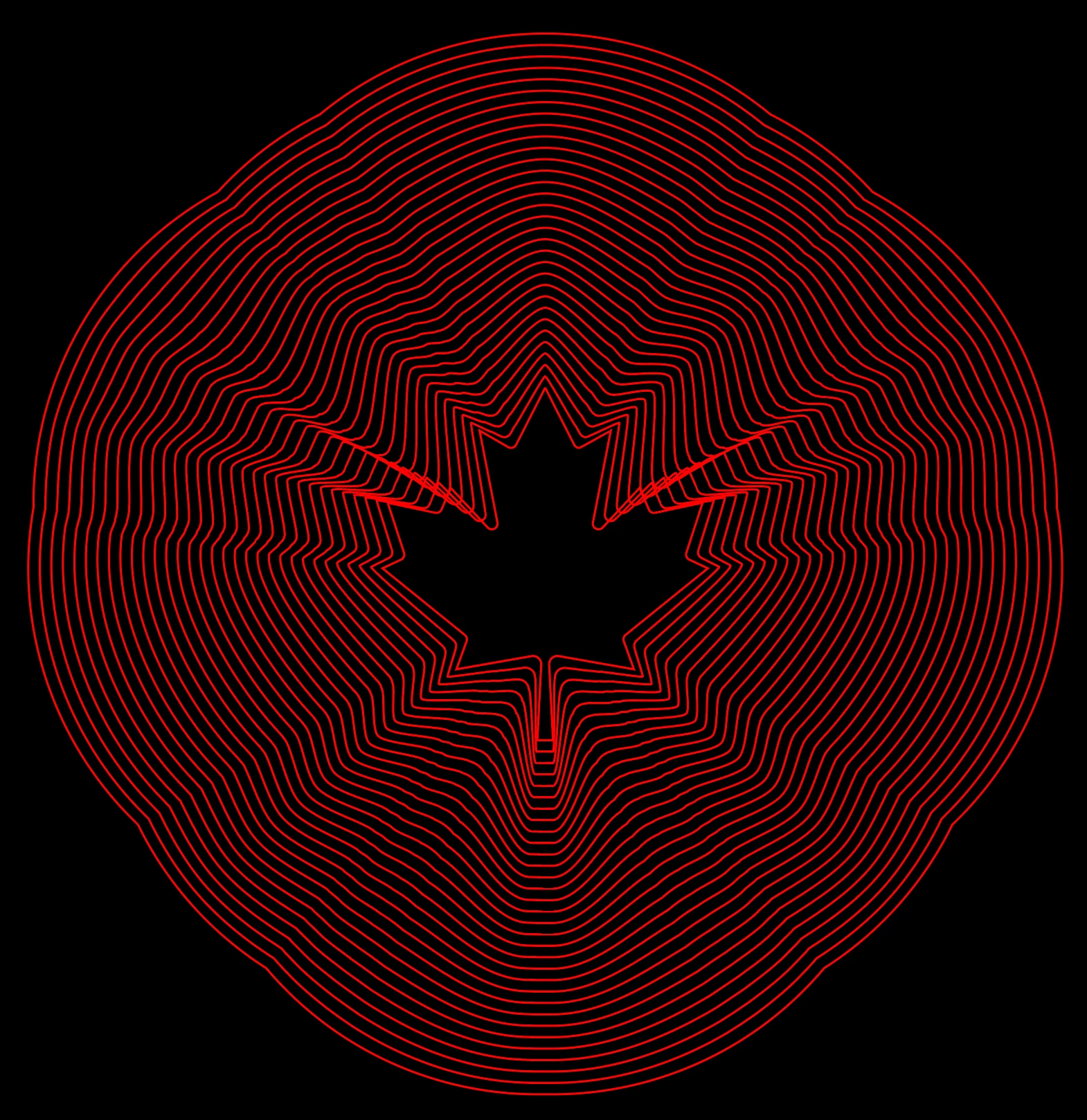
I also tried a blend with it and a maple leaf with a 1000px stroke that was outlined. Better than the first, but still has the same issues:
Is there a way to product a look like the first image without having to manually create hundreds of strokes?
This topic has been closed for replies.
Correct answer kphotopage

Dcmaia, Hi.


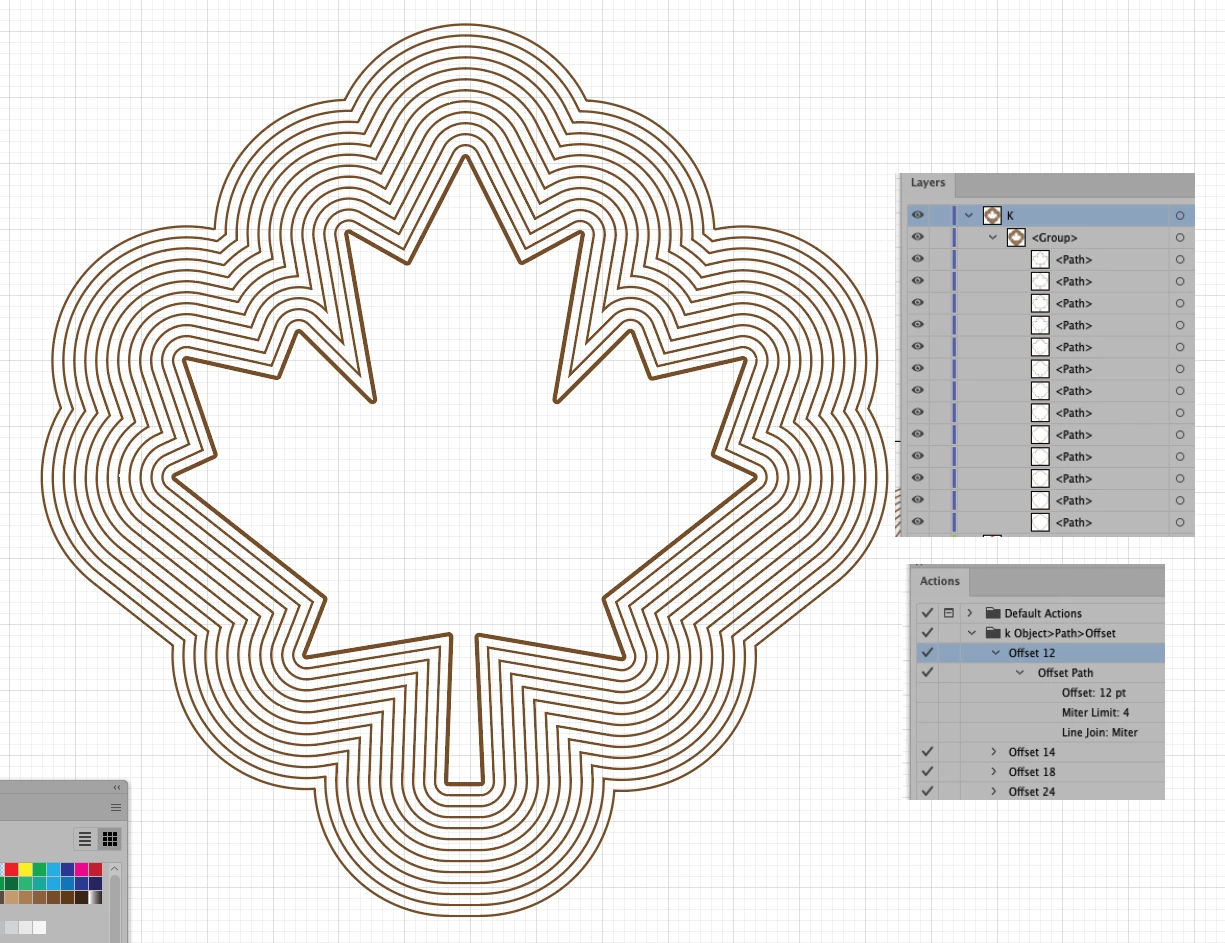
Some time ago, I wrote a set very simple Actions.

Object>Path>Offset.


So for your Maple leaf, I used Offset of 12pt.

Action Panel, I kept hitting Play

It generated separate paths.

This took less than a minute to create.

I grouped at the end.


K

2 replies

kphotopage
kphotopageCorrect answer
Legend
April 28, 2022

Dcmaia, Hi.


Some time ago, I wrote a set very simple Actions.

Object>Path>Offset.


So for your Maple leaf, I used Offset of 12pt.

Action Panel, I kept hitting Play

It generated separate paths.

This took less than a minute to create.

I grouped at the end.


K

dcmaiaAuthor
Known Participant
April 29, 2022

Boom. This is exactly what we need. Cheers @kphotopage 

kphotopage
Legend
April 29, 2022

Glad I could help you.


I have used those little Offset Actions many times. It does resemble Blend Steps.

In my case, I needed to know the EXACT distance for placement and movement of other shapes and strokes.  


K

Kurt Gold
Community Expert
Community Expert
April 27, 2022

One way is to create custom graphic styles.


You can download an Illustrator file with a sample style here:


Maple Leaf